50+ Free Photorealistic AI Image Prompts
Explore free Photorealistic AI Image Prompts for realistic human portraits, lifestyle photography, fashion editorials, studio lighting, and ultra-detailed visuals with Midjourney, DALL-E 3, and Bing AI.
Turn your text prompts into stunning 8K photorealistic artwork, anime, and 3D graphics instantly with ImagineArt AI.
📢 Generate Ultra-Realistic AI Art Free →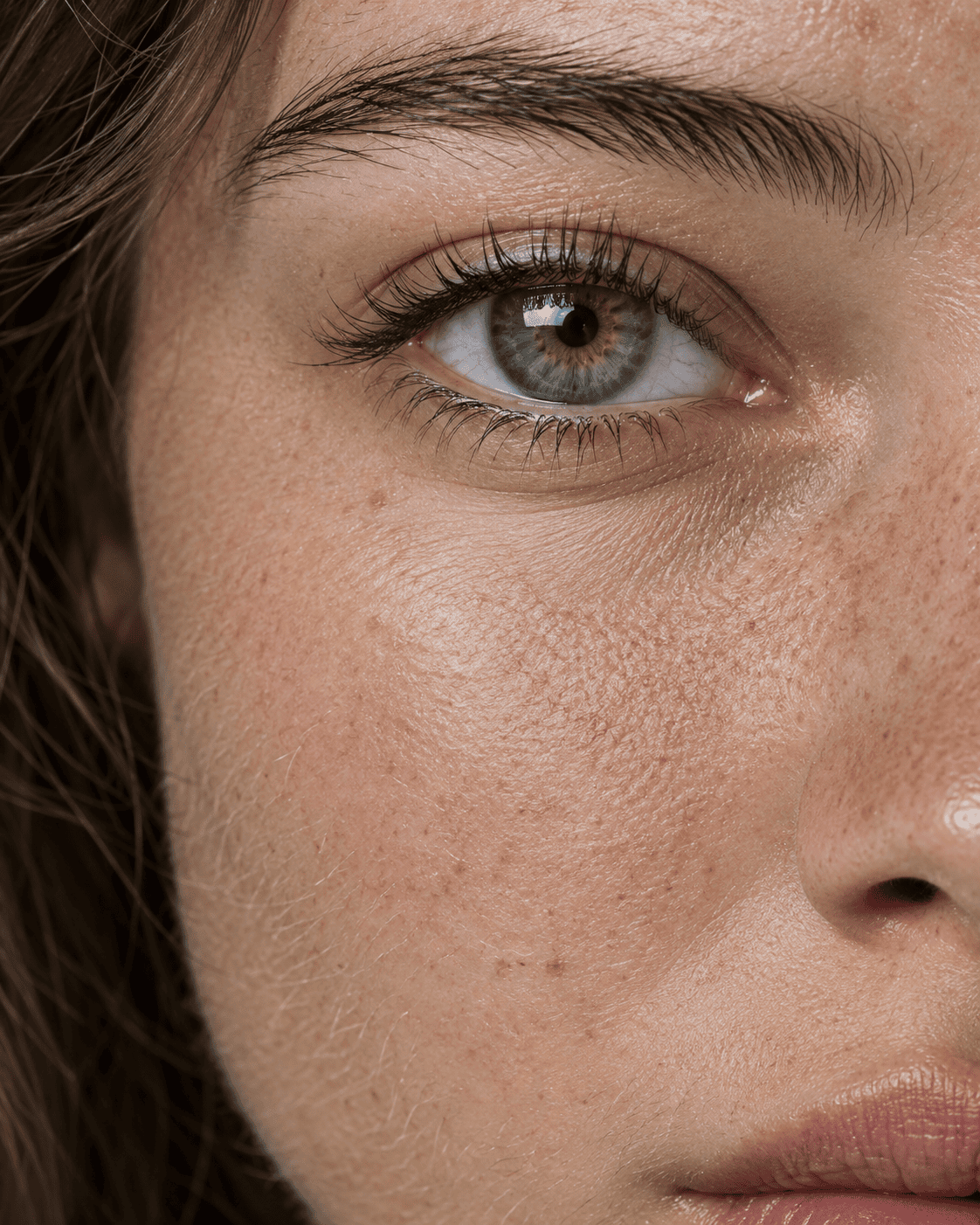
Macro Eye Portrait Natural Skin Texture Freckles Fine Peach Fuzz
View Prompt →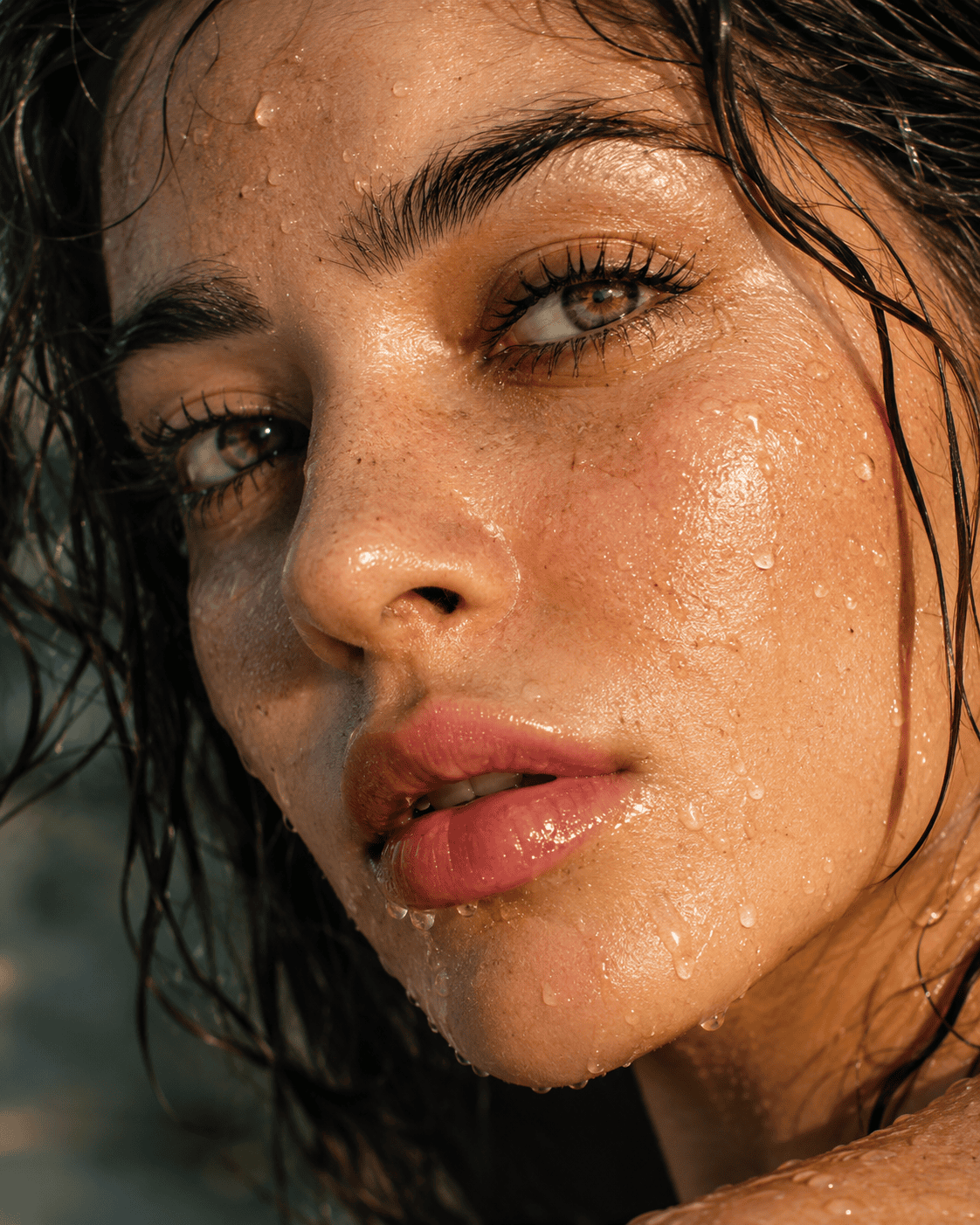
Ultra Macro Beauty Portrait Wet Face Water Droplets Golden Hour Sunlight
View Prompt →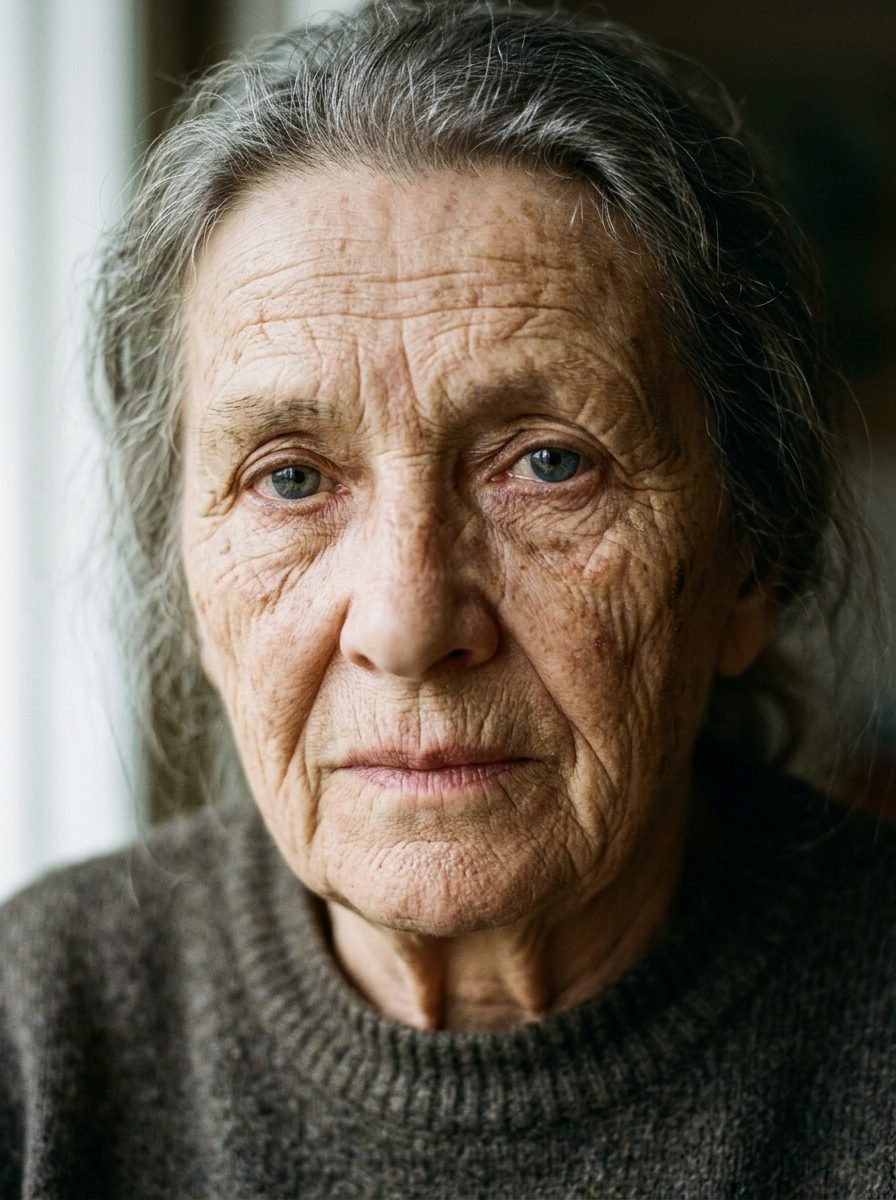
Elderly Woman Raw Fine Art Cinematic Portrait
View Prompt →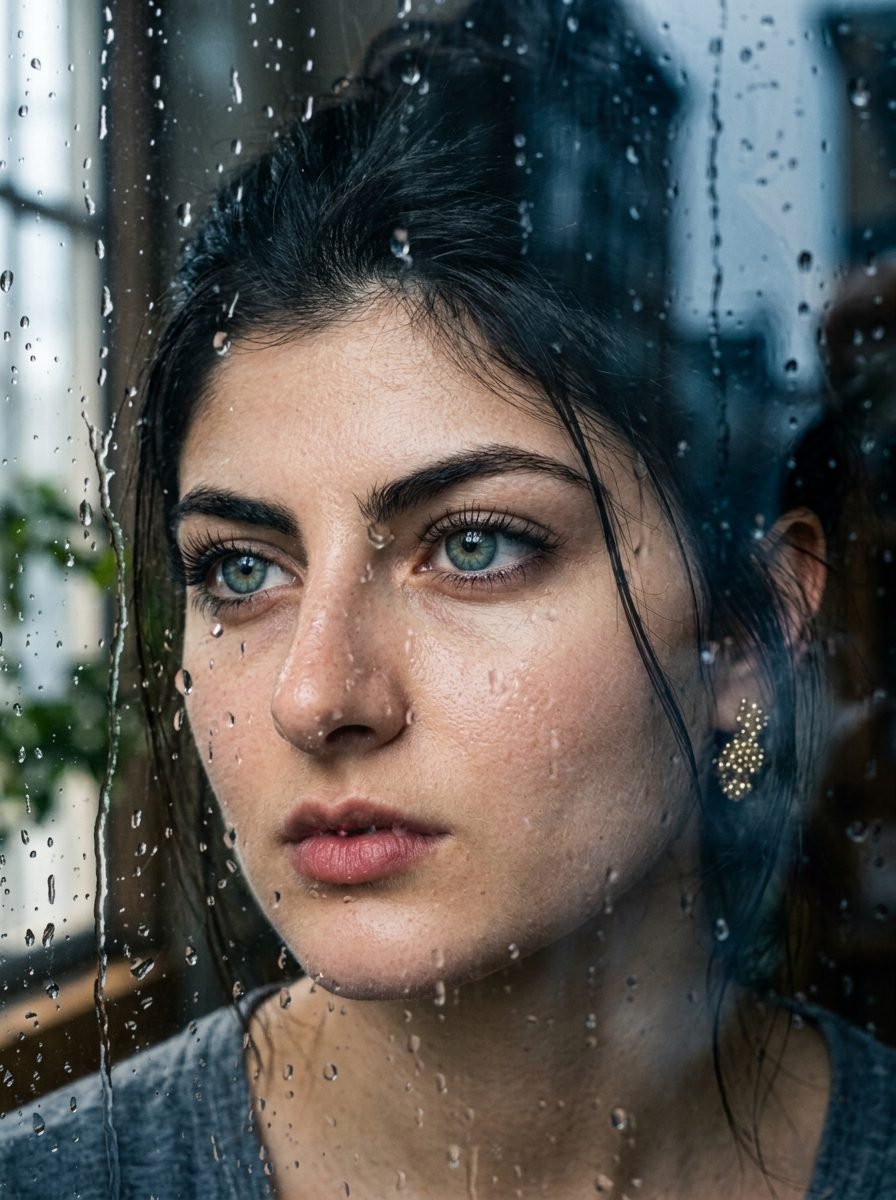
Melancholic Woman Behind Rainy Window Glass Portrait
View Prompt →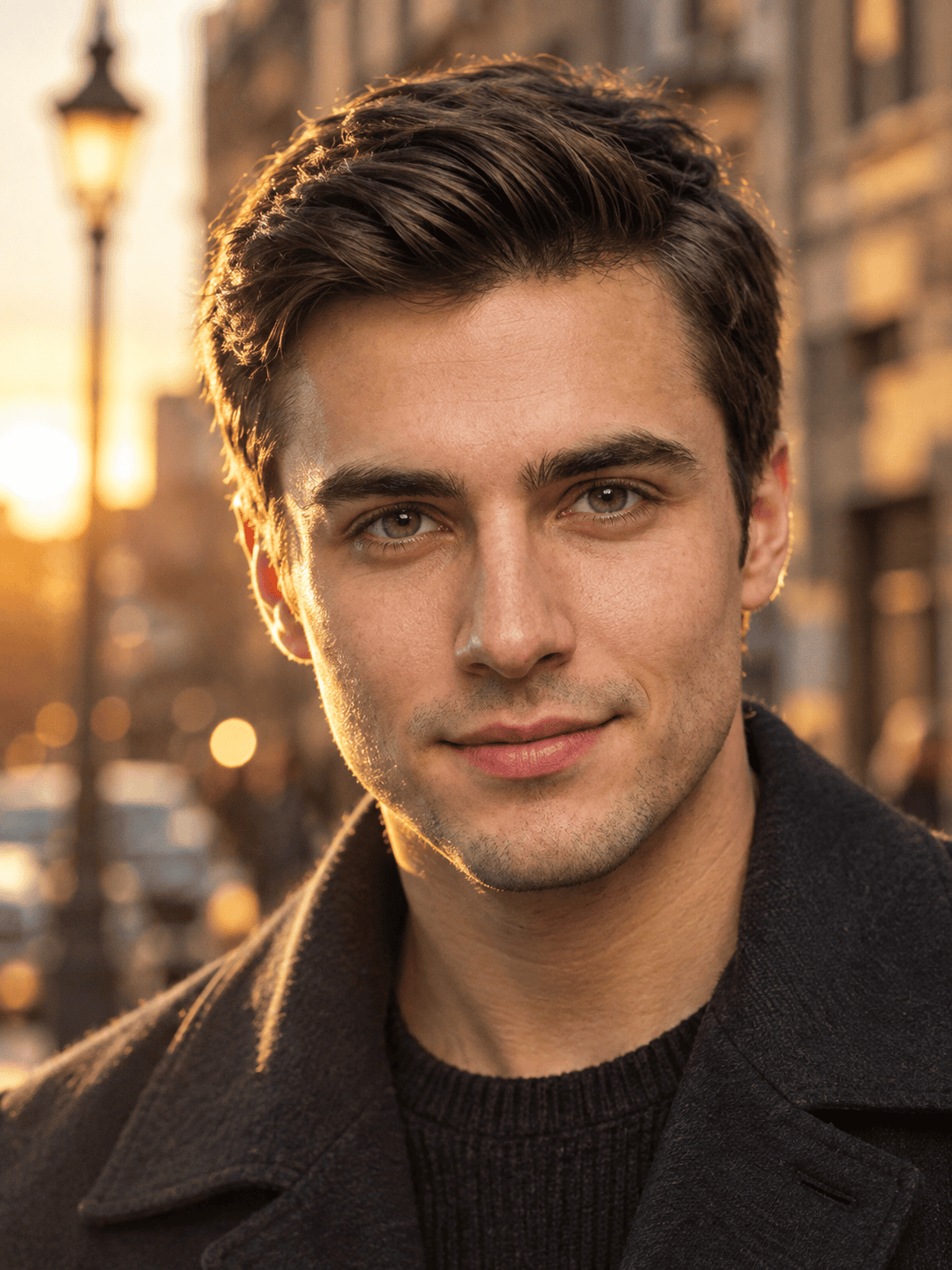
Handsome Young Man Golden Hour Sunset Street Portrait
View Prompt →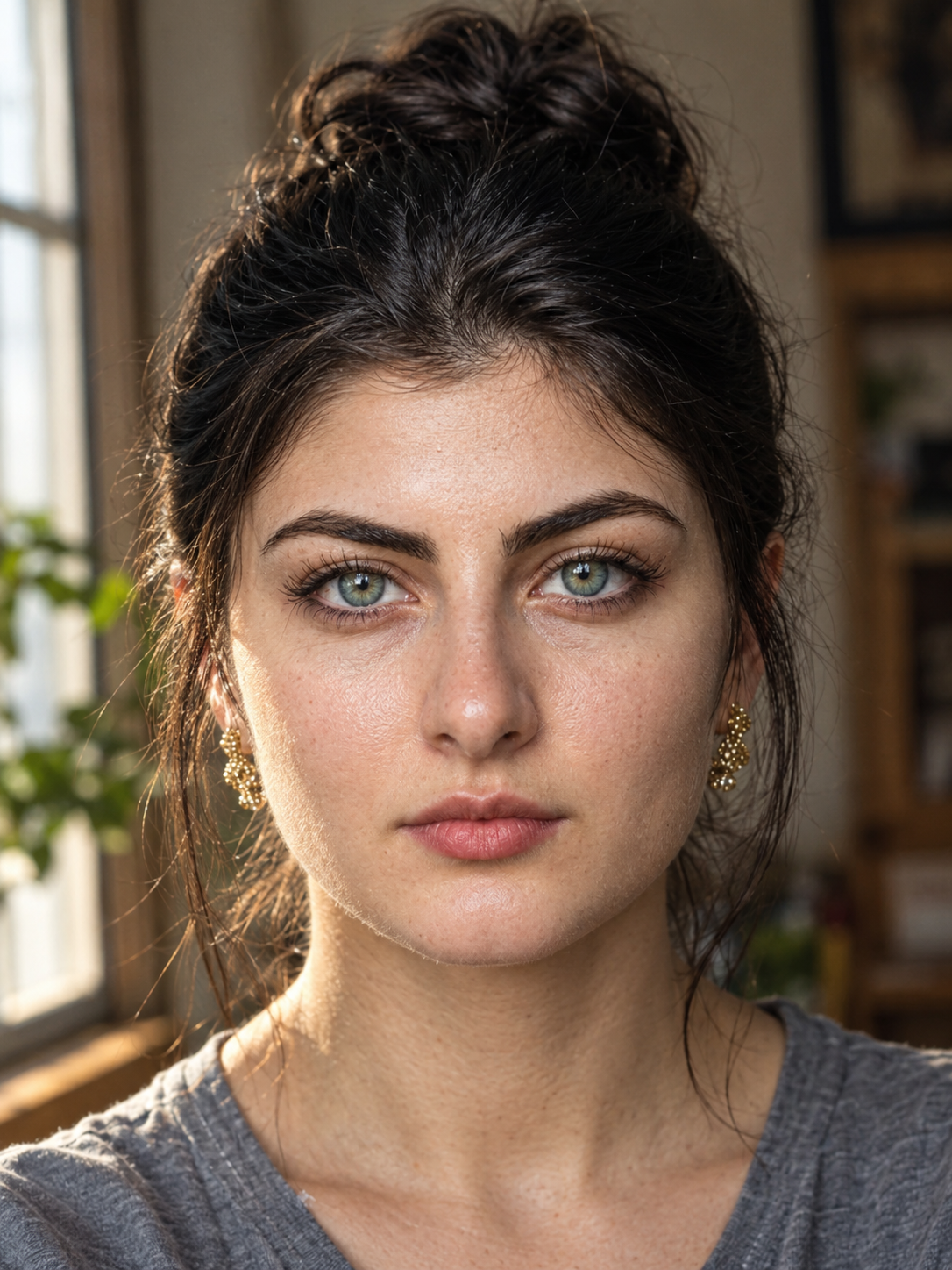
Raw Cinematic Portrait Close-Up Young Woman
View Prompt →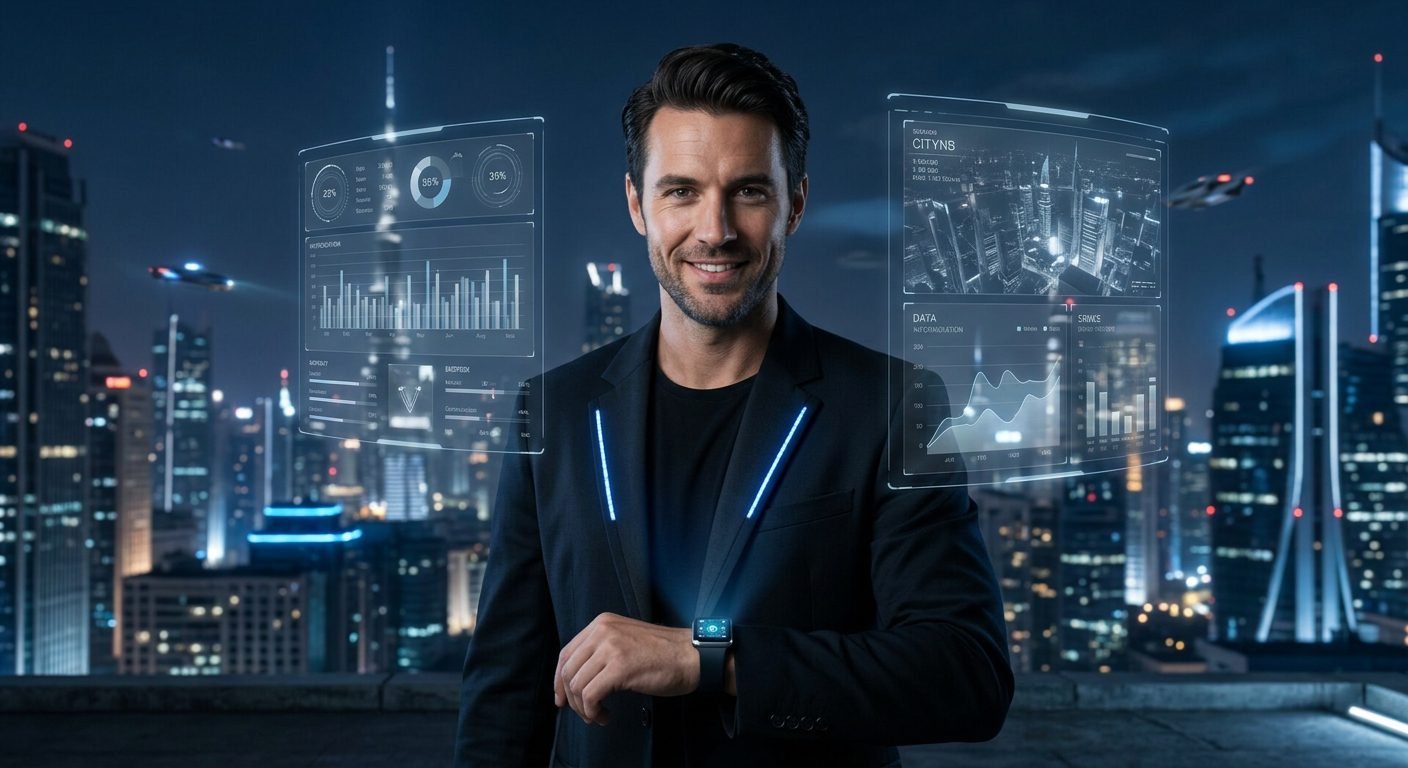
Futuristic Businessman Holographic Smartwatch Display Portrait
View Prompt →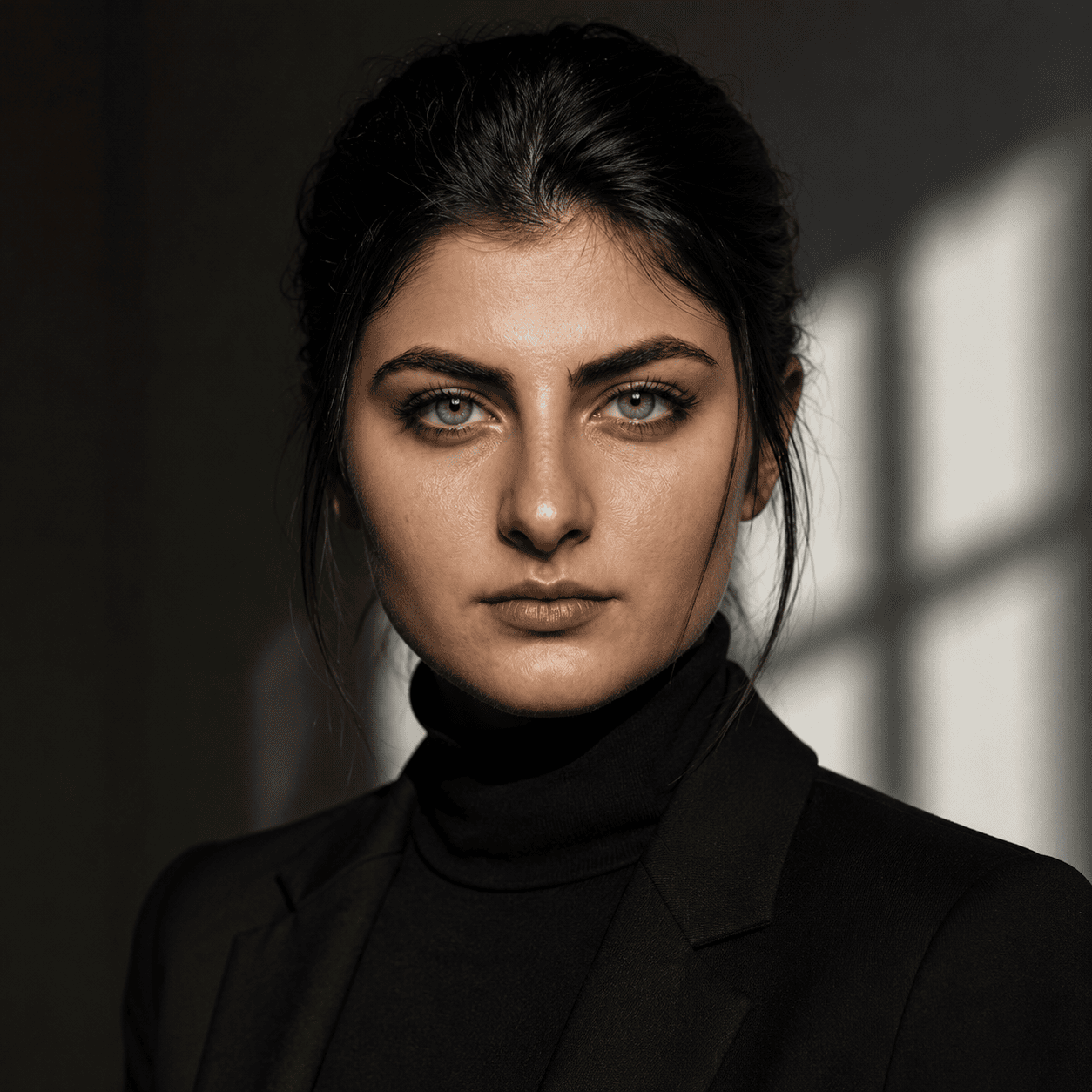
Dramatic Window Shadow Studio Portrait Photography
View Prompt →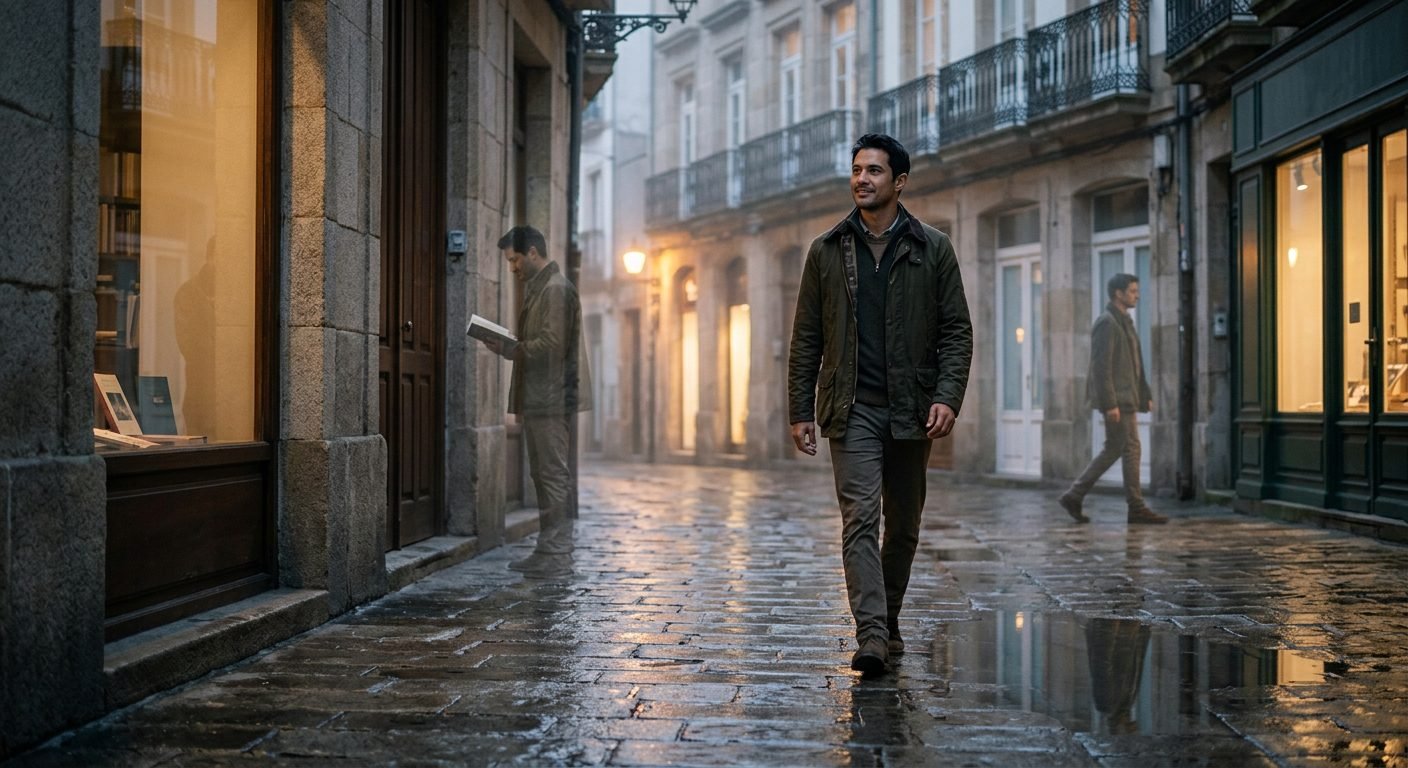
Cinematic Rainy Blue Hour Reflection Portrait AI Image
View Prompt →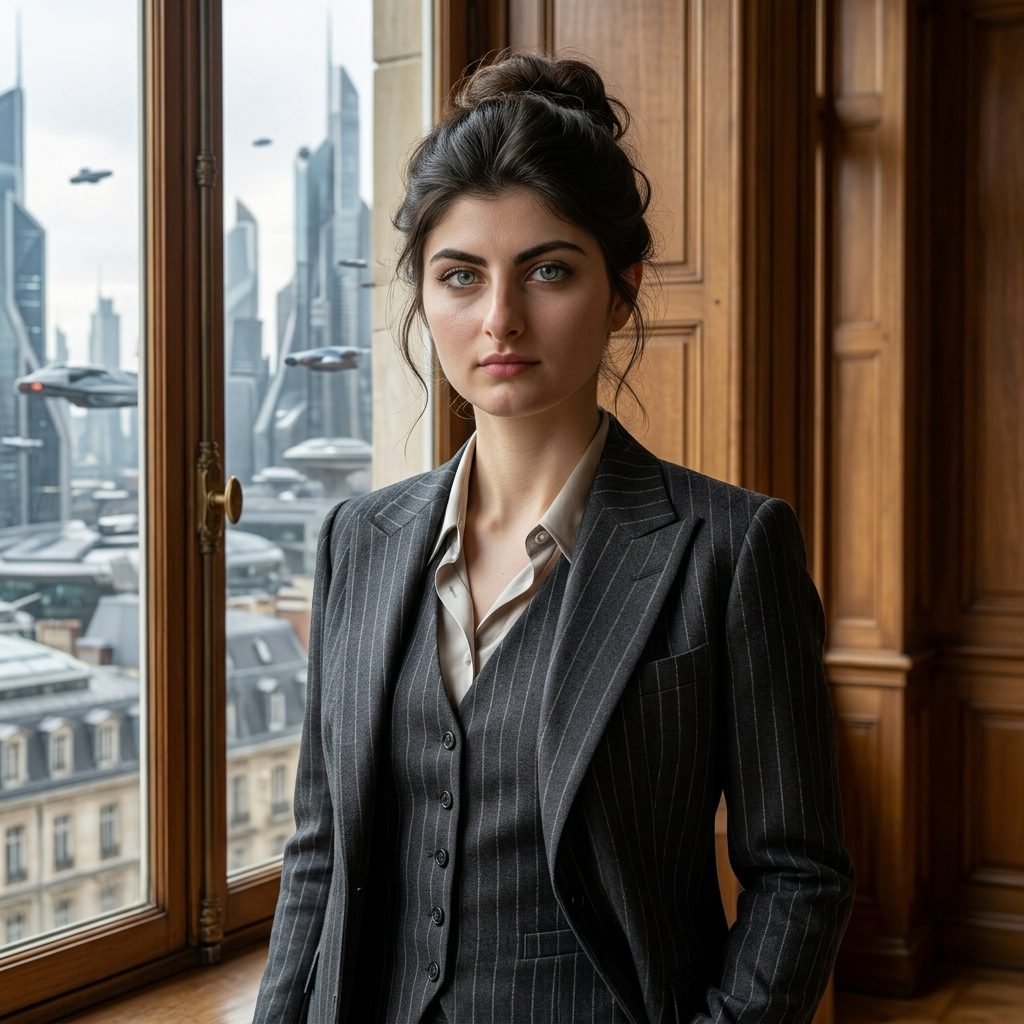
Businesswoman Pinstripe Suit Office Window Portrait
View Prompt →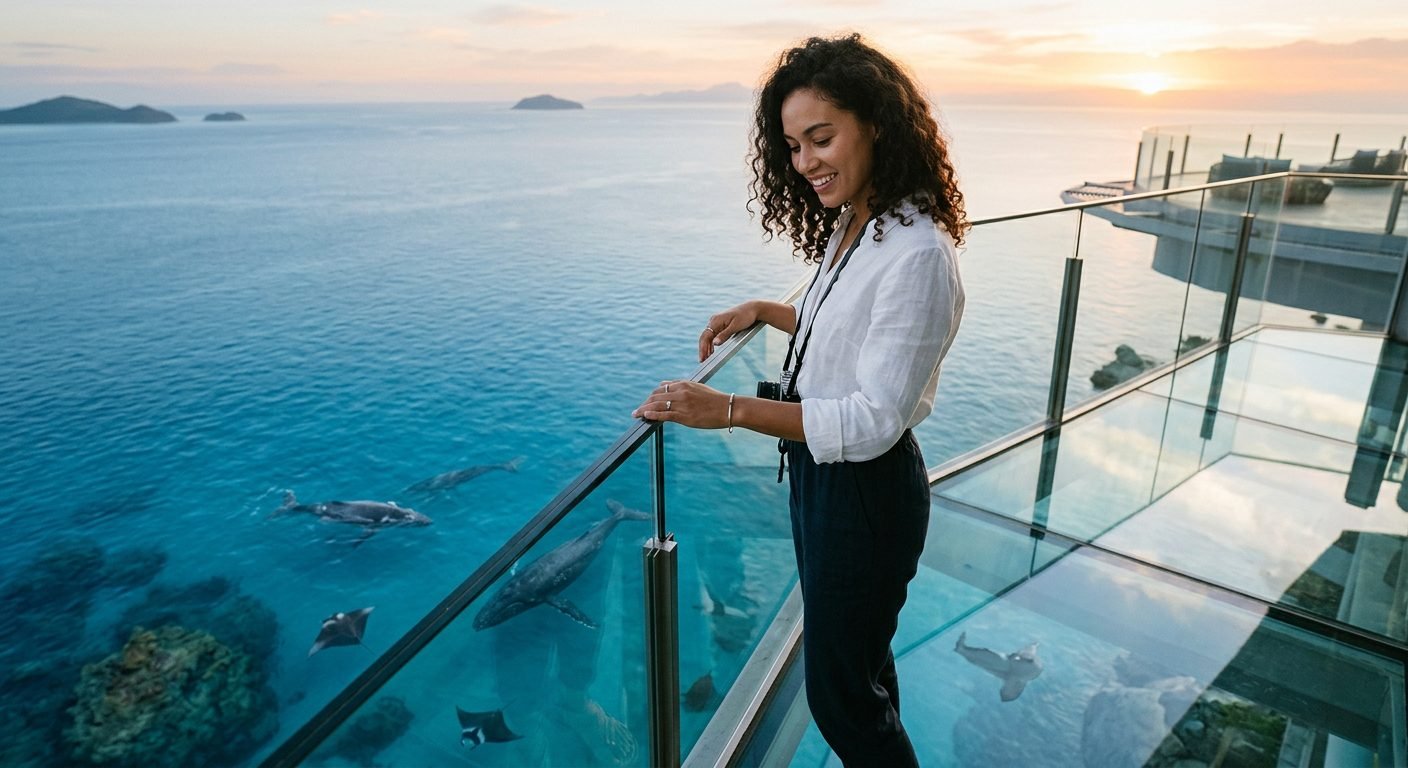
Luxury Glass Balcony Ocean Sunset Whale Watching Travel Photography
View Prompt →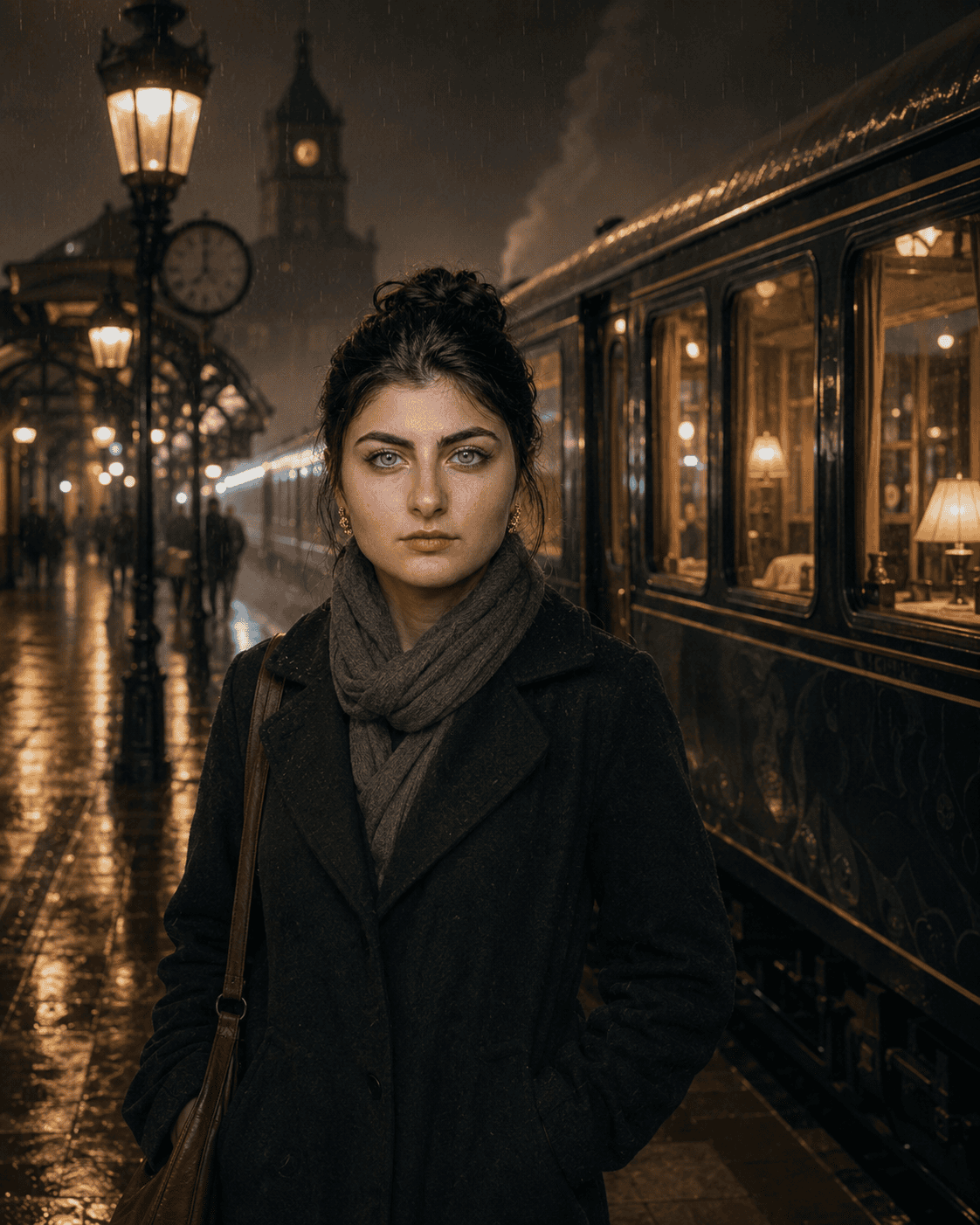
Vintage Rainy Railway Station Portrait Photography
View Prompt →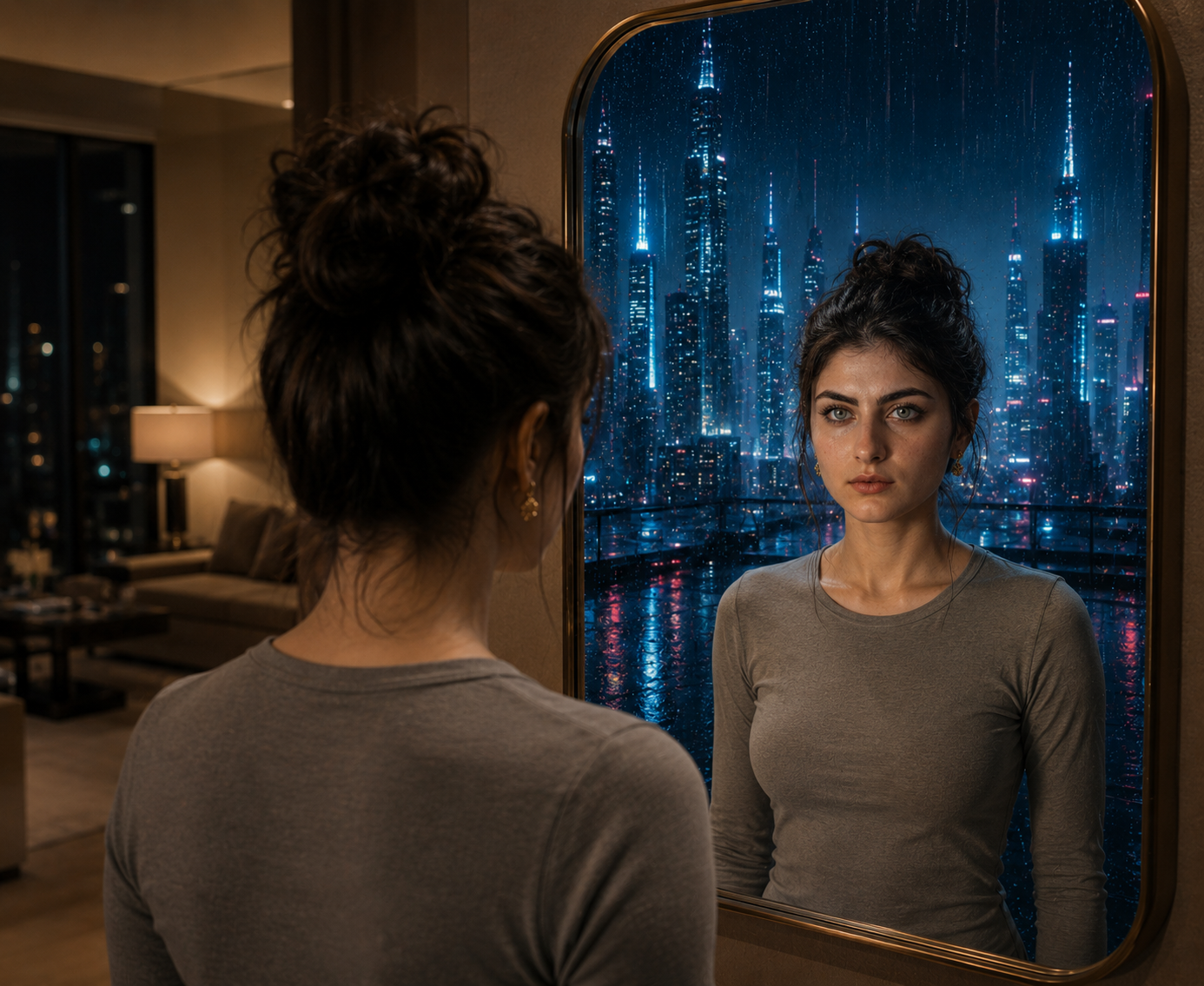
Surreal Sci-Fi Mirror Portal Futuristic City Reflection Art
View Prompt →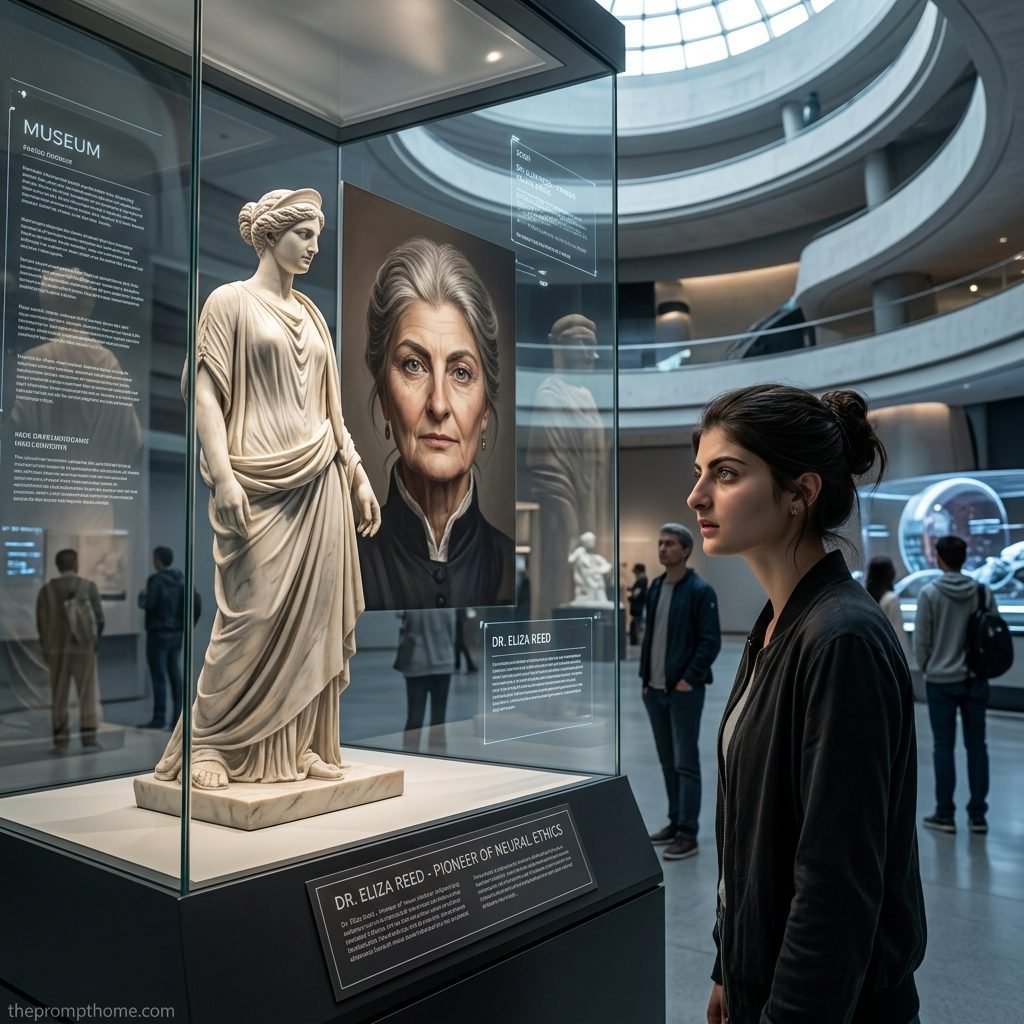
Surreal Museum Exhibition Neural Ethics Pioneer Portrait Photography
View Prompt →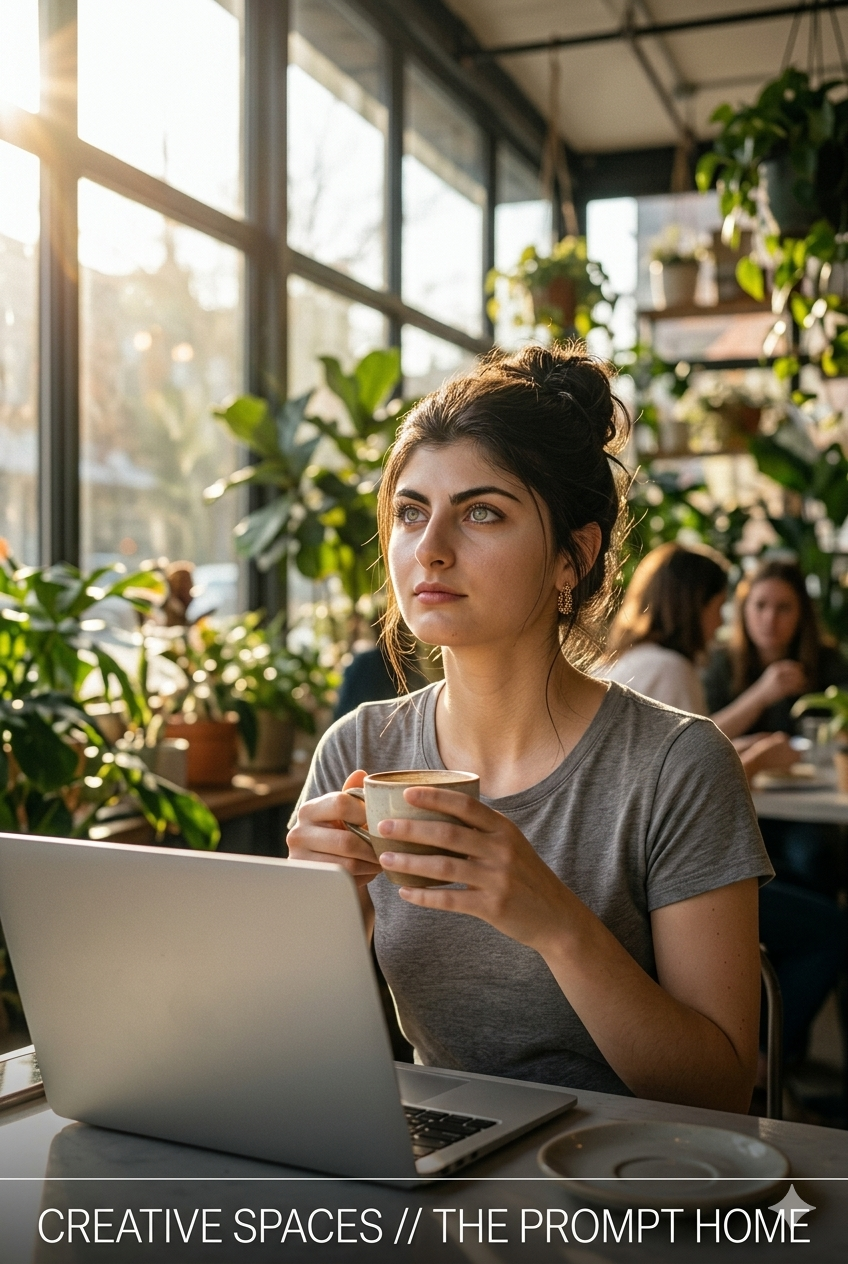
Creative Workspace Cafe Lifestyle Photography
View Prompt →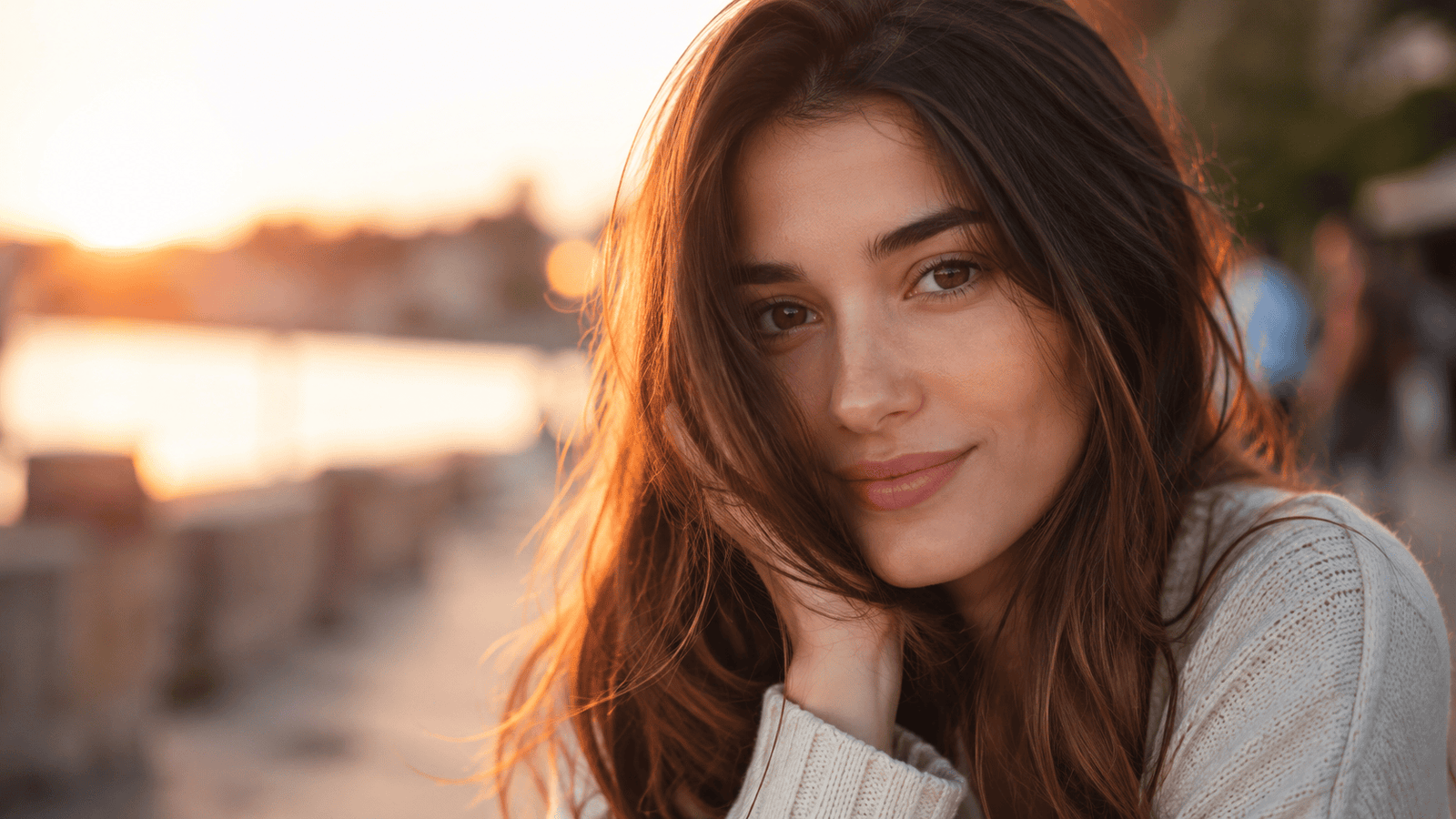
Photorealistic AI Portrait & Image Prompts
View Prompt →Sponsor Tool Name
Short description of the sponsor item or affiliate deal goes here.
This page may contain affiliate links. We may earn a commission at no extra cost to you.
How to Use & Customize Photorealistic AI Image Prompts
Generating lifelike human portraits, candid lifestyle photography, high-fashion editorials, and studio-grade photos is seamless with generative AI. Our handpicked collection of Photorealistic AI Image Prompts is curated to help photographers, content creators, digital marketers, and graphic artists produce images that look indistinguishable from real camera photography. Whether you need natural skin textures, candid street photography, corporate headshots, or dramatic rim-lit portraits, these prompts provide the ideal camera setup.
To customize any photorealistic prompt for your branding, stock photography collection, or personal artwork, try adjusting these photographic variables:
- Camera Lens & Focal Length: Direct perspective and depth of field using camera gear terms like "shot on 85mm f/1.4 prime lens, 35mm street photography lens, Hasselblad medium format, or 50mm close-up portrait."
- Lighting & Atmosphere: Define realistic light behavior using keywords like "soft golden hour window light, dramatic studio Rembrandt lighting, diffuse cloudy daylight, or high-contrast flash lighting."
- Skin Texture & Micro-Details: Avoid plastic artificial looks by specifying "natural skin pores, subtle freckles, fine peach fuzz, visible skin texture, organic facial details, unretouched photograph."
- Film Stock & Color Grading: Replicate authentic film warmth using "Kodak Portra 400 film stock, subtle 35mm film grain, neutral cinematic color grading, or crisp Hasselblad color fidelity."
AI Tools Compatible with These Prompts
These Photorealistic AI Image Prompts are structured to handle skin lighting, organic textures, and camera optics across leading AI platforms:
- Midjourney — Industry standard for hyper-realistic human skin tone, natural lighting, and photographic texture (Use raw mode parameters like
--style rawalong with portrait ratios like--ar 4:5or--ar 2:3). - Bing Image Creator (DALL-E 3) — Excellent for capturing complex facial expressions, natural pose interactions, and multi-person lifestyle shots.
- Leonardo AI — Ideal for creators using fine-tuned Photoreal pipelines, custom depth sliders, and high-detail facial upscalers.
Explore Related AI Prompt Categories
Looking for more photography, cinema, or commercial art styles? Check out our related prompt collections:
- Cinematic Movie Still AI Prompts — Generate dramatic film captures, storyboards, and Hollywood lighting styles.
- Product Photography Prompts — Explore commercial studio photography, luxury product staging, and mockups.
- Architecture & Interior Design Prompts — Discover luxury home interiors, modern room renders, and architectural photography.
Frequently Asked Questions (FAQs)
1. How do I prevent AI human faces from looking plastic or waxy?
Avoid using buzzwords like "hyperrealistic, 8k, ultra-detailed," as these often trigger oversaturated 3D renders. Instead, use real photographic terms like "shot on 85mm lens, natural skin pores, subtle imperfections, unretouched raw photo, Kodak Portra 400." In Midjourney, use --style raw.
2. What is the best camera lens focal length for realistic portrait photography?
An 85mm f/1.4 or 105mm focal length provides natural face proportions and soft background blur (bokeh) without facial distortion. For wide environmental or street portraits, a 35mm or 50mm lens works best.
3. Can I use these photorealistic AI prompts for commercial stock photos and advertising?
Yes! Photorealistic AI photography is heavily used for stock imagery, social media ad campaigns, blog header images, and digital magazines. Always ensure compliance with your chosen AI tool’s commercial usage rights.
4. Which aspect ratio parameter is best for portrait photography?
For vertical portrait photography and social media platforms (Instagram, Pinterest), use --ar 4:5 or --ar 2:3. For desktop headers and wide shots, use --ar 16:9.