50+ Free Cinematic Movie Still AI Prompts
Explore free Cinematic Movie Still AI Prompts for dramatic film scenes, cinematic lighting, Hollywood-style photography, and realistic movie visuals with Midjourney, DALL-E 3, and Bing AI.
Want to feature your AI tool or services on this high-traffic page?
📢 Click Here to Advertise / Sponsor This Slot →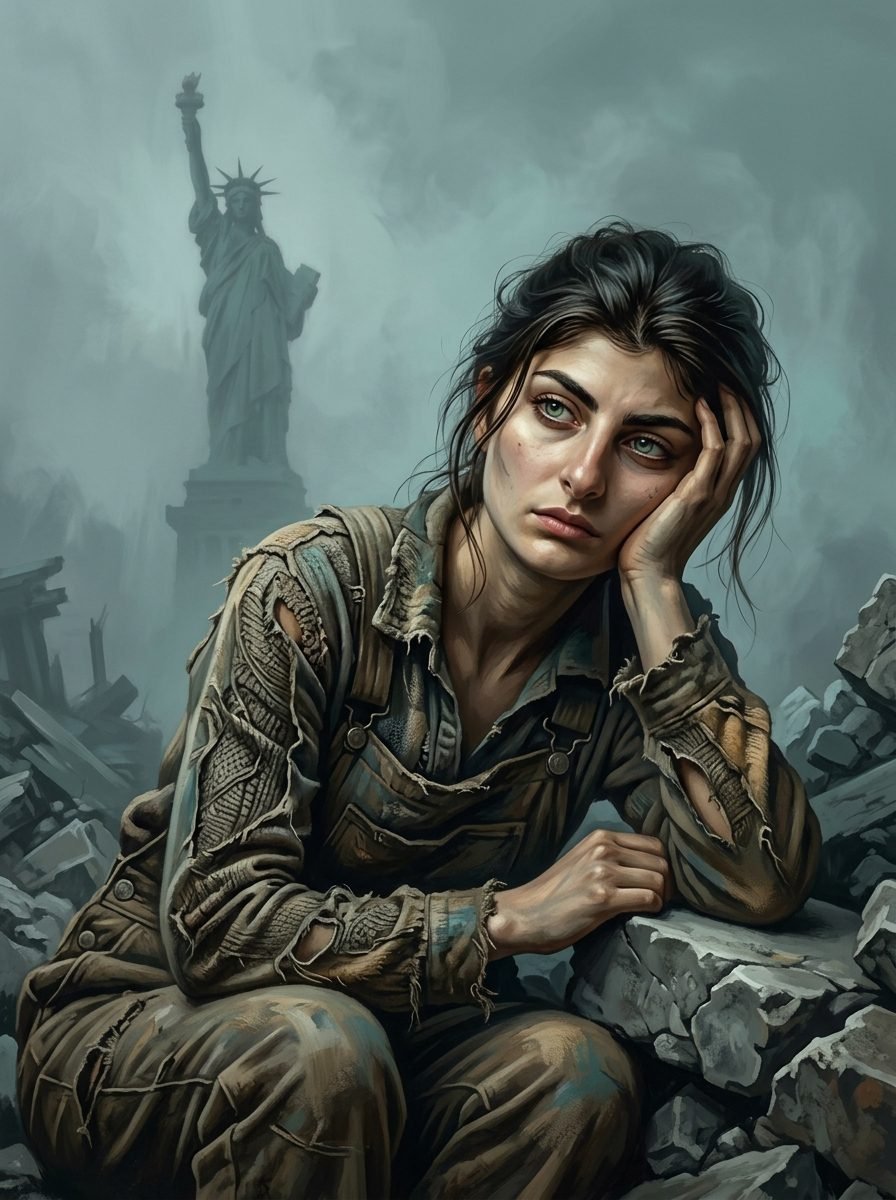
Post-Apocalyptic New York Statue of Liberty Conceptual Portrait
View Prompt →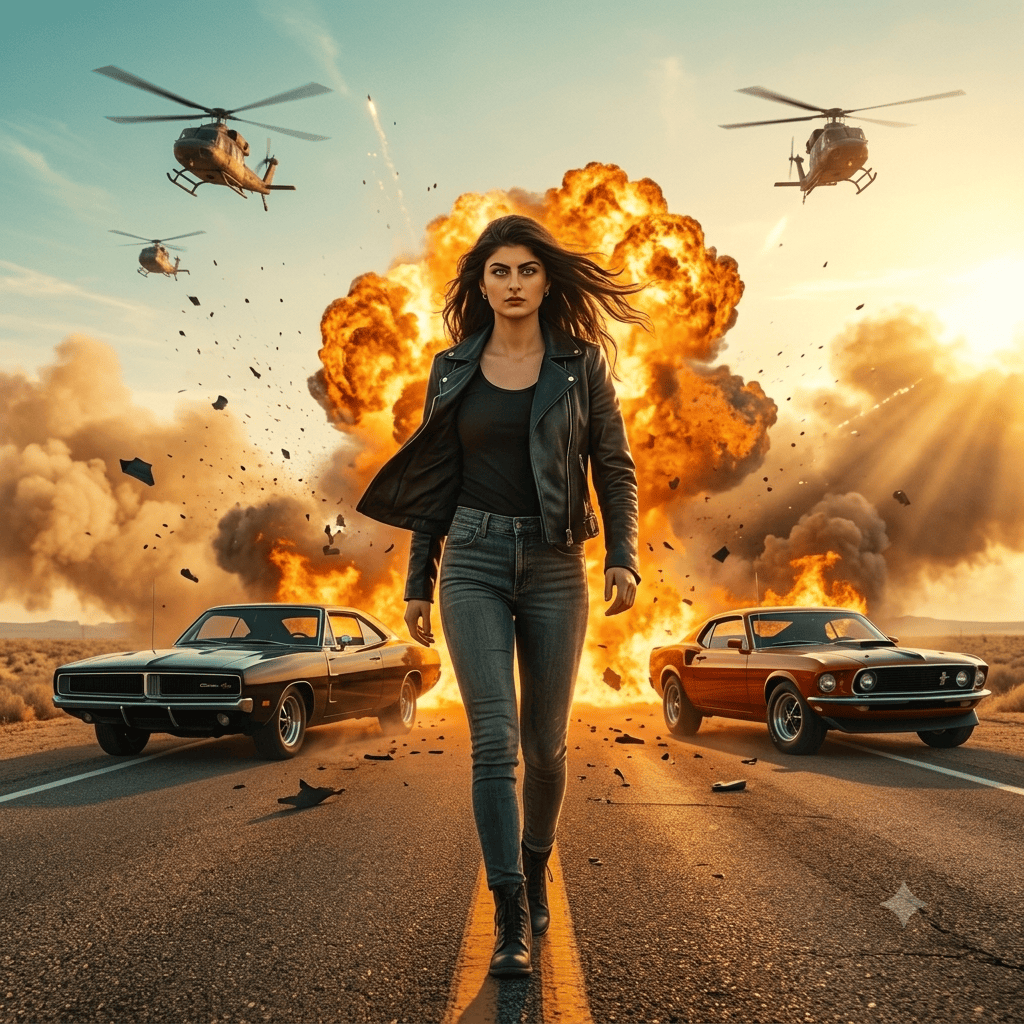
Hollywood Action Explosion Cinematic Movie Poster
View Prompt →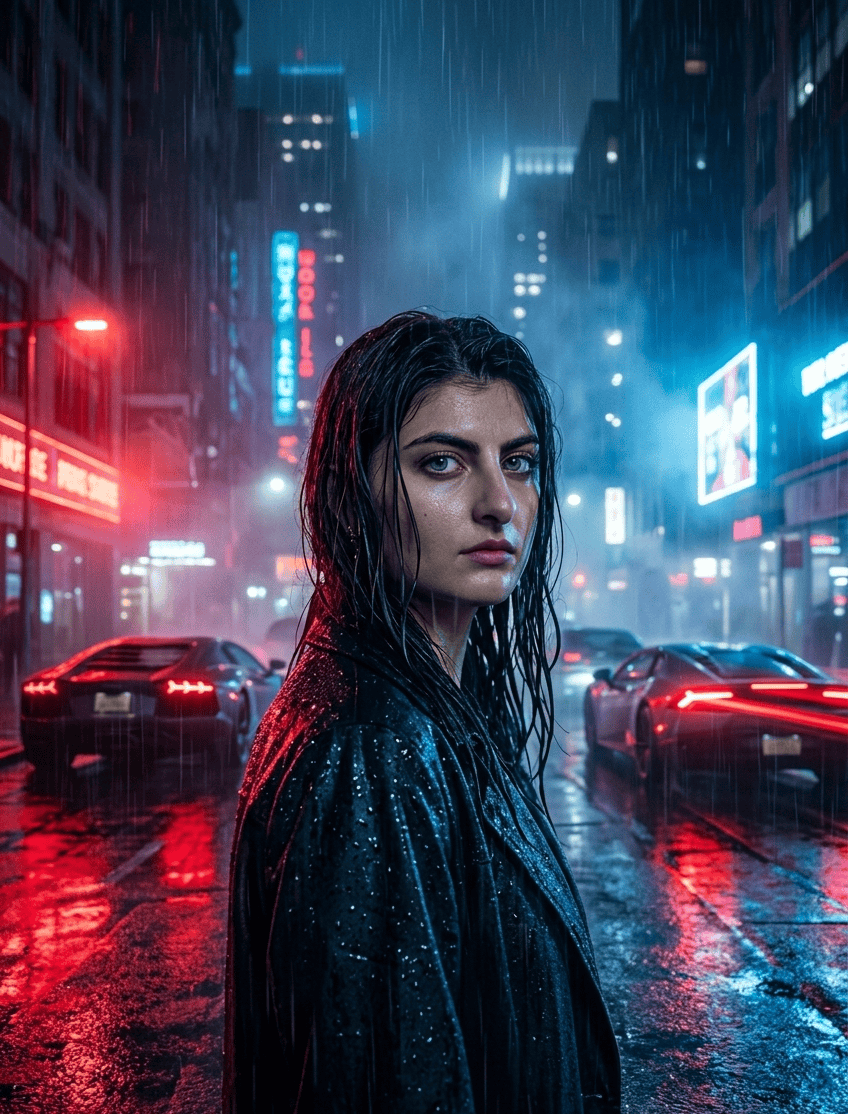
Neo Noir Rainy Night Cinematic Movie Poster
View Prompt →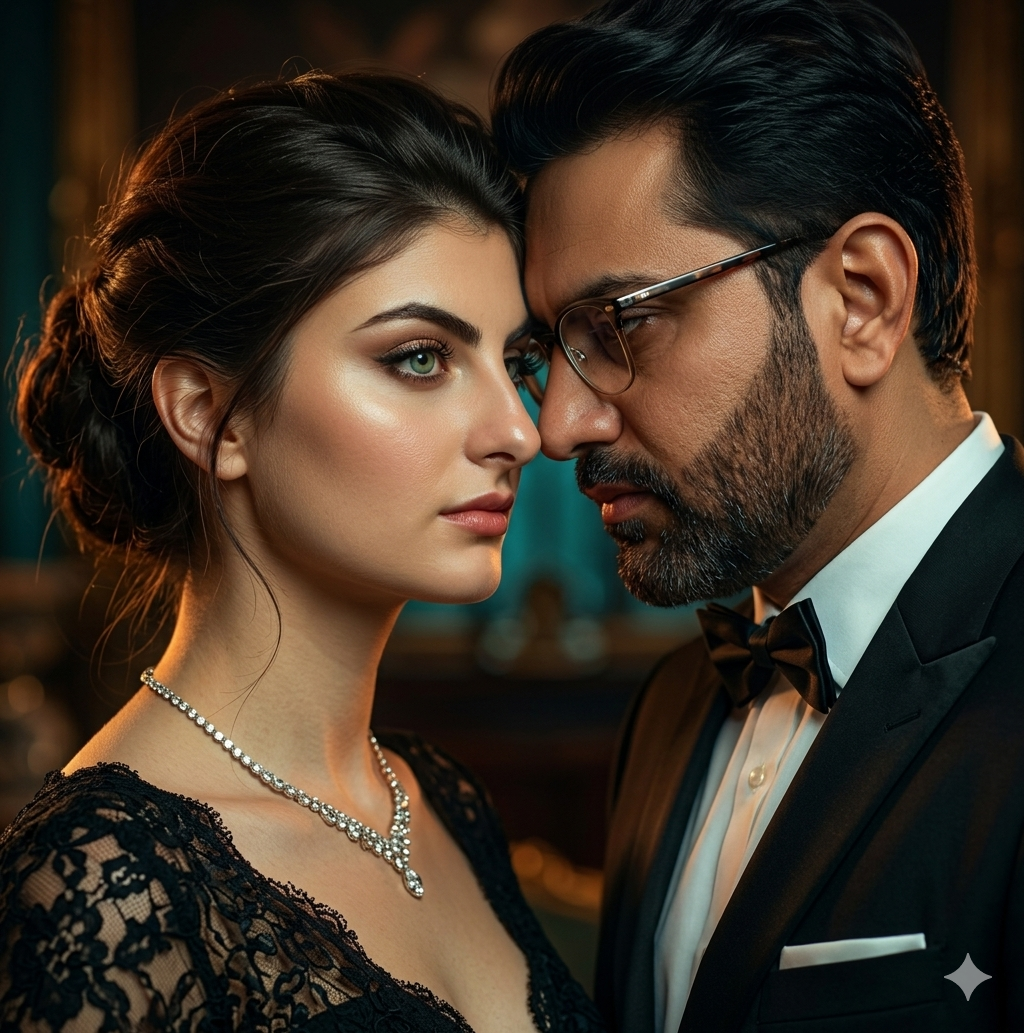
Cinematic Couple Portrait
View Prompt →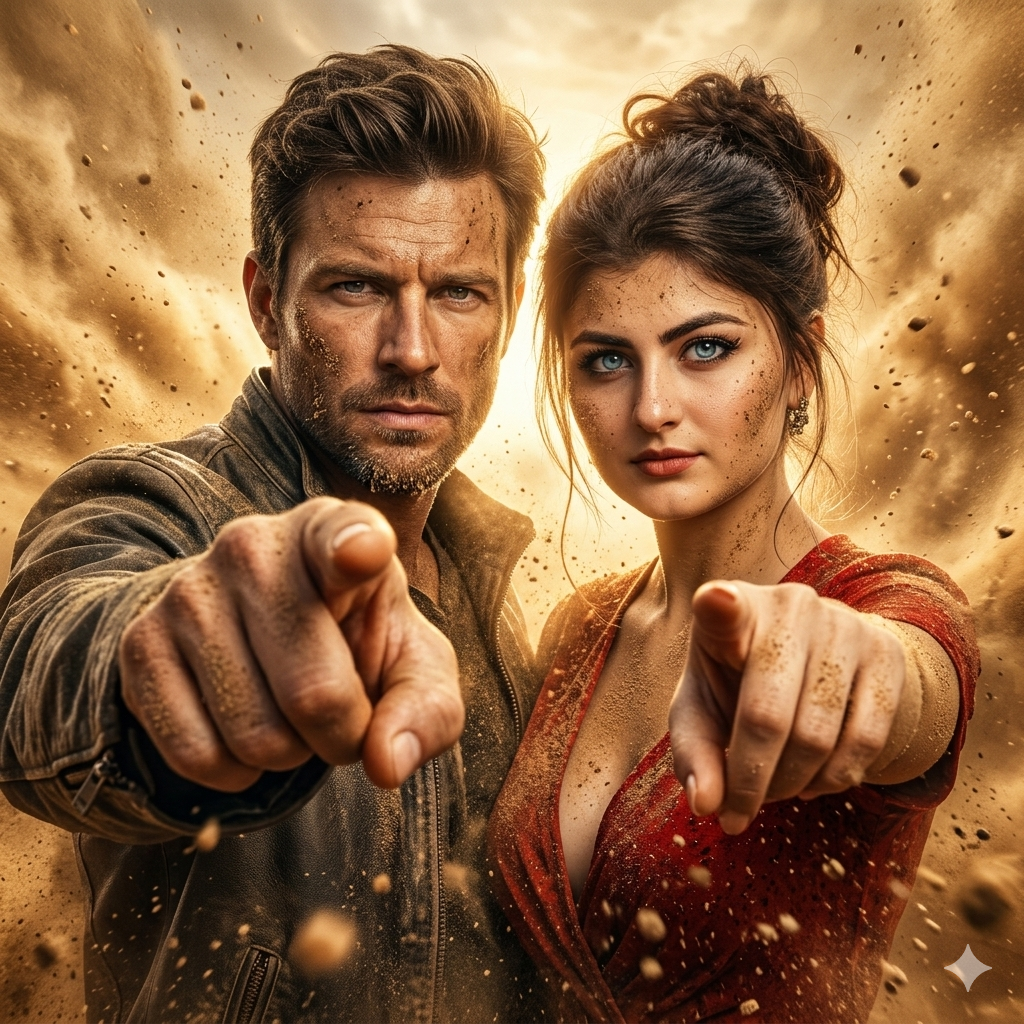
Epic Cinematic Pointing Portrait
View Prompt →
Cinematic Movie Still AI Image
View Prompt →Sponsor Tool Name
Short description of the sponsor item or affiliate deal goes here.
This page may contain affiliate links. We may earn a commission at no extra cost to you.
How to Use & Customize Cinematic Movie Still AI Prompts
Generating authentic movie screen captures, high-drama film stills, and Hollywood-caliber cinematography is easy with generative AI. Our handpicked collection of Cinematic Movie Still AI Prompts is curated to help filmmakers, storytellers, concept artists, and photographers prototype visual scenes. Whether you need moody film noir lighting, epic sci-fi establishing shots, vintage 35mm film grain, or dramatic character portraits, these prompts deliver cinematic realism.
To customize these movie still prompts for your storyboards, pitch decks, or digital art collections, consider fine-tuning these core variables:
- Film Stock & Camera Lens: Replicate classic camera gear using tags like "shot on 35mm Kodak Portra 400, 85mm prime lens, f/1.8 aperture, subtle film grain, or anamorphic lens streak flares."
- Cinematic Lighting & Color Grading: Define the mood with keywords like "chiaroscuro lighting, atmospheric volumetric fog, teal and orange color grading, dramatic rim light, or harsh rain-soaked street reflections."
- Shot Type & Camera Framing: Control composition using terms such as "wide cinematic establishing shot, intense close-up portrait, low-angle hero shot, over-the-shoulder conversation frame, or Dutch angle perspective."
- Genre & Director Style: Influence the aesthetic by referencing cinematic genres like "cyberpunk neo-noir thriller, 1970s gritty crime drama, epic fantasy battlefield, or vintage western sunset duel."
AI Tools Compatible with These Prompts
These Cinematic Movie Still AI Prompts are structured to render natural skin textures, depth of field, and dynamic lighting across top AI platforms:
- Midjourney — Industry standard for realistic cinematic film stills, depth of field, and widescreen proportions (Use cinematic aspect ratios like
--ar 16:9or--ar 21:9). - Bing Image Creator (DALL-E 3) — Great for understanding detailed story descriptions, character expressions, and multi-figure movie scenes.
- Leonardo AI — Ideal for creators who want fine control over photorealism settings, custom depth-of-field sliders, and movie concept presets.
Explore Related AI Prompt Categories
Looking for more photography, retro film, or storytelling styles? Check out our related prompt collections:
- Vintage Retro 80s AI Prompts — Explore 80s neon synthwave art, retro film aesthetics, and VHS textures.
- Gaming Concept Art Prompts — Generate epic fantasy environments, sci-fi levels, and character reference sheets.
- Nature Landscape Travel Prompts — Discover breathtaking scenic vistas, mountain views, and travel photography.
Frequently Asked Questions (FAQs)
1. Which aspect ratio is best for creating realistic movie stills in Midjourney?
Use widescreen parameters like --ar 16:9 or ultrawide anamorphic ratios like --ar 21:9 (or --ar 2.39:1) to mimic true theatrical film framing.
2. How do I get cinematic bokeh and background blur in my prompts?
Include specific lens terms in your prompt such as "shallow depth of field, f/1.8 aperture, heavy background bokeh, crisp focus on subject," which directs the AI to isolate the subject against a softly blurred background.
3. Can I use these movie still prompts for film pitch decks and storyboards?
Yes! Indie filmmakers, directors, and screenwriters frequently generate AI movie stills to visualize scenes, create mood boards, and build compelling pitch decks for production studios.
4. What lighting descriptors produce high-drama movie visuals?
Keywords like "chiaroscuro lighting, atmospheric volumetric light beams, key light with deep shadows, high-contrast rim light, motion blur," and specific color grading notes add instant cinematic drama.