50+ Free Gaming Concept AI Art Prompts
Discover high-quality Gaming Concept AI Art Prompts for game developers, concept artists, and digital creators. Generate stunning fantasy worlds, level environments, character turnarounds, and prop designs with Midjourney, DALL-E 3, and Bing AI.
Want to feature your AI tool or services on this high-traffic page?
📢 Click Here to Advertise / Sponsor This Slot →
Cyberpunk Samurai in Rain
View Prompt →
Anime Girl in Flower Field
View Prompt →
Sci-Fi Spaceship Fleet
View Prompt →
Realistic Explorer Portrait
View Prompt →Cute Fantasy Baby Dragon
View Prompt →
Neon Cyberpunk City Street
View Prompt →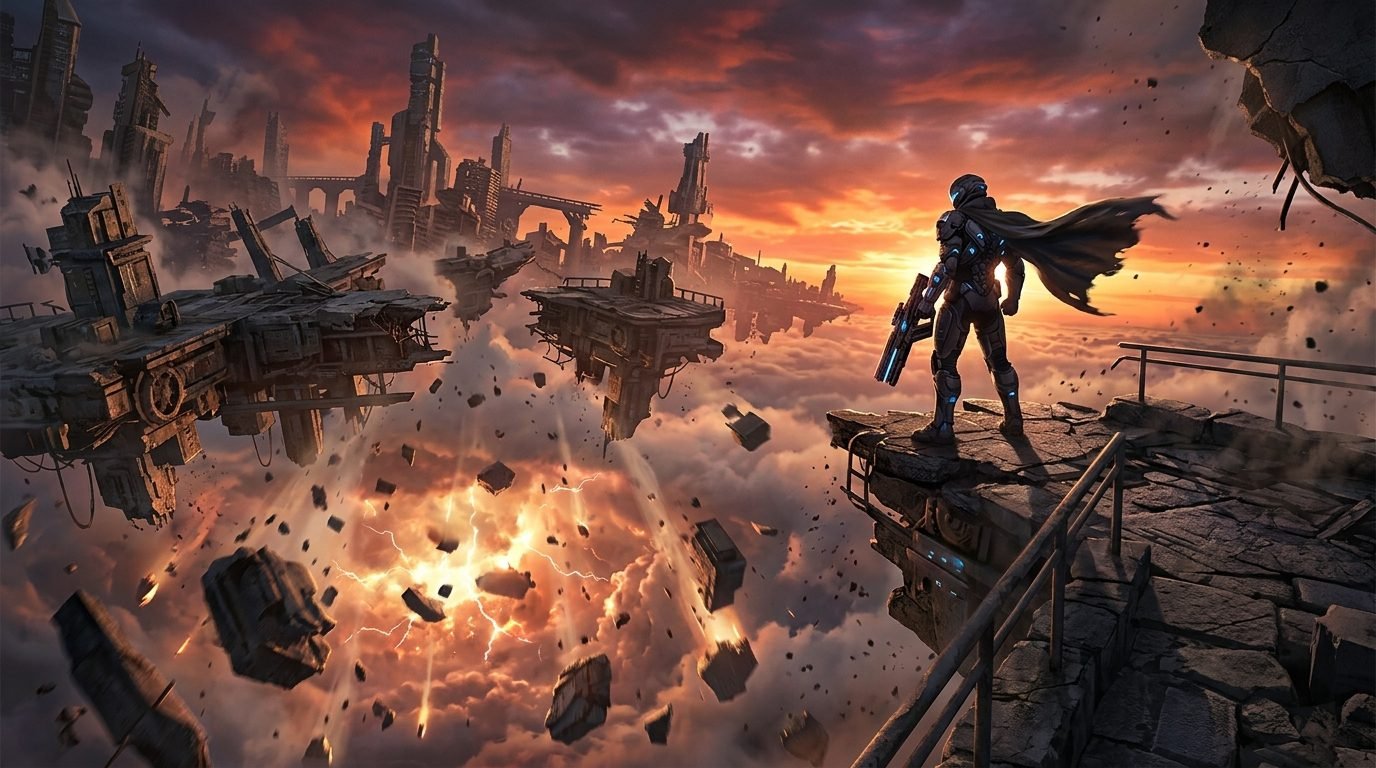
Post-Apocalyptic Futuristic Soldier Floating Ruined City Concept Art
View Prompt →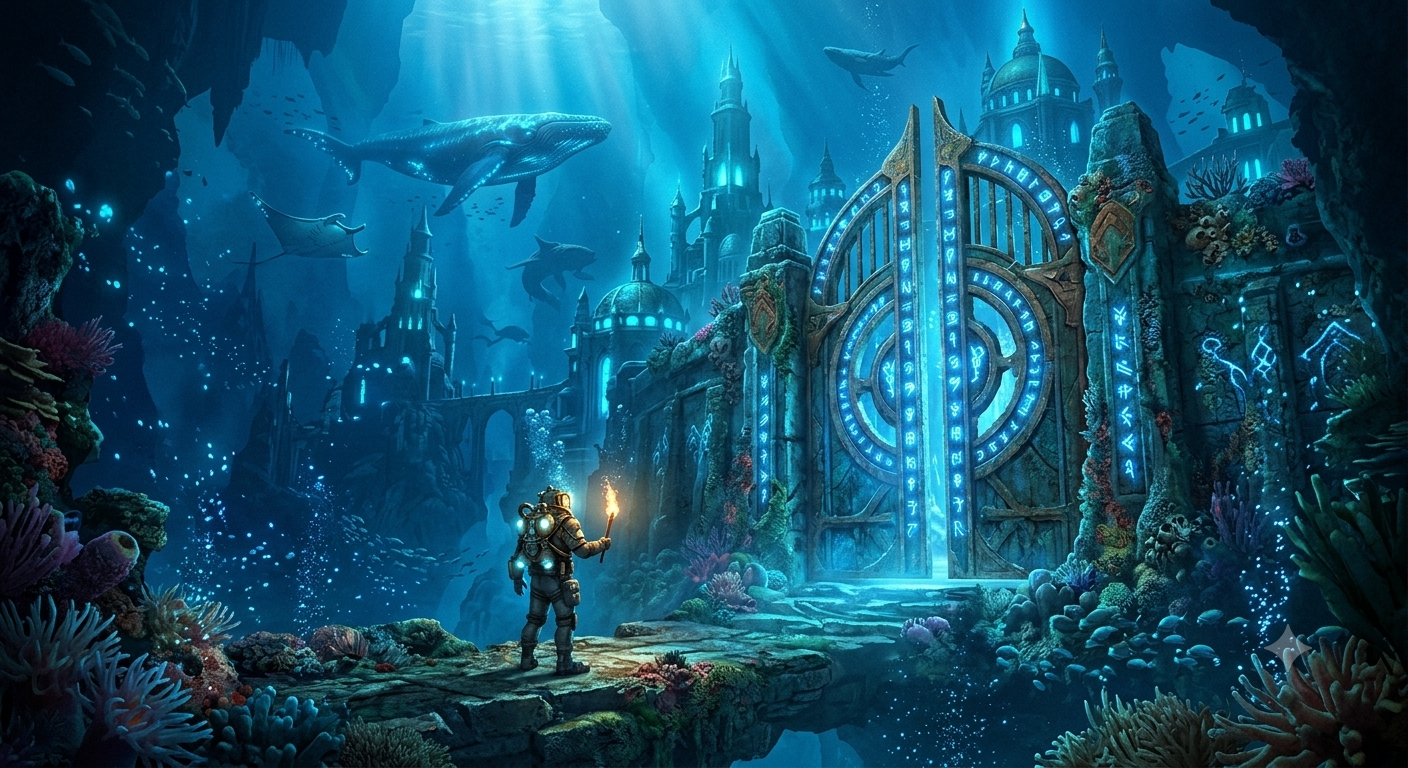
Lost Underwater Kingdom Glowing Runic Gate Concept Art
View Prompt →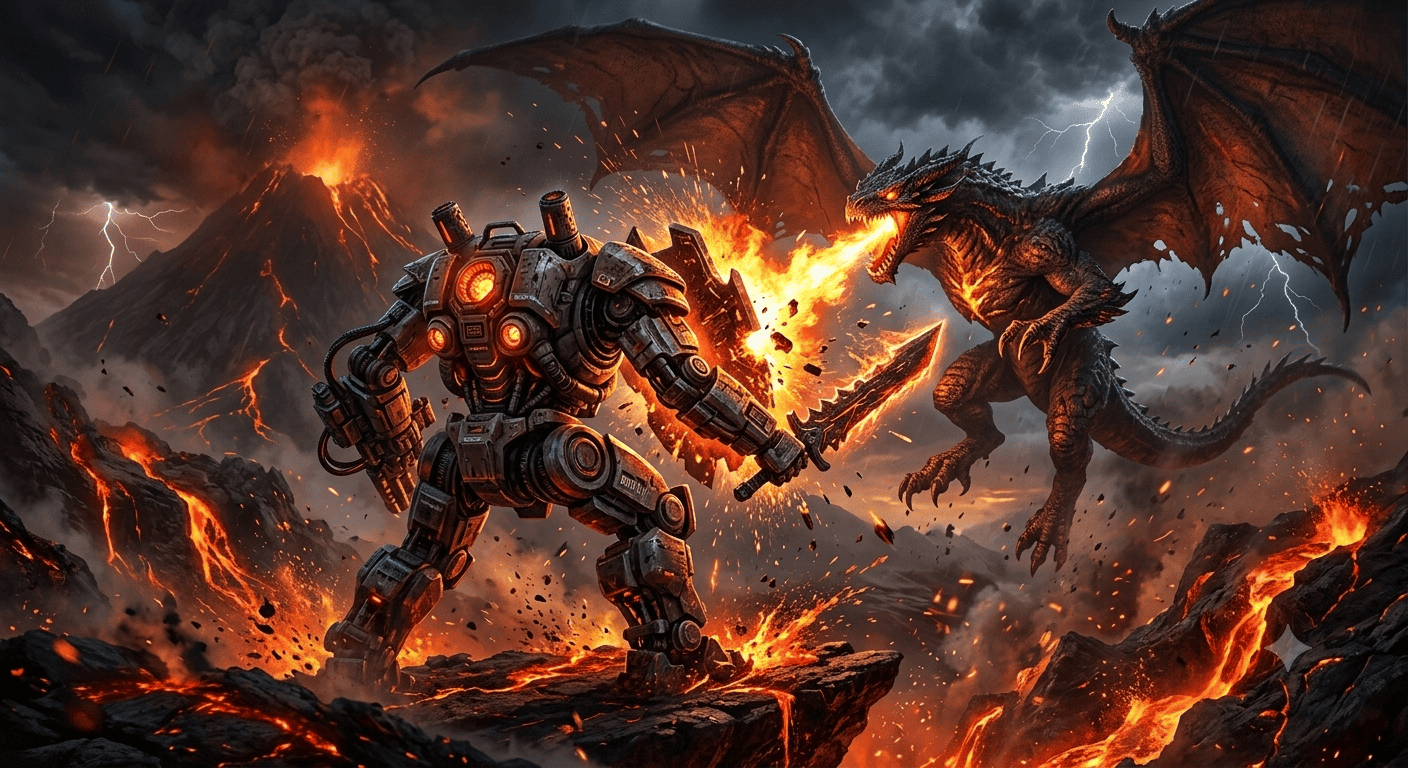
Sci-Fi Mech vs Fire-Breathing Dragon Volcanic Battle Concept Art
View Prompt →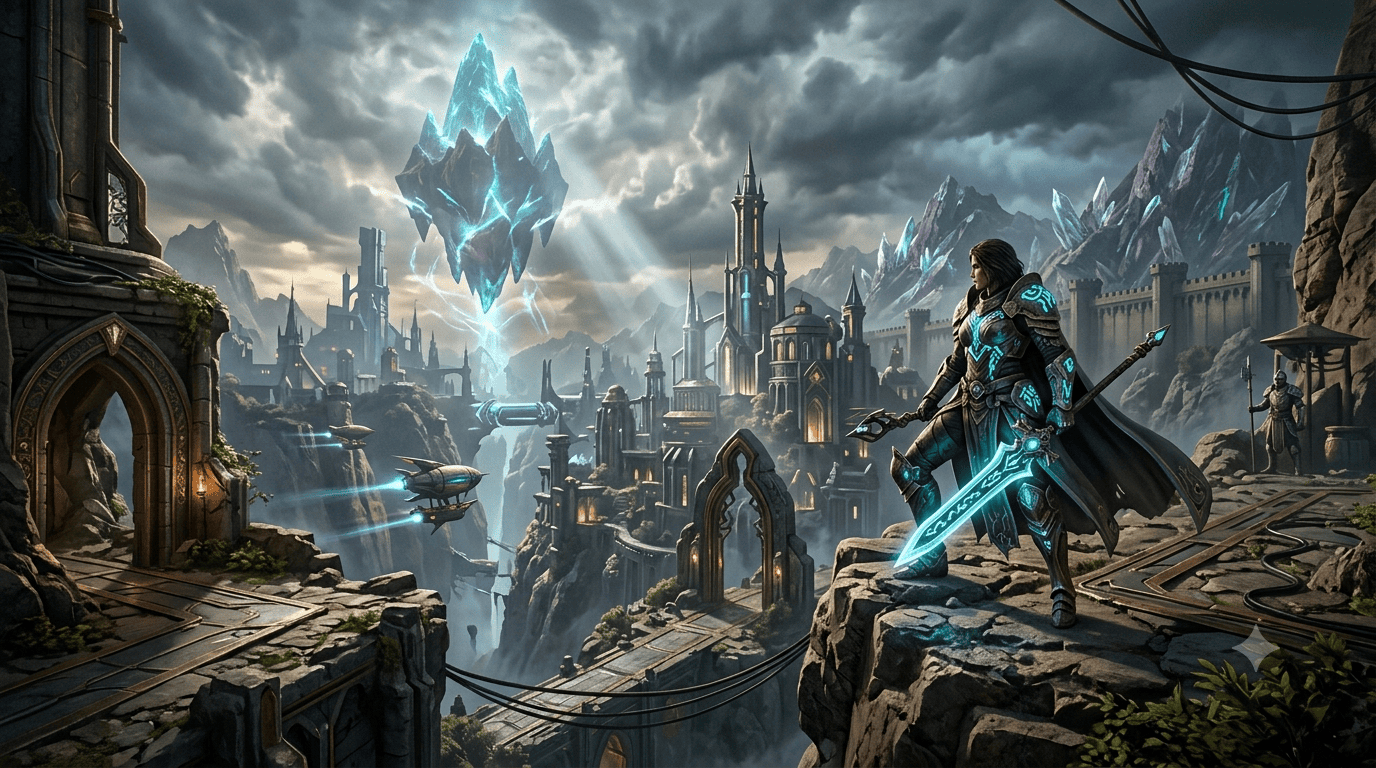
Gaming Concept Art & Character
View Prompt →Sponsor Tool Name
Short description of the sponsor item or affiliate deal goes here.
This page may contain affiliate links. We may earn a commission at no extra cost to you.
How to Use & Customize Gaming Concept AI Art Prompts
Designing immersive game worlds, level backgrounds, and hero character concept art is faster than ever with generative AI tools. Our curated collection of Gaming Concept AI Art Prompts is built specifically for indie developers, 3D artists, and game designers looking to quickly prototype visual ideas. Whether you are building an isometric RPG level, sci-fi environment, or fantasy warrior concept sheet, these prompts provide a strong creative head start.
To customize these game art prompts to match your specific game genre or visual pipeline, try fine-tuning these core parameters:
- Subject & Asset Type: Swap core game assets easily (e.g., change "a fantasy paladin armor concept sheet" to "a futuristic hovercraft design" or "an isometric dungeon room layout").
- Game Engine & Rendering Style: Add keywords like "Unreal Engine 5 render, cinematic raytracing, Octane Render 3D, isometric 2.5D perspective, or hand-painted stylized texture."
- Biome & Environment Mood: Define game levels using atmospheric phrases like "cyberpunk neon alleyway, bioluminescent alien forest, overgrown post-apocalyptic ruins, or volcanic fortress entrance."
- Viewpoint & Camera Angle: Control the perspective by specifying "third-person game view, wide environmental landscape concept, orthographic character sheet, or close-up weapon illustration."
AI Tools Compatible with These Prompts
These Gaming Concept AI Art Prompts are structured to deliver high-detail environment renders and clean asset sheets across top AI platforms:
- Midjourney — Industry favorite for epic environment lighting, rich surface textures, and cinematic game art composition (Use widescreen parameters like
--ar 16:9or--ar 21:9for ultrawide landscapes). - Bing Image Creator (DALL-E 3) — Excellent for understanding complex game lore descriptions, weapon details, and clean prop layouts.
- Leonardo AI — Ideal for game creators wanting specialized game asset models, 3D texture mapping presets, and isometric grid control.
Explore Related AI Prompt Categories
Looking for more specialized art styles for your game development project? Check out our related collections:
- Cyberpunk & Sci-Fi Vehicle Prompts — Generate futuristic hover vehicles, mech suits, and neon cityscapes.
- Dark Fantasy & Horror Prompts — Design gothic monsters, haunted dungeons, and eerie dark environments.
- 3D Cartoon Characters — Create stylized 3D animated character designs and mascot concepts.
Frequently Asked Questions (FAQs)
1. Can indie game developers use these AI prompts for commercial video games?
Yes! Developers frequently use AI-generated concept art for pitch decks, game mood boards, promotional art, and reference sheets for 3D modeling. Check your chosen AI generator's commercial terms for complete details.
2. How do I prompt for clean character reference sheets or turnaround designs?
Use phrases like "character concept turnaround sheet, front view, side view, neutral T-pose, clean white background, game character concept art style" to encourage symmetrical design outputs.
3. Which AI generator is best for 3D game environment visuals?
Midjourney v6 and Leonardo AI excel at generating environment concept art. Midjourney renders realistic atmospheric lighting, while Leonardo AI offers dedicated game design presets.
4. Can I create isometric levels with these prompts?
Yes! Simply include "3D isometric view, 2.5D game level design, dioramas style, orthographic perspective" in your prompt to get clean isometric tile assets and room concepts.