10 Stunning 3D Paper Tear AI Art Prompts for Mind-Blowing Renders
There is a brilliant creative movement taking over the digital design spaces in the USA and Europe right now. Visual artists are moving away from flat vector images and looking toward heavily textured, dimensional designs. One of the absolute biggest breakthroughs in this space is mastering 3D Paper Tear AI Art. This specific style tricks the human eye by combining realistic drop shadows, rough fiber edges, and vibrant hidden worlds bursting out from a simple sheet of paper.
Whether you are designing premium stickers to sell on Etsy, building an elite freelance design catalog on Upwork, or creating viral content for social platforms, utilizing high-quality 3D Paper Tear AI Art templates allows you to stand out instantly. The secret to hitting museum-quality realism lies in how you instruct the generative engine to render depth, paper thickness, and lighting angles.
This step-by-step tutorial delivers 10 production-ready text templates engineered to create absolute masterpieces for free.
The Master 3D Paper Tear Prompt Collection
These copy-paste templates feature exact macro parameters, texture weights, and shadowing commands to give your final images an authentic, physical paper-craft look.
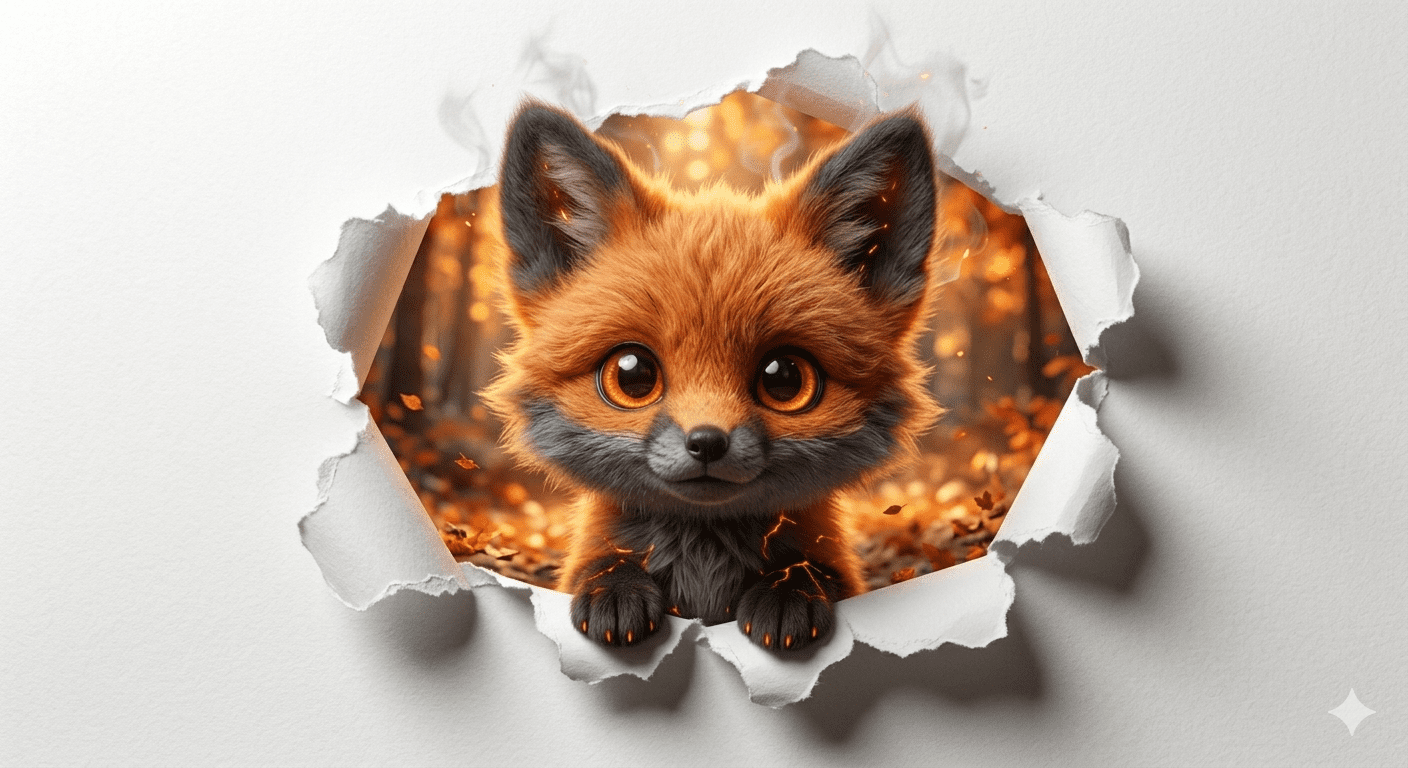
Prompt 1: The Playful Ginger Fox (Clean White Rip)
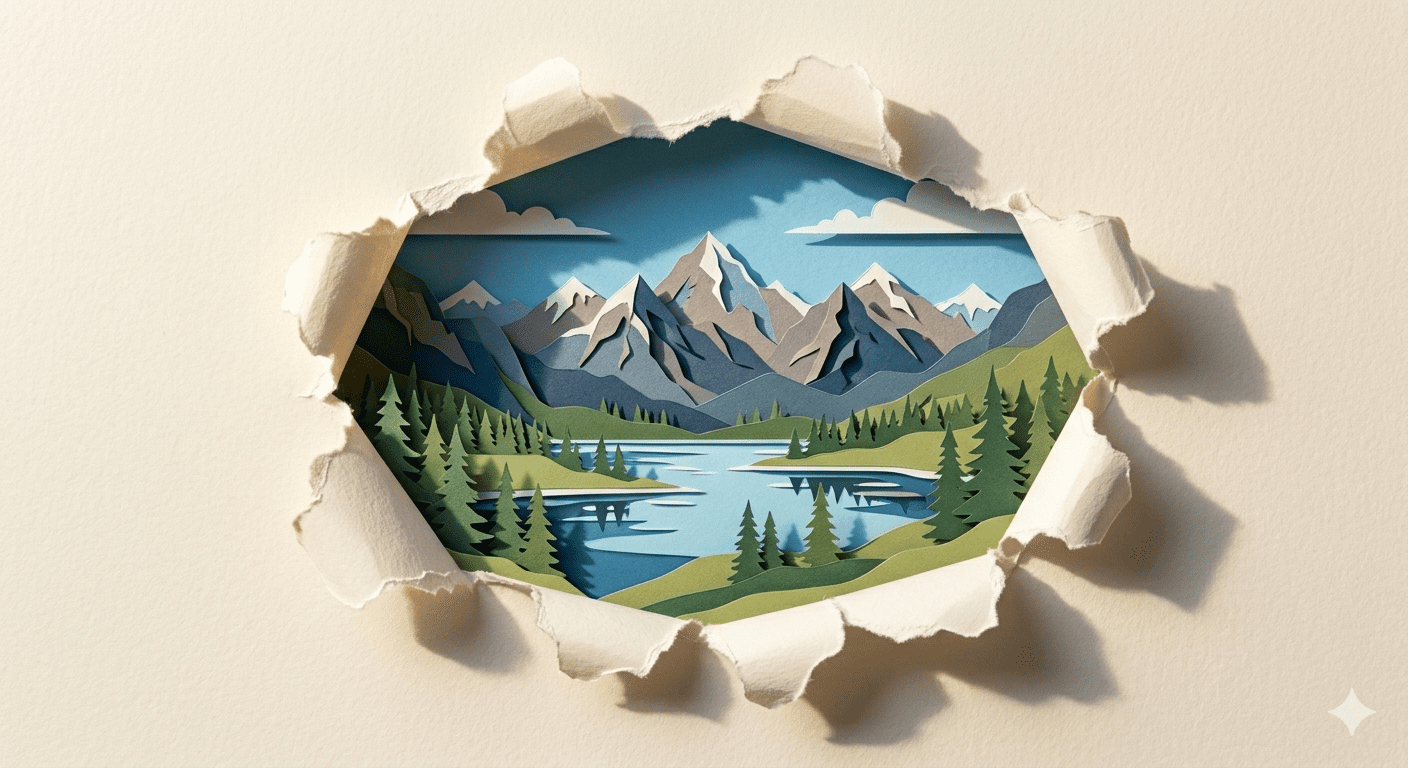
Prompt 2: The Alpine Mountain Lake (Layered Cardstock)
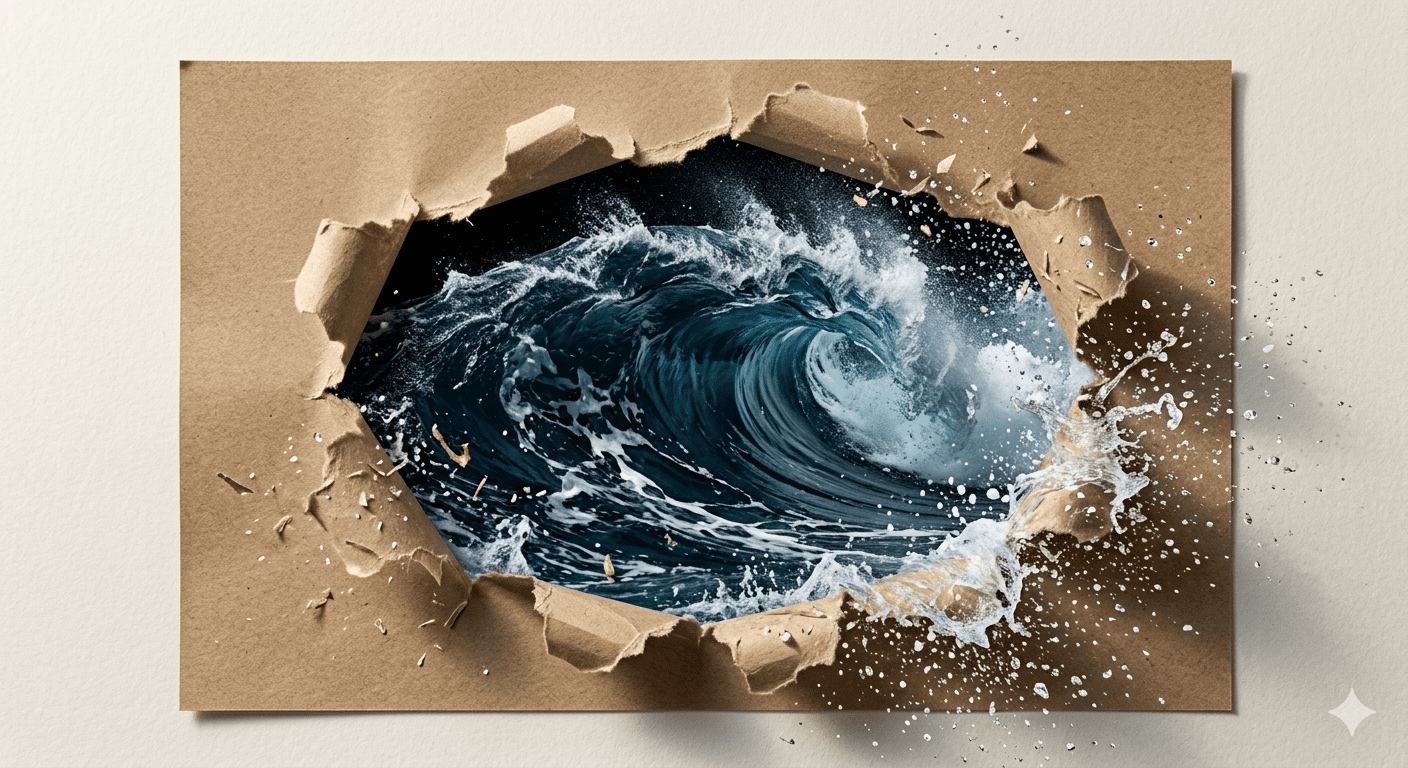
Prompt 3: The Ocean Wave Explosion (Jagged Ripped Craft Paper)
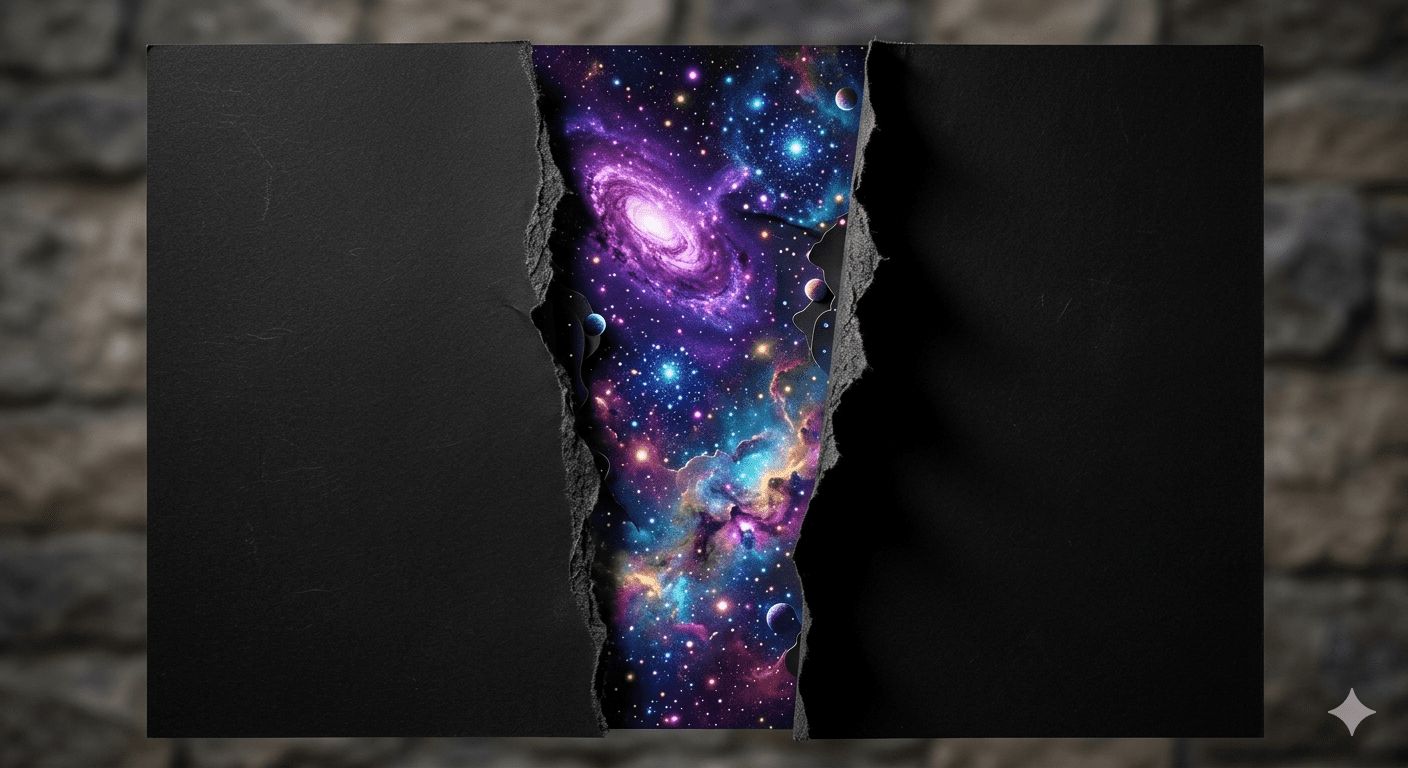
Prompt 4: The Cosmic Nebula (Matte Black Silhouette)
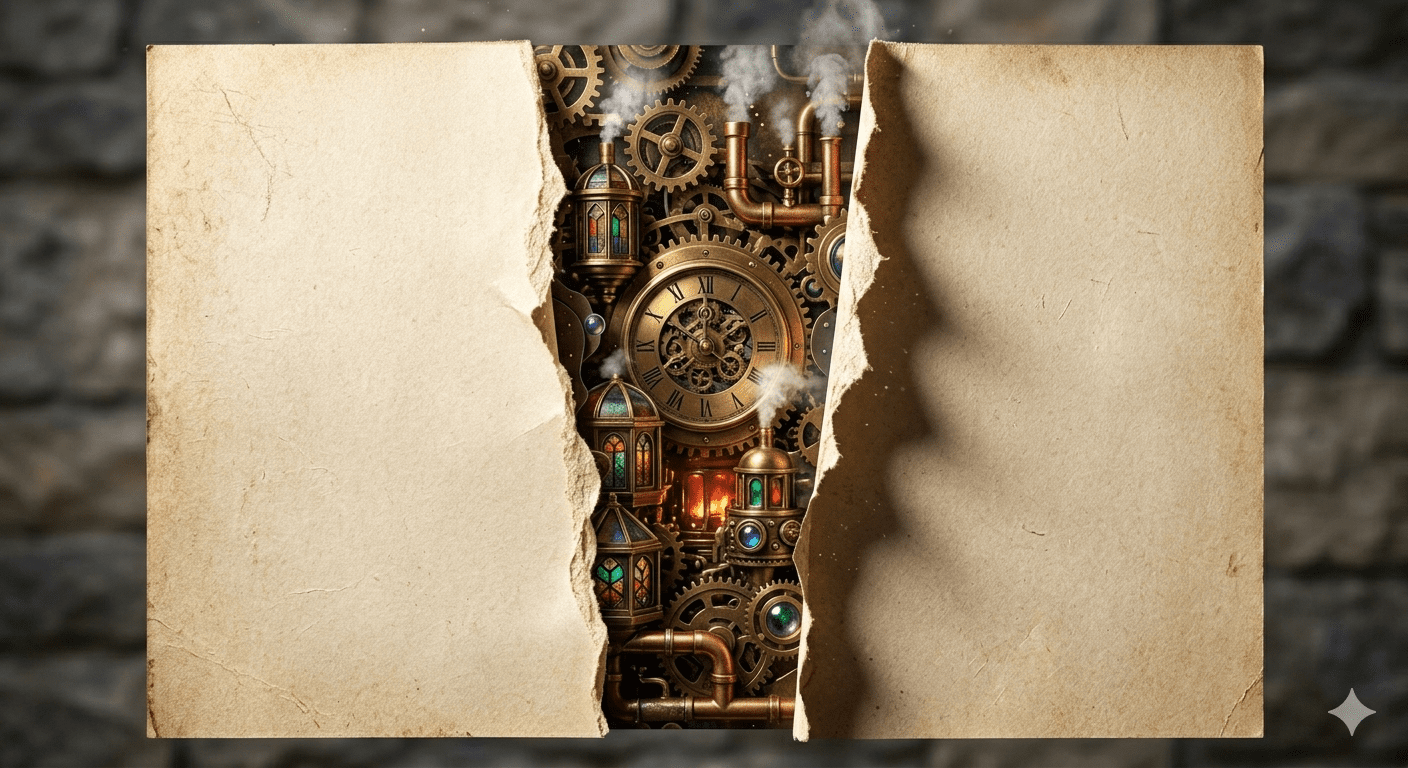
Prompt 5: The Steampunk Clockwork City (Vintage Craft Paper)
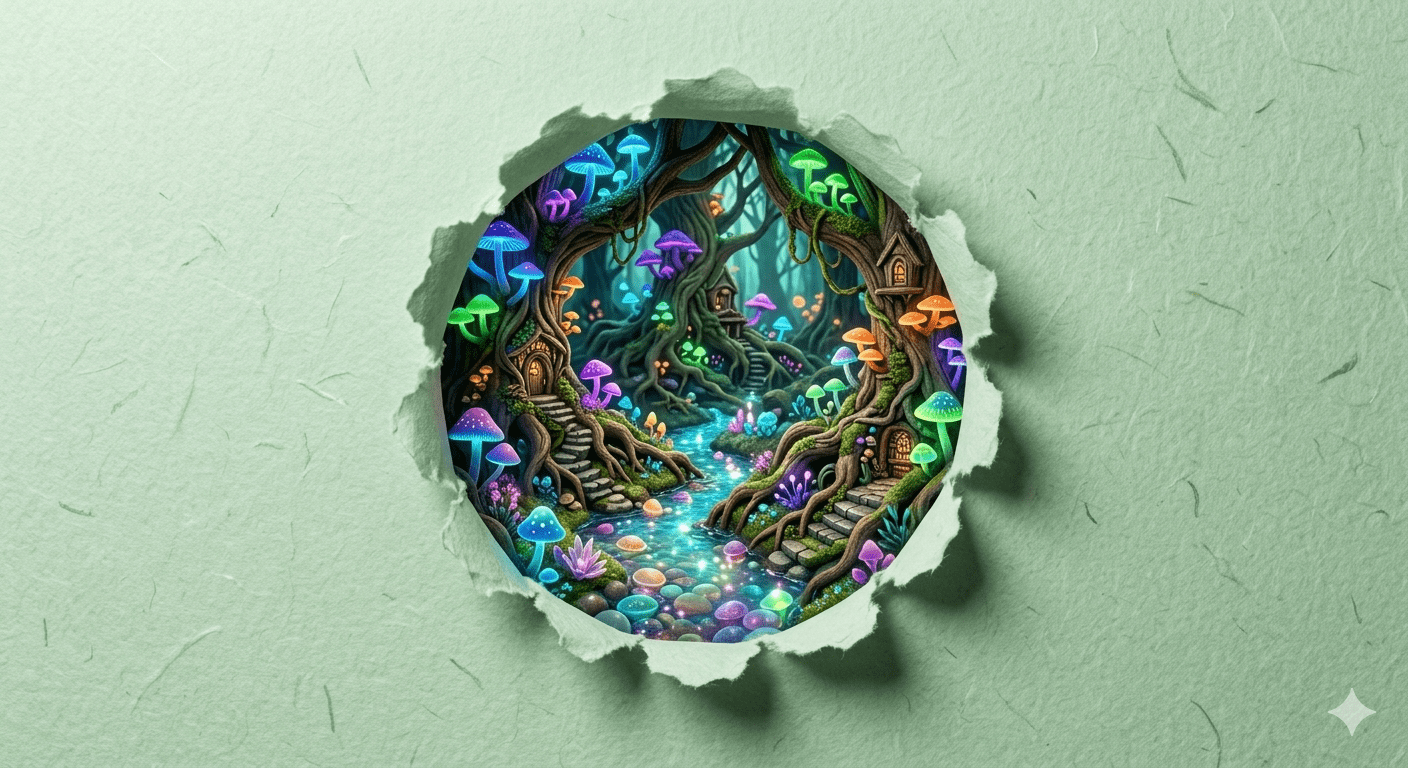
Prompt 6: The Mystical Glow Forest (Fairy-Tale Aesthetic)
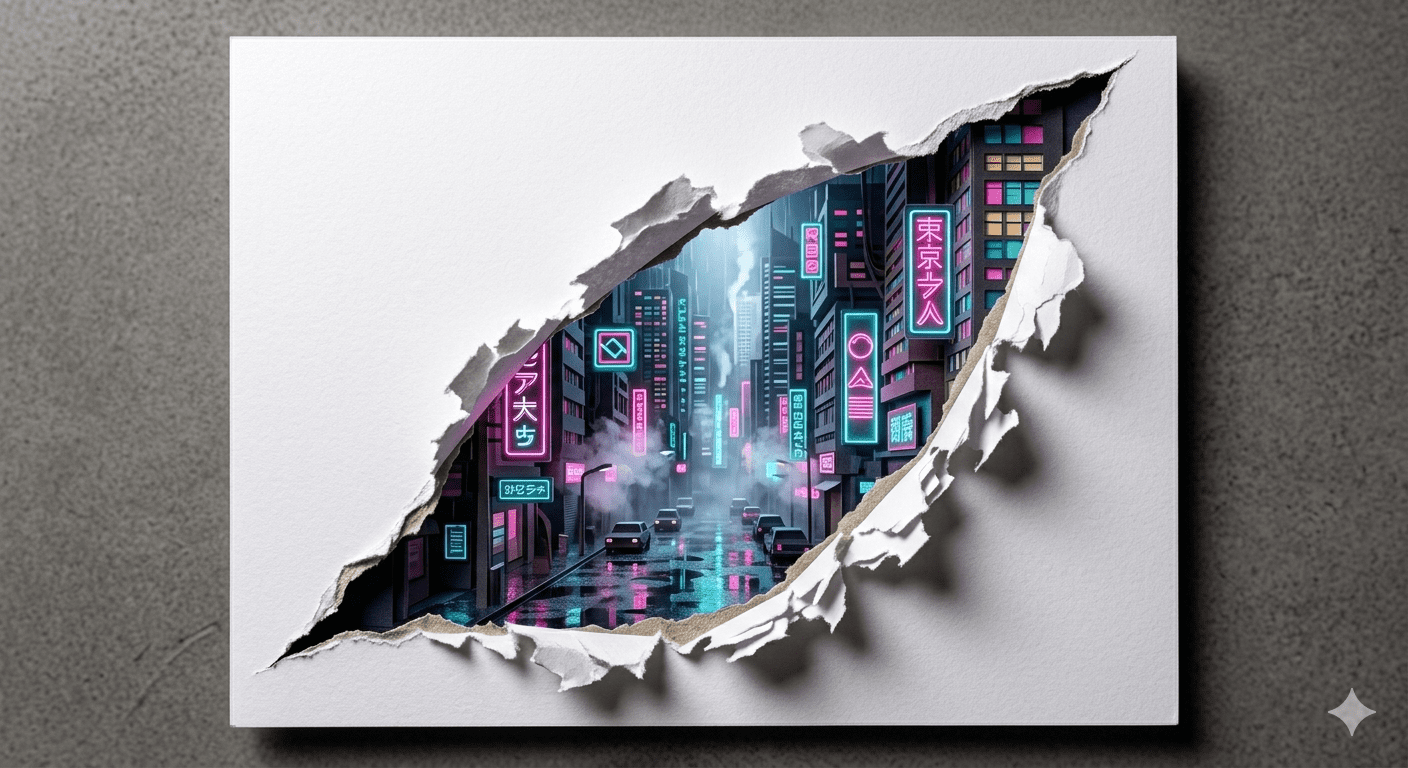
Prompt 7: The Cyberpunk Neon Street (Geometric White Rip)
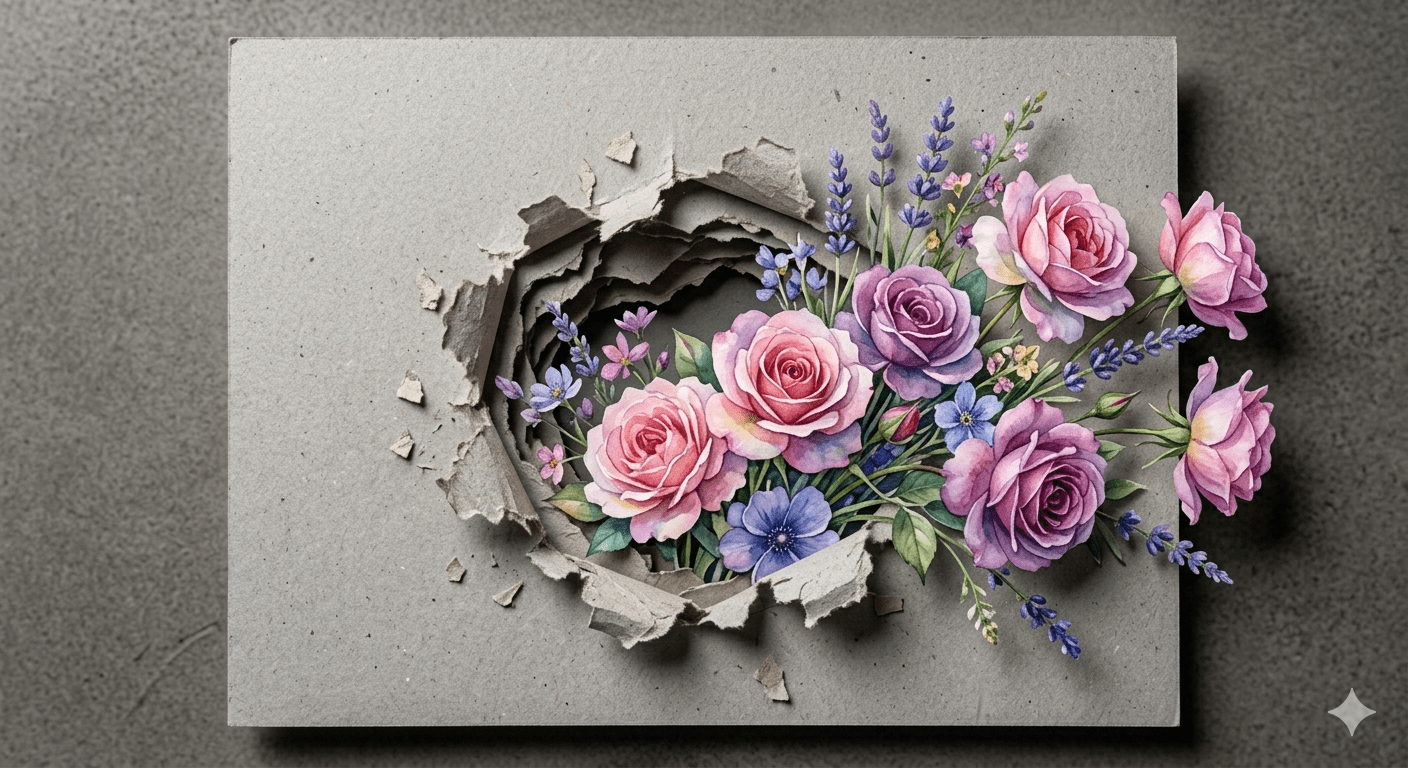
Prompt 8: The Watercolor Floral Bouquet (Cardboard Burst)
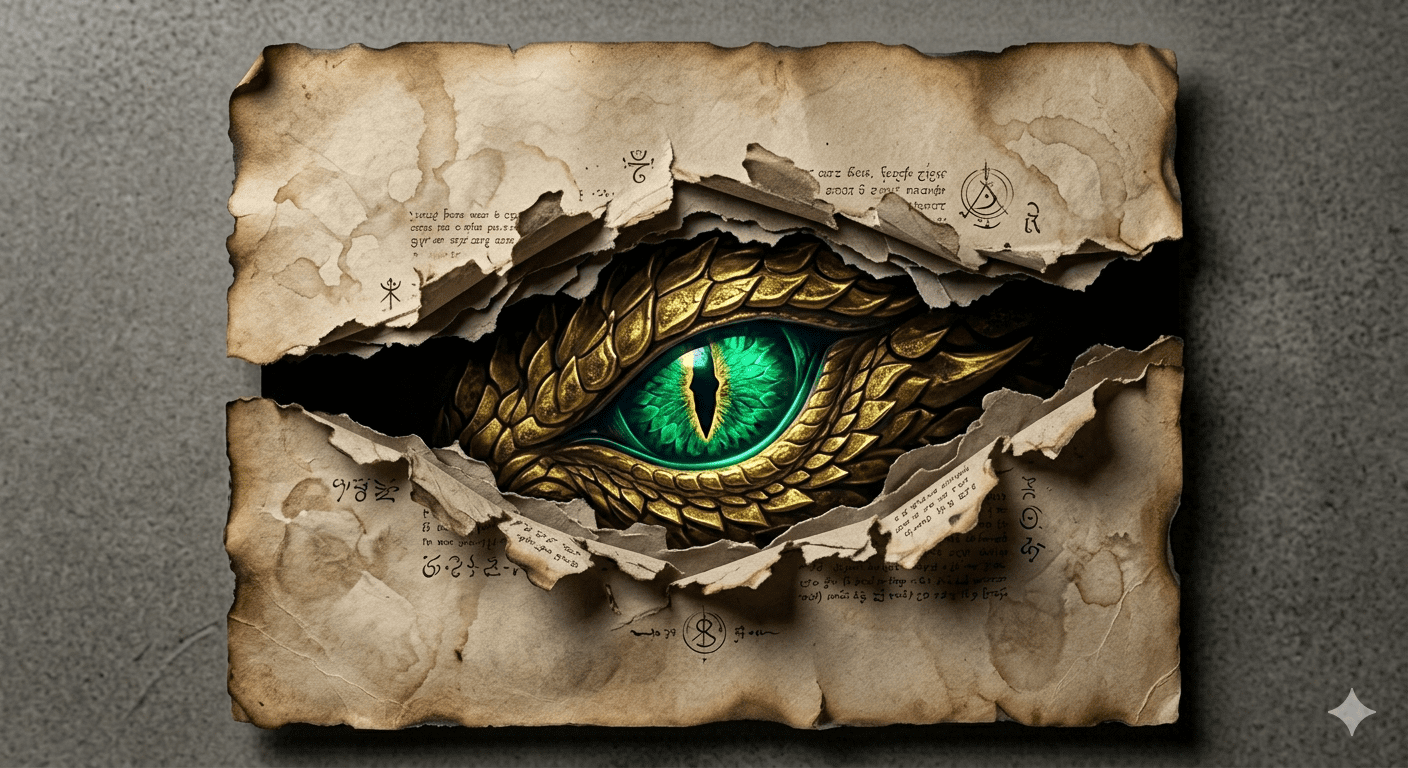
Prompt 9: The Golden Dragon Eye (Burnt Edges Parchment)
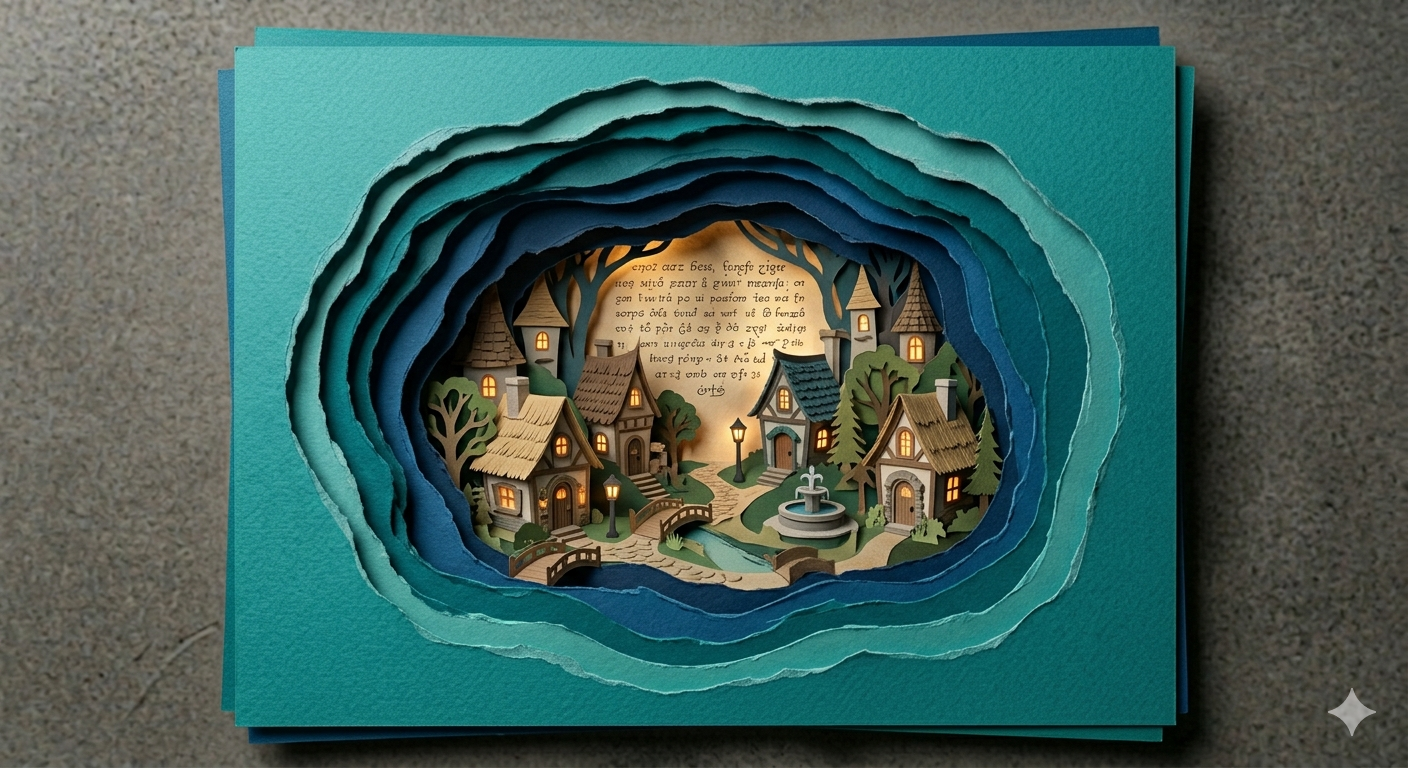
Prompt 10: The Miniature Fairy Village (Multi-Layered Cuts)
Step-by-Step Guide: Generating 3D Paper Depth for Free
To achieve maximum physical depth when working with these 3D Paper Tear AI Art prompts, you can leverage the specific strengths of free and premium graphic networks easily:
1. The Open-Source Free Method
Google Gemini & Bing Image Creator: These platforms are incredibly smart at processing physical concepts like “drop shadows” and “paper fibers”. Simply paste your preferred prompt template exactly as written. They will naturally isolate the foreground sheet from the inner background landscape without clipping issues.
Leonardo AI: Switch your generator configuration to the “Absolute Reality” or “Aesthetic XL” models. These handle lighting reflections on paper surfaces beautifully, giving the cardstock an authentic, premium weight.
2. High-End Production Workflow
Midjourney v6: For those utilizing Midjourney, run the strings with standard settings. To give the paper a rougher, more tactile feel, consider adding the parameter
--stylize 150. This tells the engine to emphasize the microscopic edge details and shadows.
Viral Growth: Turning Paper Rips into Engaging Short Videos
The stunning visual contrast of paper craft makes it absolute gold for short-form video feeds like TikTok, Instagram Reels, and YouTube Shorts, specifically when targeting high-value Western markets:
The Infinite Zoom Illusion: Take your finished 3D paper tear image and put it into an AI video animator like Luma Dream Machine or Kling. Command the camera to “slowly zoom directly into the tear, transitioning fully into the hidden world inside.” This loop effect keeps users watching multiple times.
The “Scissors to Masterpiece” Hook: Film a quick 3-second real-world clip of scissors slicing through a plain white piece of paper. Right on the beat drop of a trending track, use a clean transition to reveal your hyper-detailed 8K paper tear artwork. This visual payoff hooks viewers instantly.
Engagement Overlays: Place a clean, minimal text overlay on your vertical video saying, “Which hidden world would you step into? 1 to 10?” This prompts rapid discussion in your comment section, signaling the platform algorithm to boost your visibility.
Quick Customization Tweaks for Creative Freedom
You can easily expand your website’s catalog by treating these templates as modular baselines. Tweak a few simple variables to create a brand new design asset:
Swap the Background Theme: Change keywords like “autumn forest” or “the steampunk city” to “ancient Egyptian tombs” or “futuristic spaceship command center” to update the entire narrative instantly.
Alter the Paper Style: Swap out “clean white cardstock” or “brown craft paper” for “metallic silver foil”, “glossy black acrylic”, or “weathered pirate map” to see completely different border properties.
Adjust the Lighting Quality: Change “bright studio sunlight” to “eerie neon glow” or “soft flickering candlelight” to create dramatic mood variations effortlessly.
Conclusion
Mastering the physical illusion of 3D paper craft within digital generation is all about controlling edge textures and drop shadows. By exploring these 10 distinct 3D Paper Tear AI Art setups, you provide your global audience with high-value, high-demand design blueprints that look completely tangible. Select your favorite concept, adjust the inner hidden worlds to fit your aesthetic style, and begin publishing world-class dimensional art completely for free today!
Create Your Own AI Art Now!
Use our powerful, custom-built AI Prompt Generation tool to turn your words into masterpieces instantly.
Try Our Free AI Tool 🚀Create Your Own AI Portfolio Now!
Use our powerful, custom-built AI Portfolio Generation tool to turn your words into masterpieces instantly.
Try Our Free AI Portfolio 🚀
If your cyberpunk images continuously turn into the same wet alleyway drenched in cyan and pink neon, or your sci-fi […]
Anime AI Prompts: Complete Image & Video Guide Expressive eyes, hand-drawn aesthetics, dynamic movement, and rich world-building make anime one […]
Surreal & Conceptual AI Art Prompts: Complete Image & Video Guide Dreamlike scenes, impossible objects, and unexpected visual combinations can […]