12 Premium AI Wedding Memory Recreation Prompts: Recreate Full Luxury Barat Albums for Free
We all have that one faded, slightly dusty photograph tucked away in a family drawer. Maybe it’s a grainy passport-sized picture of your parents from decades ago, or a single, low-resolution snapshot of your grandparents on their wedding day. Twenty or thirty years ago, hiring a high-end wedding photographer wasn’t just expensive—for many families working through strict budgets or sudden life constraints, it was a luxury that simply had to be skipped. If you want to bring those old family photos back to life in stunning 8K quality, using professional recreate wedding memories AI prompts is the ultimate, cost-free solution to rewrite your family’s visual history.
For a long time, missing out on a professional photographer meant living with a quiet, lingering regret: not having a beautiful, professional wedding album to look back on, showcase on a living room table, or pass down to grandchildren.
But technology has finally caught up with our memories.
Today, you don’t need a massive production budget or professional editing skills to fix this. Using free, everyday generative AI tools like Google Gemini or ChatGPT, you can take just two simple, old face photos and faithfully reconstruct a complete, high-class, 12-shot South Asian Barat (Wedding Day) album. Our curated list of AI Wedding Memory Recreation Prompts will guide you through the entire process seamlessly.
The best part? This isn’t about generating random cartoonish graphics. This guide will show you how to maintain strict, flawless visual consistency—keeping the couple’s clothes, makeup, and expressions perfectly uniform across every single shot—so the final result looks like a real, editorial-grade modern photoshoot.
The Secret to Absolute Consistency (Locking the Style)
The biggest frustration people face when using free AI tools is “style drifting.” You type one prompt, and the groom is wearing a blue suit. You type the next, and his suit suddenly turns grey. To make a digital album look authentic, it must feel like it was shot on the exact same evening.
To solve this, our master prompt sequence locks in a premium, ultra-luxury South Asian Barat aesthetic across all 12 scenes:
The Groom’s Attire: A structured, tailored bespoke traditional ivory-cream luxury silk Sherwani embedded with subtle, self-on-self gold thread embroidery and royal gold buttons.
The Bride’s Attire: A breathtaking, heavily flared deep royal maroon-red luxury bridal velvet Lehenga gown embedded with thousands of shimmering gold crystals, vintage patterns, and intricate gold zardozi hand-embroidery with a matching heavy-border dupatta draped over her head.
The Bridal Look: World-class traditional heritage makeup, heavy antique gold and kundan jewelry set with a matching maang tikka and jhumkas, and flawless jawline blending.
By keeping these details identical in every script, the AI builds a continuous narrative. Let’s look at the 12-shot production sequence.
The 12-Shot Luxury Barat Prompt Sequence
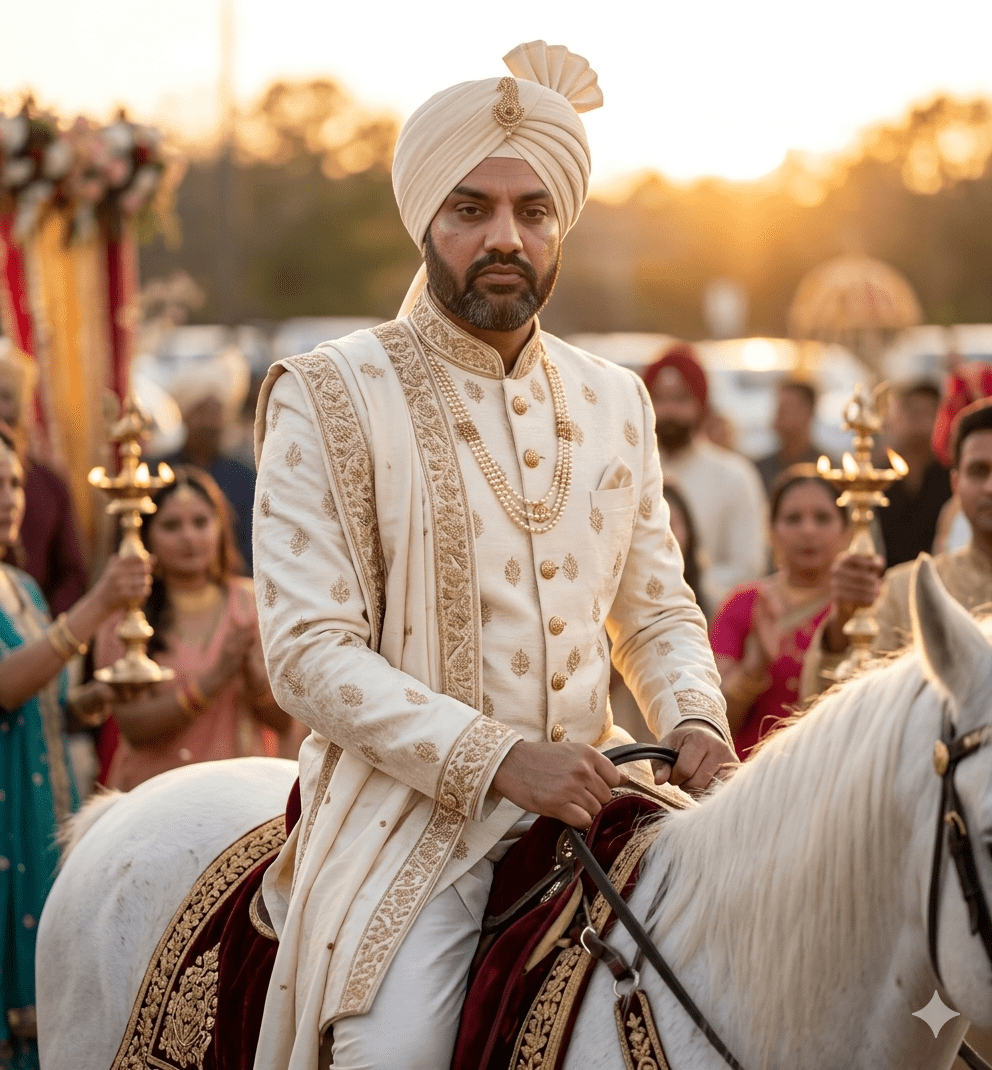
1. The Groom’s Royal Procession (The Baraat Arrival)
This shot establishes the festive grandeur of the groom’s arrival, setting a high-end traditional atmosphere.
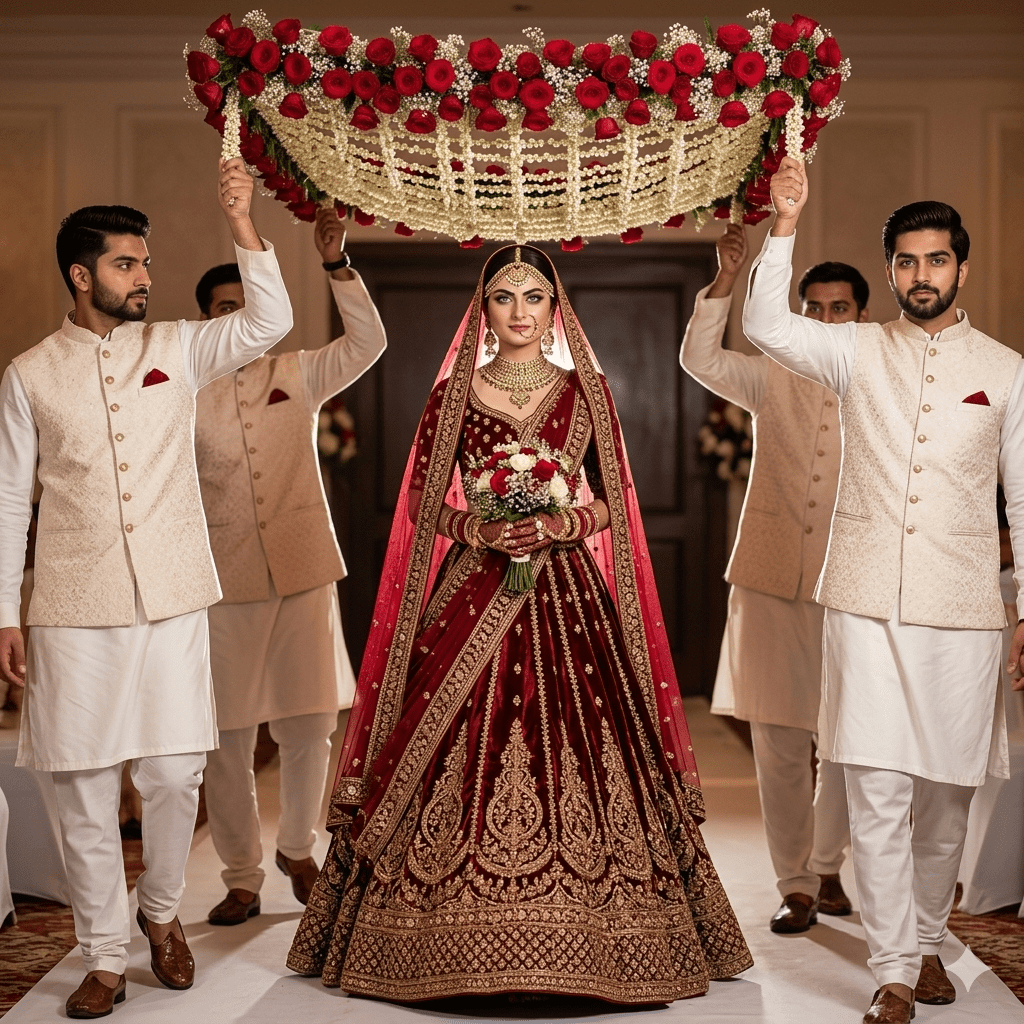
2. The Bride’s Majestic Entrance (Under the Floral Canopy)
The iconic moment the bride enters the venue. This prompt forces the AI to create a beautiful framing effect using overhead flowers.
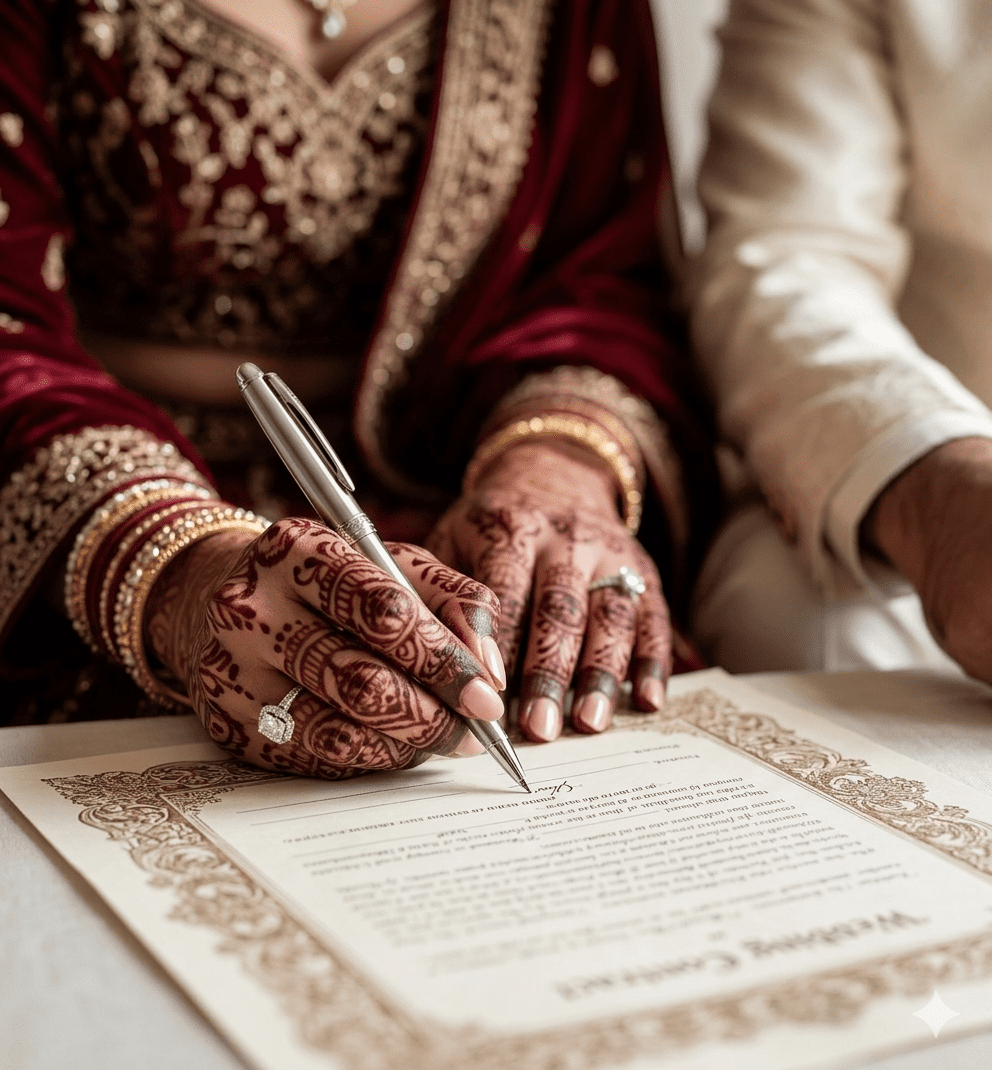
3. The Sacred Nikah / Vows Signing Moment
A documentary-style close-up focusing on the hands, accessories, and the emotional gravity of signing the wedding contract.
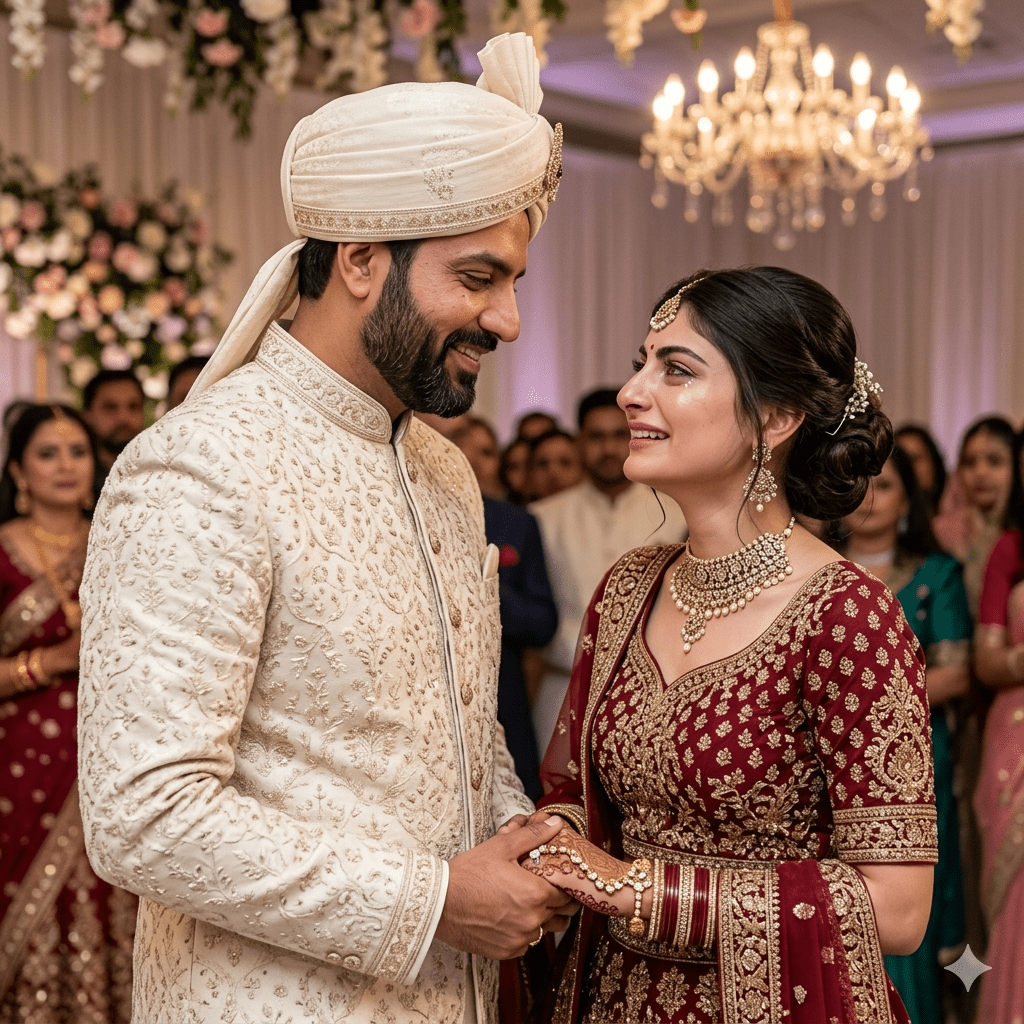
4. The Iconic First Look (Face-to-Face Meeting)
Capturing the emotional intensity when the couple looks at each other for the first time on the main stage.
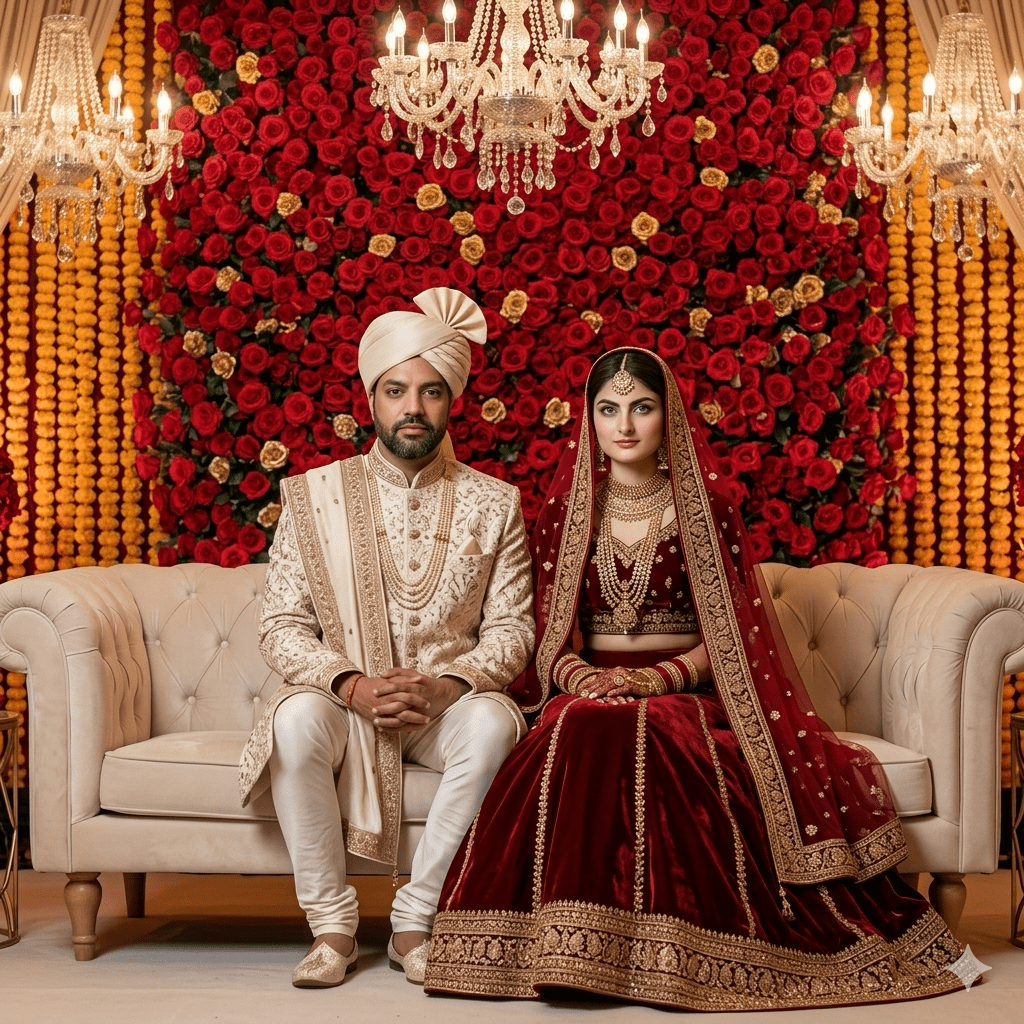
5. The Regal Stage Portrait (Seated View)
Moving the couple to the main lounge setup. This anchors them deeply into a plush environment surrounded by high-end floral decorations.
6. The Royal Heritage Bridal Portrait (The Luxury Close-Up)
A close-up shot focusing entirely on the bride, designed to showcase traditional jewelry refractions and flawless skin textures.
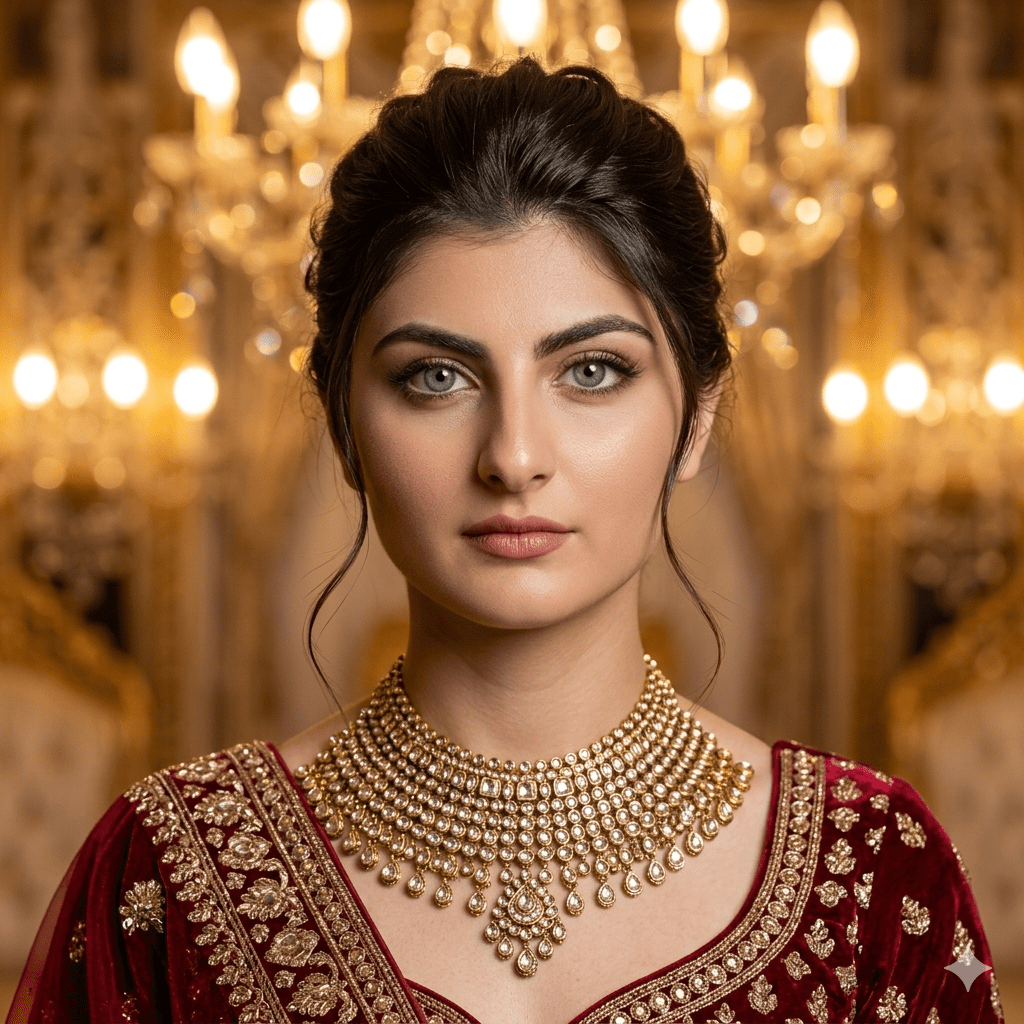
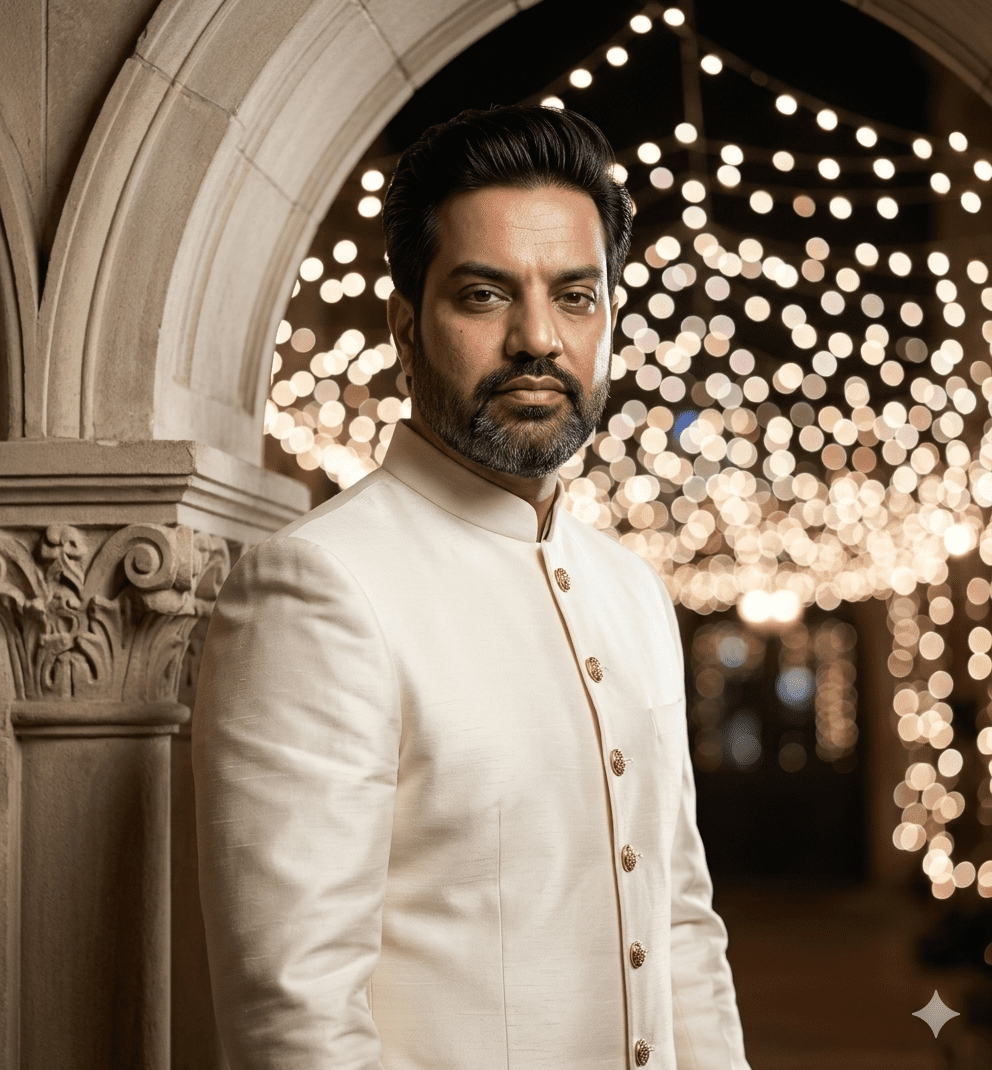
7. The Groom’s Solo Portrait of Dignity
A solo shot focusing on sharp masculine tailoring, clean silhouettes, and realistic silk fabric textures for the groom.
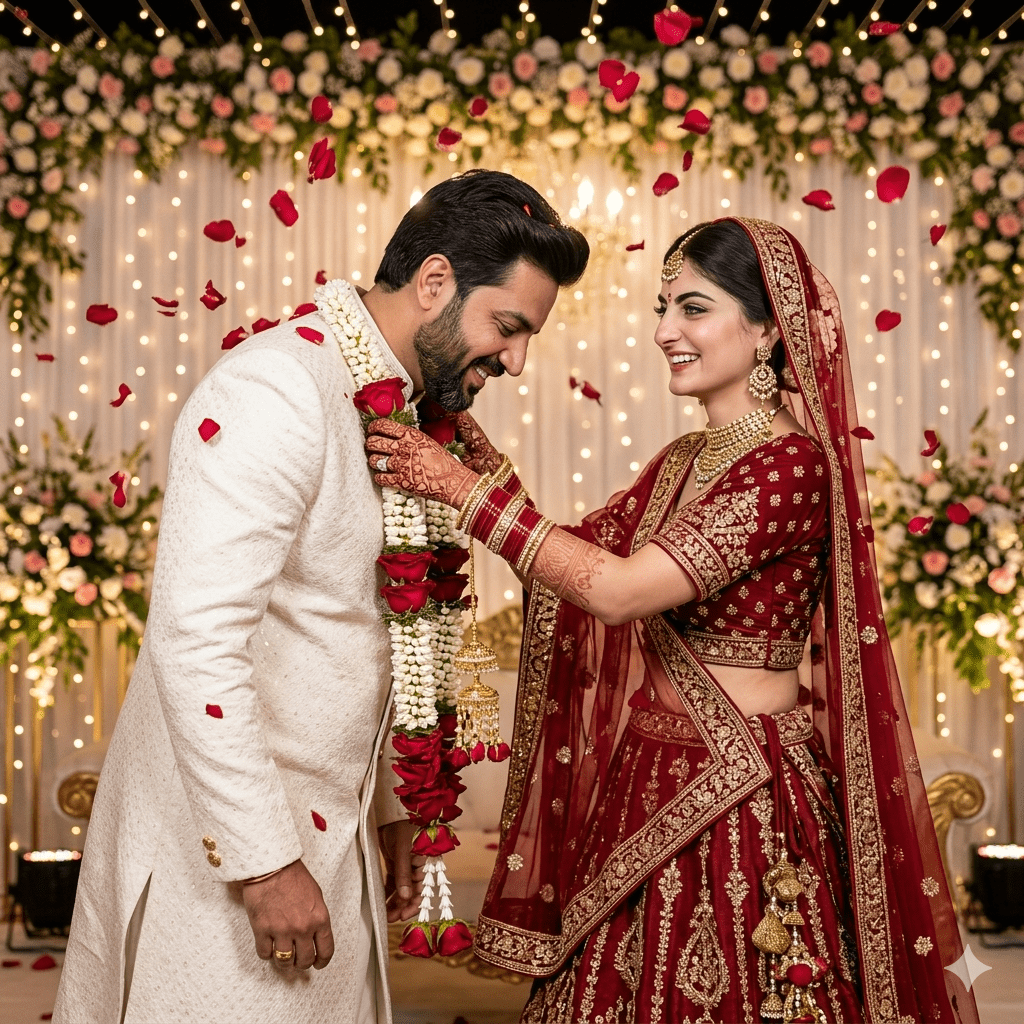
8. The Majestic Varmala Exchange Ceremony
An action shot capturing a central South Asian tradition, requiring the AI to render movement and falling elements naturally.
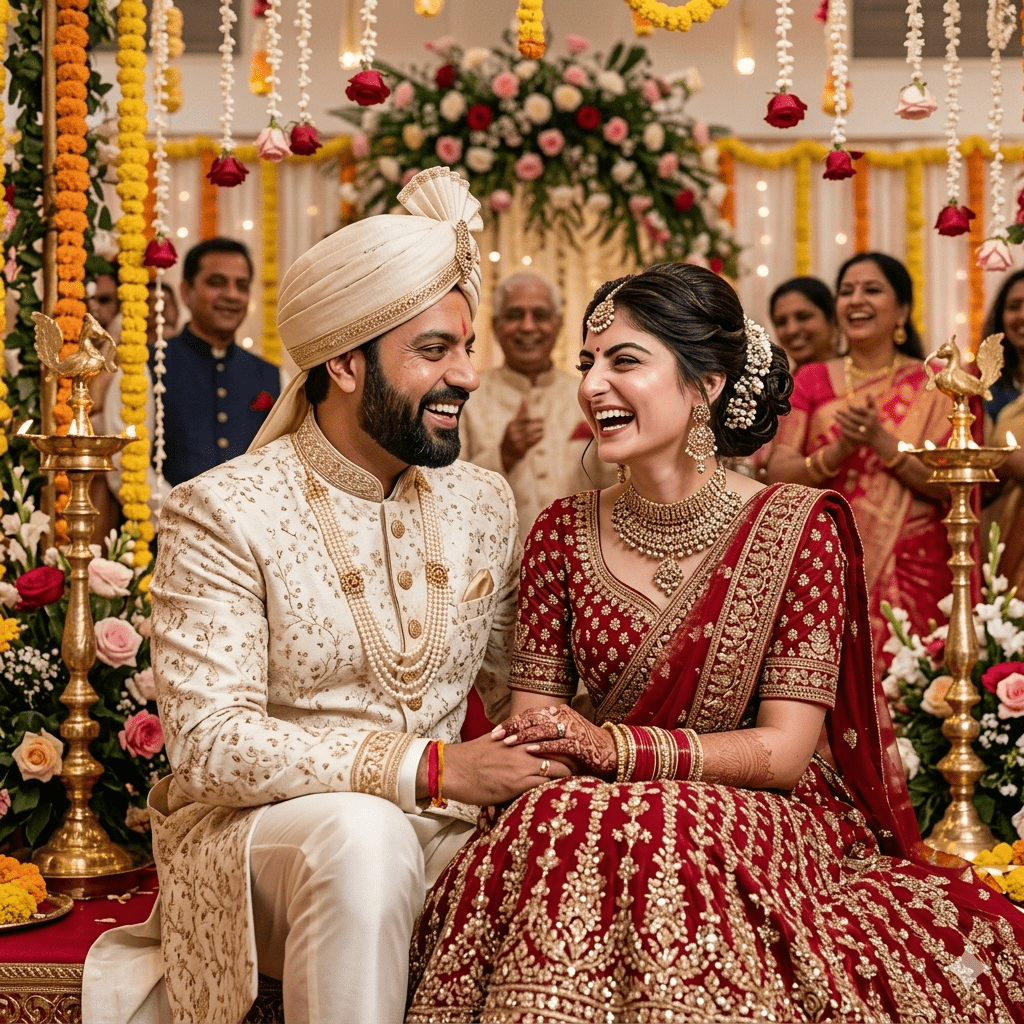
9. The Close-Up Portrait of Shared Joy
A natural, unposed medium shot that captures a warm, emotional connection while preventing facial expressions from looking robotic.
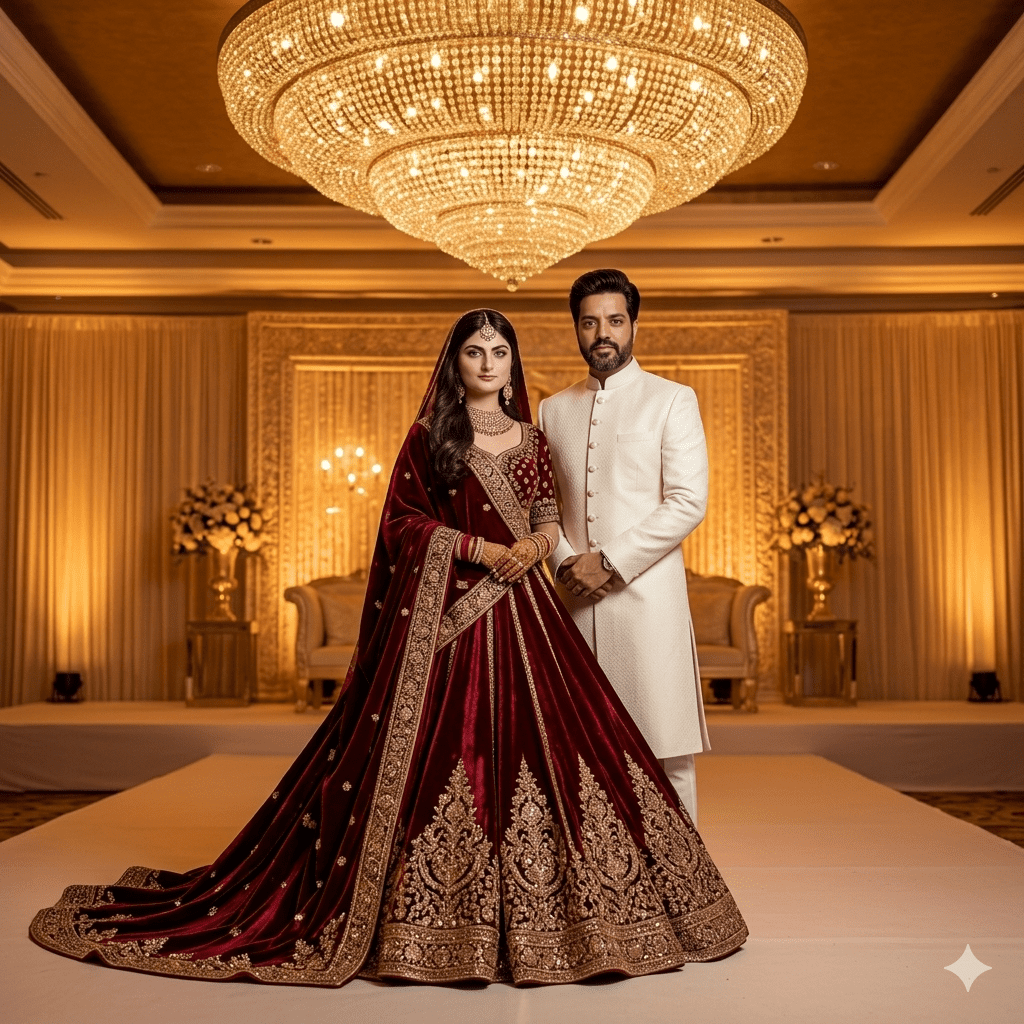
10. The Grand Architectural Stage View (Full-Length)
An editorial-style, full-length visual meant to showcase the grand venue scale and the magnificent flare of the bridal gown.
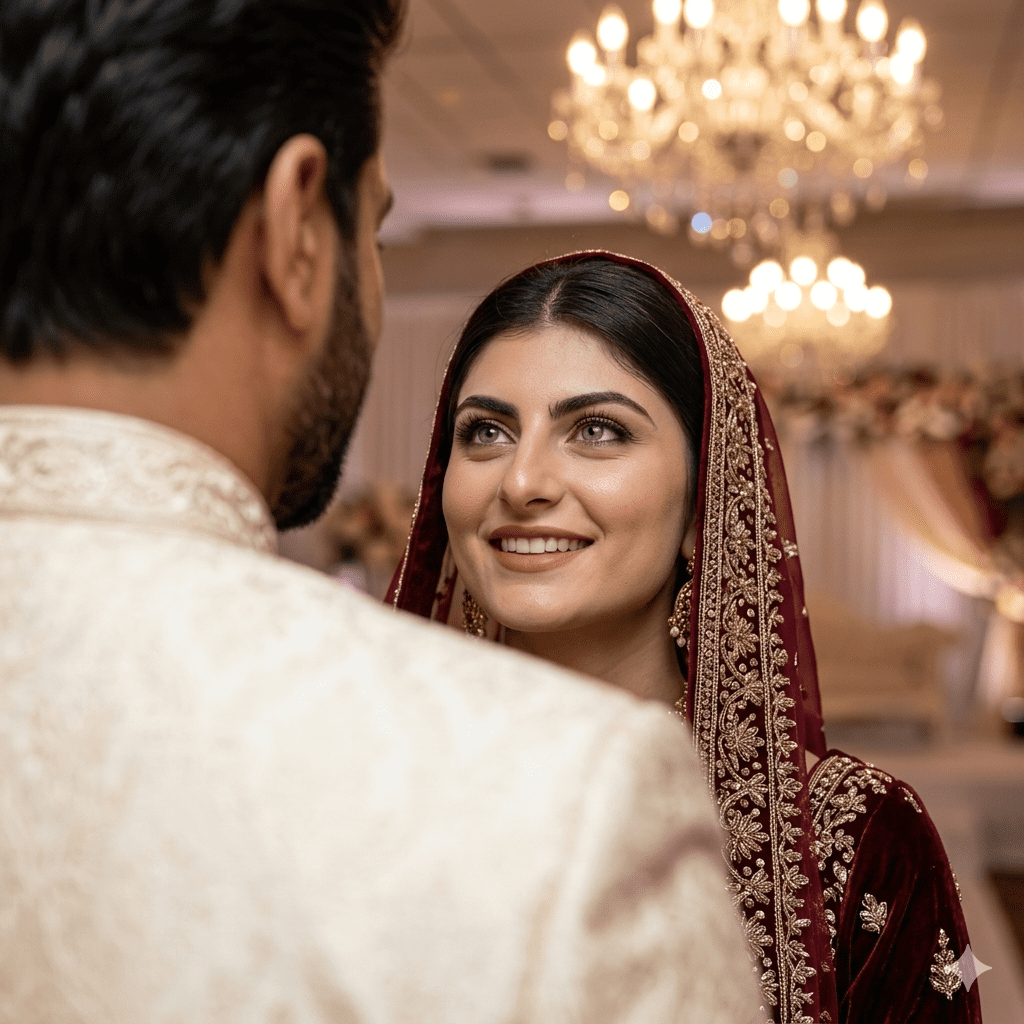
11. The Cinematic Over-The-Shoulder Romance
A high-fashion depth perspective that places the focus entirely on the bride’s expression while showcasing the texture of the groom’s sherwani.
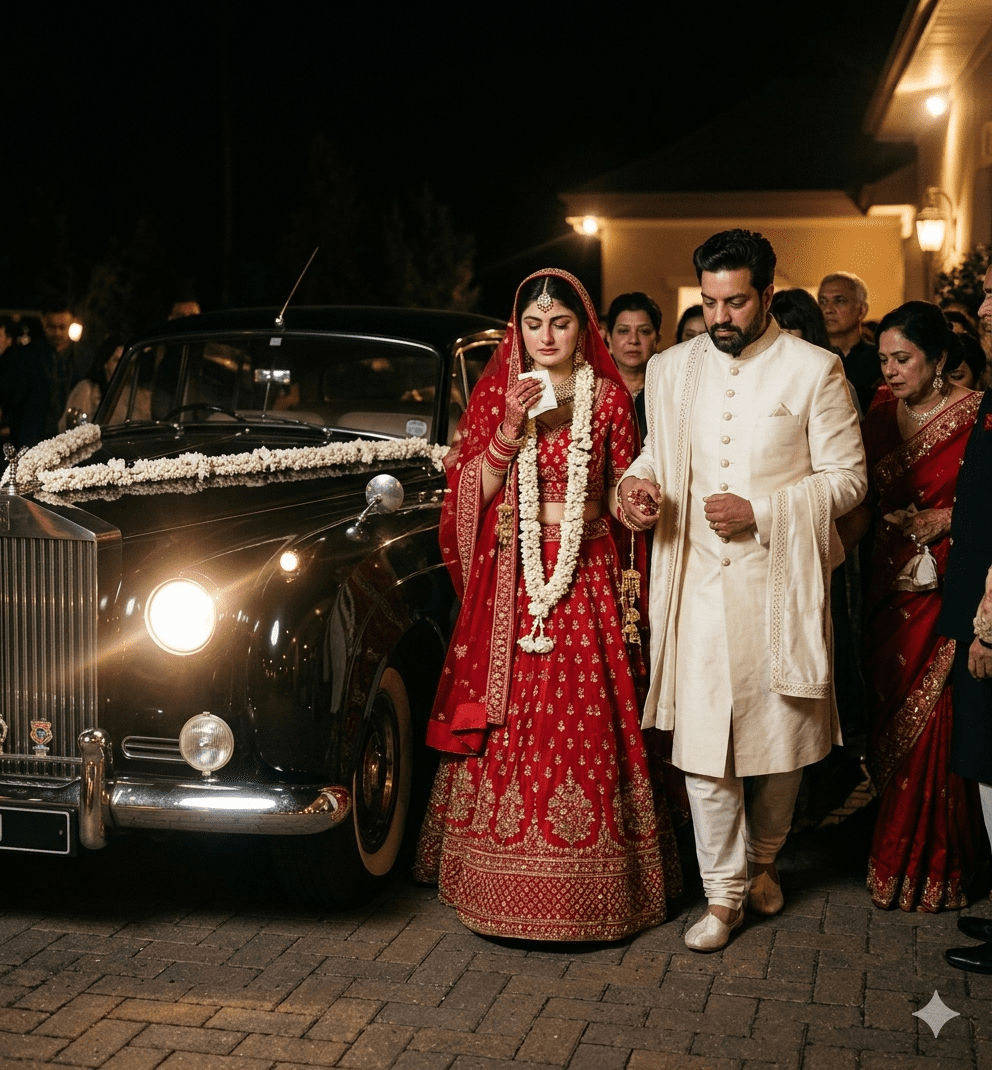
12. The Emotional Rukhsati (The Grand Departure)
The ultimate closing shot of the Barat. A documentary frame that captures the emotional departure of the bride, adding deep storytelling value to the album.
Why You Need These Premium Recreate Wedding Memories AI Prompts
Because free AI tools don’t have access to paid studio features like direct identity locks (--cref), getting a perfect face match requires a clever conversational technique. Don’t just paste a prompt immediately. Following a proper workflow ensures your generated graphics transform into timeless, hyper-realistic family heirlooms without looking fake or plastic.
Step-by-Step Mastery Guide for Nostalgic Recreations:
Prepare Your Reference Photos: Take your old physical passport photos, scan them clearly using a smartphone app, and crop them closely around the face. Ensure the lighting on the original photo is as clear as possible.
The “Context Injection” Strategy: Before you generate any scene, upload the cropped face photos to Gemini or ChatGPT and talk to it like a human assistant. Paste this exact phrase:
“Take a look at the man and woman in these old photos. Pay close attention to their jawlines, eye shapes, and core facial structures. You are now a master celebrity wedding photographer. In a moment, I will give you different scenes. Your job is to keep these exact faces and blend them seamlessly onto the bodies in those scenes without making it look like a sloppy cut-and-paste edit. Confirm if you understand.”
Run the Code: Once the AI confirms it has mapped the faces, drop any of the 12 prompts from above. To double-down on security, add this quick line to the front of your prompt: “Using the analyzed faces with 100% natural lighting integration…”
The Final Smooth (Optional): If a free tool leaves a tiny, unnatural edge around the neckline, simply pass the final image through a free face-swapping web tool or an image enhancer app to instantly blend the skin textures together for a completely organic finish.
Video Usage & Social Media Integration: Turning Art into Motion
Why stop at a static photo album? If you want to surprise your family or create viral content, you can easily turn these high-class static images into cinematic, slow-motion wedding films using free AI video generators like Runway, Pika, or Luma Dream Machine.
The Time Travel Transition: Create a video that starts with a grainy, black-and-white old photo from 30 years ago and fades into a stunning, high-definition version generated by these prompts. This “Old to New” transition is extremely popular on TikTok and Instagram Reels.
The “One Wish” Reel: Use a trending emotional South Asian instrumental track. Show the AI-generated image with a caption: “I recreated my parents’ 1990 wedding photos with AI.” This storytelling format garners high shares and saves.
Cinematic Slideshows: Use YouTube Shorts to showcase a collection of recreated Barat scenes, focusing on the cultural richness and emotional moments like the “Rukhsati” or “Varmala.”
AI Animation: Use Luma Dream Machine to make the couple in the photo smile or look at each other, adding a life-like movement to a decades-old memory.
Re-Photography Value: From Basic Snapshot to 12-Shot Reality
| Old Family Asset | AI Analysis Capability | Final Consistent Output |
| Faded Passport Photo | Maps core facial bones, eye spacing, and expressions. | Natural placement onto a premium ivory silk sherwani or royal maroon velvet lehenga. |
| Grainy B&W Studio Snap | Restores depth of youth features while removing film dust. | Complete integration into a modern, warm-lit luxury Barat reception stage. |
| Low-Res Smartphone Crop | Up-scales facial mesh and corrects color cast dynamically. | Flawless 8K render matching traditional heritage makeup and uniform lighting. |
Create Your Own AI Art Now!
Use our powerful, custom-built AI Prompt Generation tool to turn your words into masterpieces instantly.
Try Our AI Tool 🚀Create Your Own AI Portfolio Now!
Use our powerful, custom-built AI Portfolio Generation tool to turn your words into masterpieces instantly.
Try Our AI Portfolio 🚀