Why Midjourney is a Game-Changer for T-Shirt Print-on-Demand. Print-on-Demand
Finding the best Midjourney prompts for t-shirt designs is the ultimate game-changer for T-Shirt Print-on-Demand (POD) entrepreneurs. POD has revolutionized the e-commerce fashion industry, and the secret weapon of modern business owners is AI. Creating unique, marketable graphics used to require expensive graphic designers or thousands of dollars in software.
With Midjourney v6, you can now generate professional-grade, print-ready clothing designs in seconds. Whether you are targeting the retro-loving markets in the United States or the minimalist aesthetic preferences across Europe, utilizing high-converting Midjourney prompts for t-shirt designs is your most valuable asset.
Mastering Midjourney Prompts for T-Shirt Designs: 5 Trending Niches
This guide provides 5 highly profitable T-shirt design niches with 10 production-ready prompts (5 standalone graphics and 5 matching product mockups), along with a technical guide to mastering parameters like isolation and aspect ratios.
1. The Retro Cosmic Astronaut - With Mockup
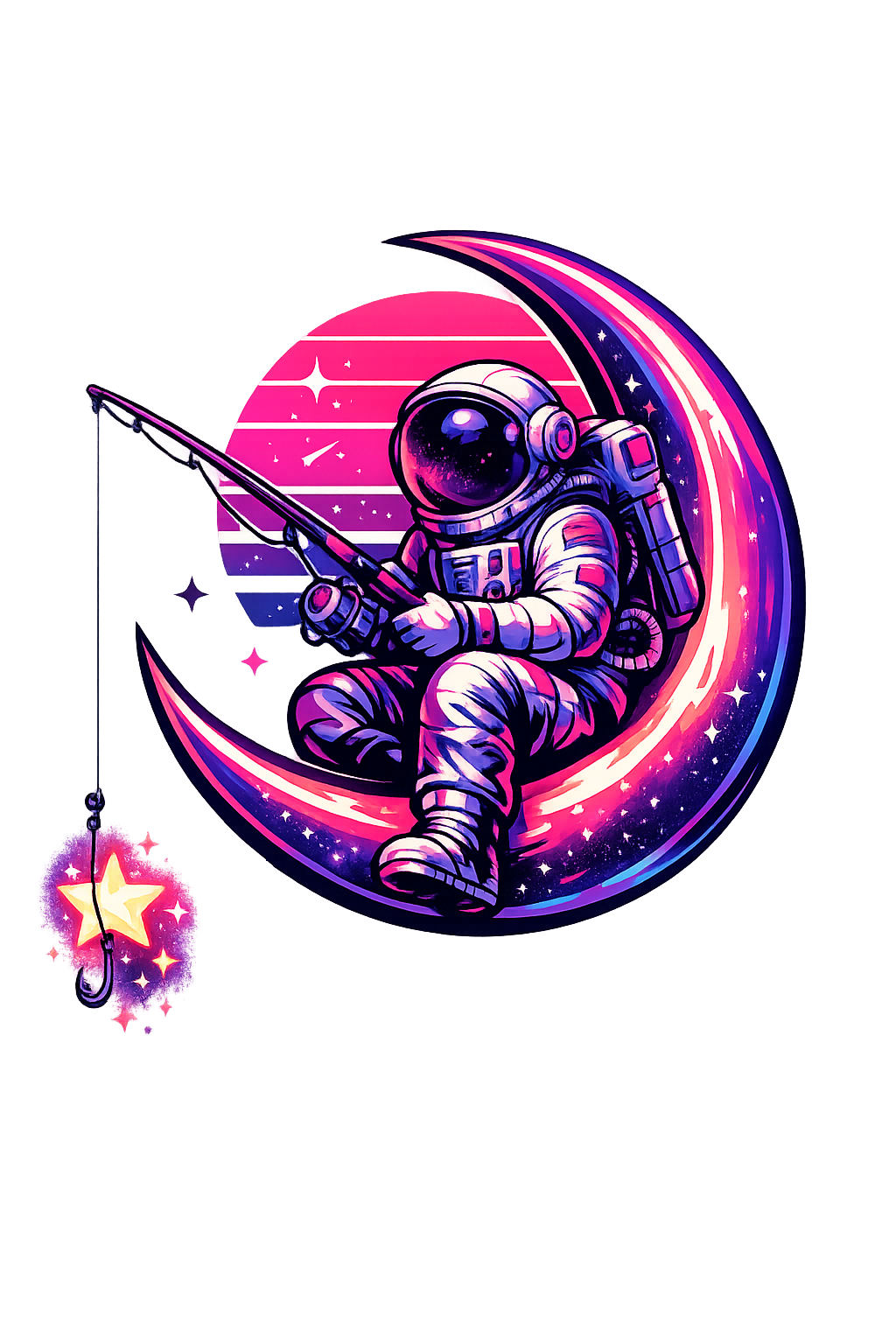
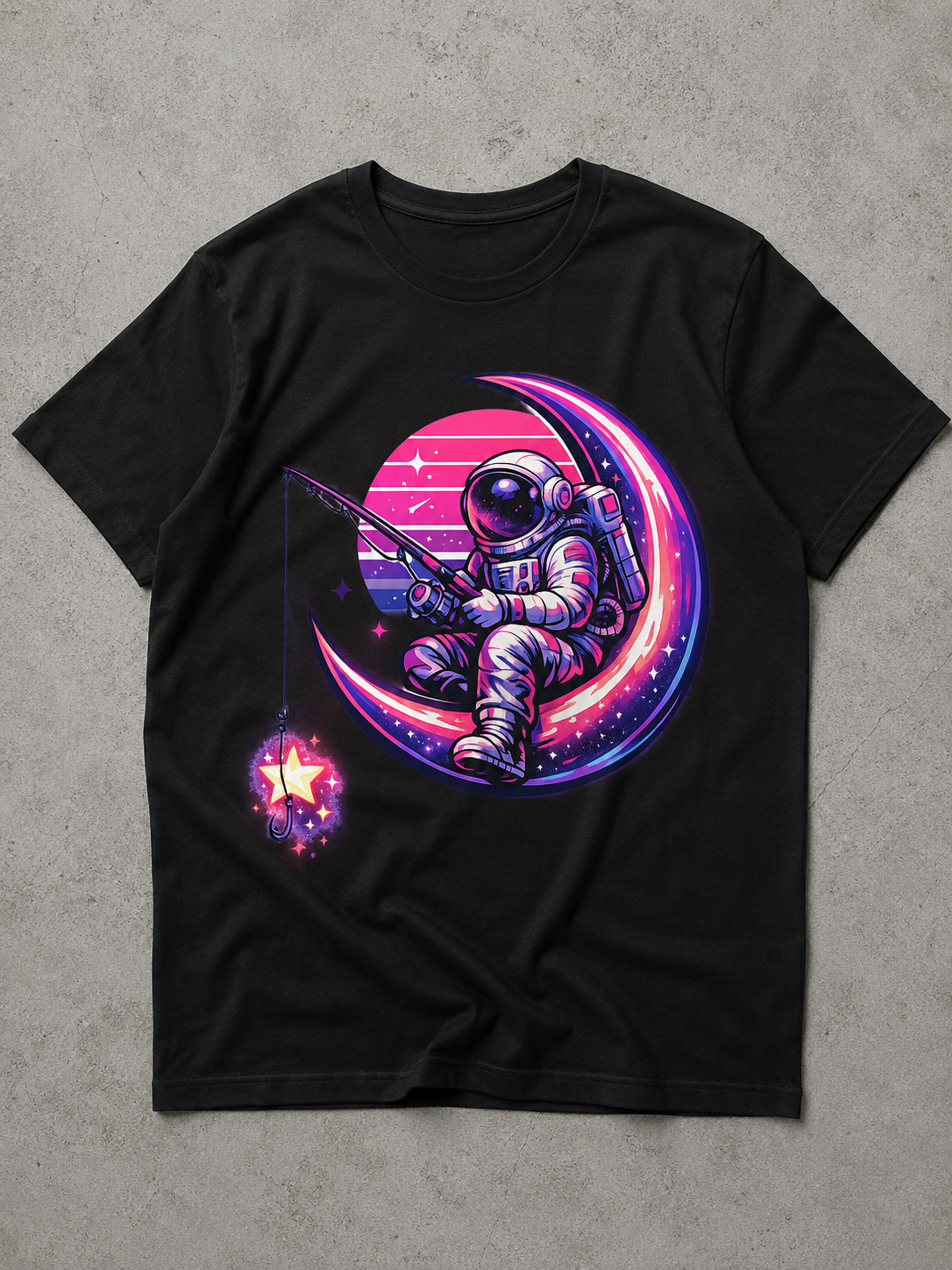
Why This Sells (Human Insight):
Cosmos and astronaut themes combined with retro-vaporware aesthetics are massive hits in international merchandise stores. The “fishing for stars” concept adds an emotional, whimsical story that instantly connects with Gen-Z and Millennial buyers, making it highly shareable and purchase-worthy.
2. Neo-Traditional Gothic Floral Skull (Streetwear Mockup)
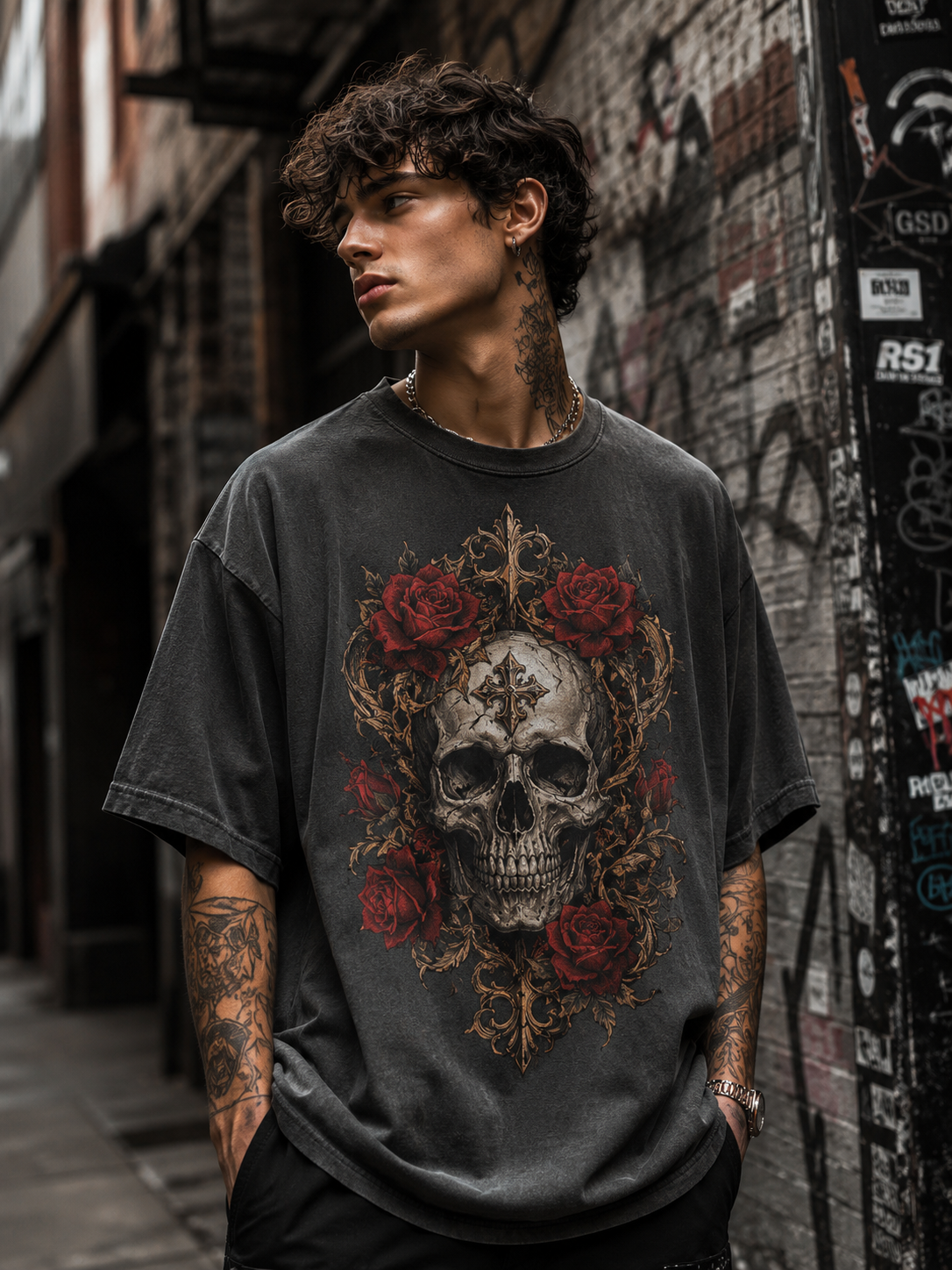
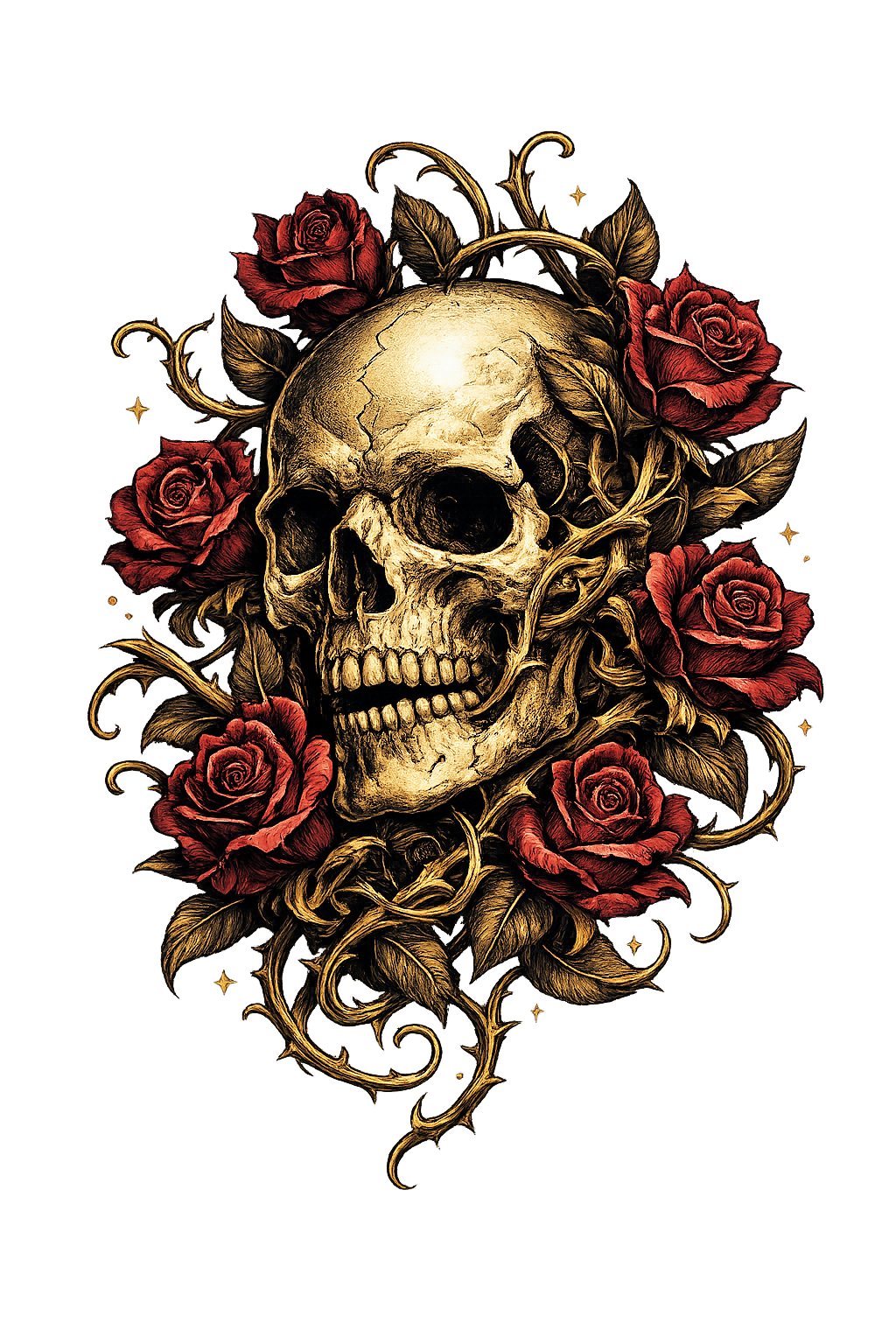
Design Note for Customization:
This design captures the dark aesthetic/gothic trend dominant in urban clothing brands across Europe. The fine-line engraving look gives it a premium, expensive feel. To customize this for an alternative audience, you can replace “roses” with “monstera leaves” or “geometric crystals”.
3. Cyberpunk Neo-Tokyo Kitsune (Anime/Japanese Streetwear) Mockup
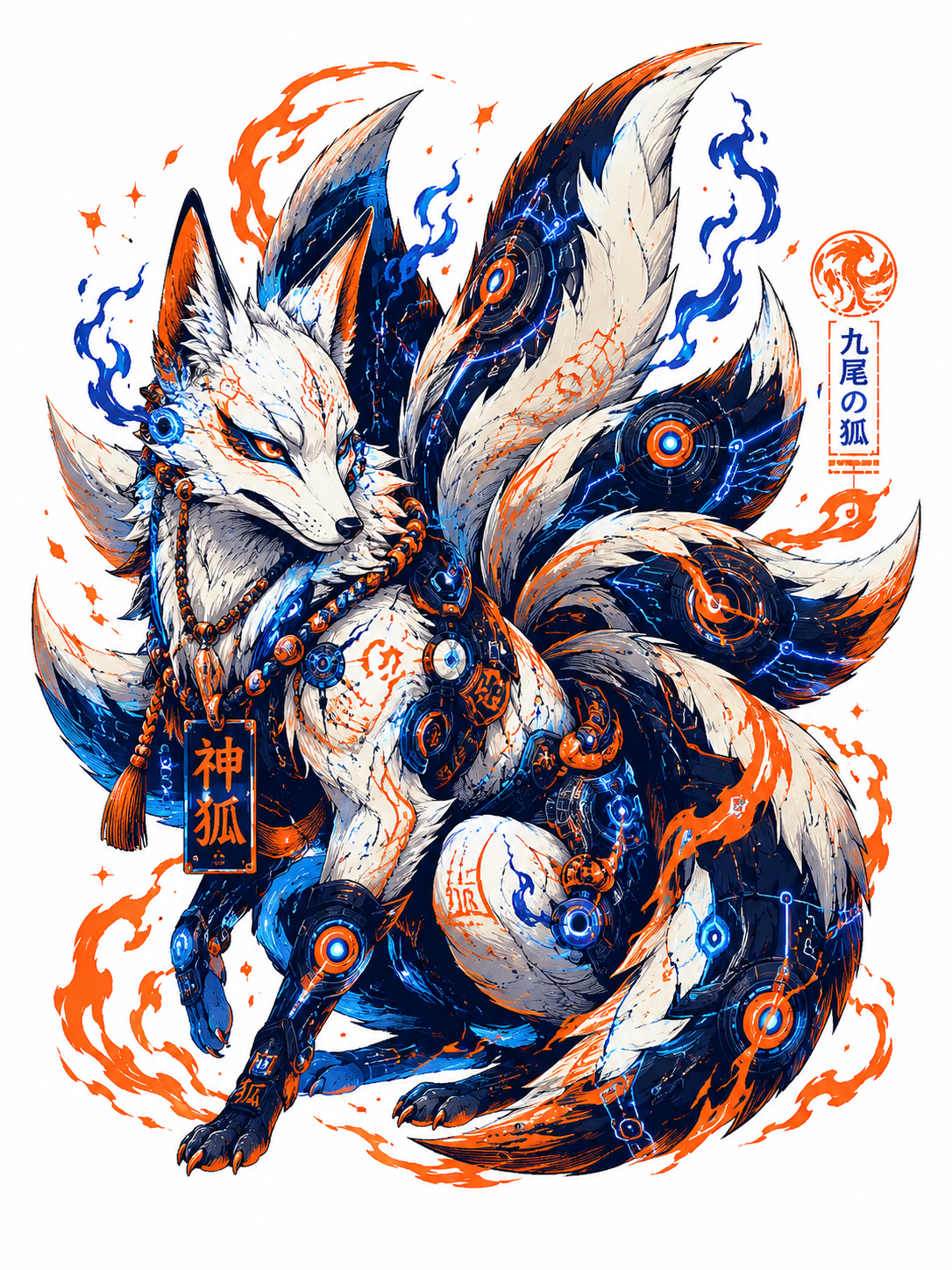
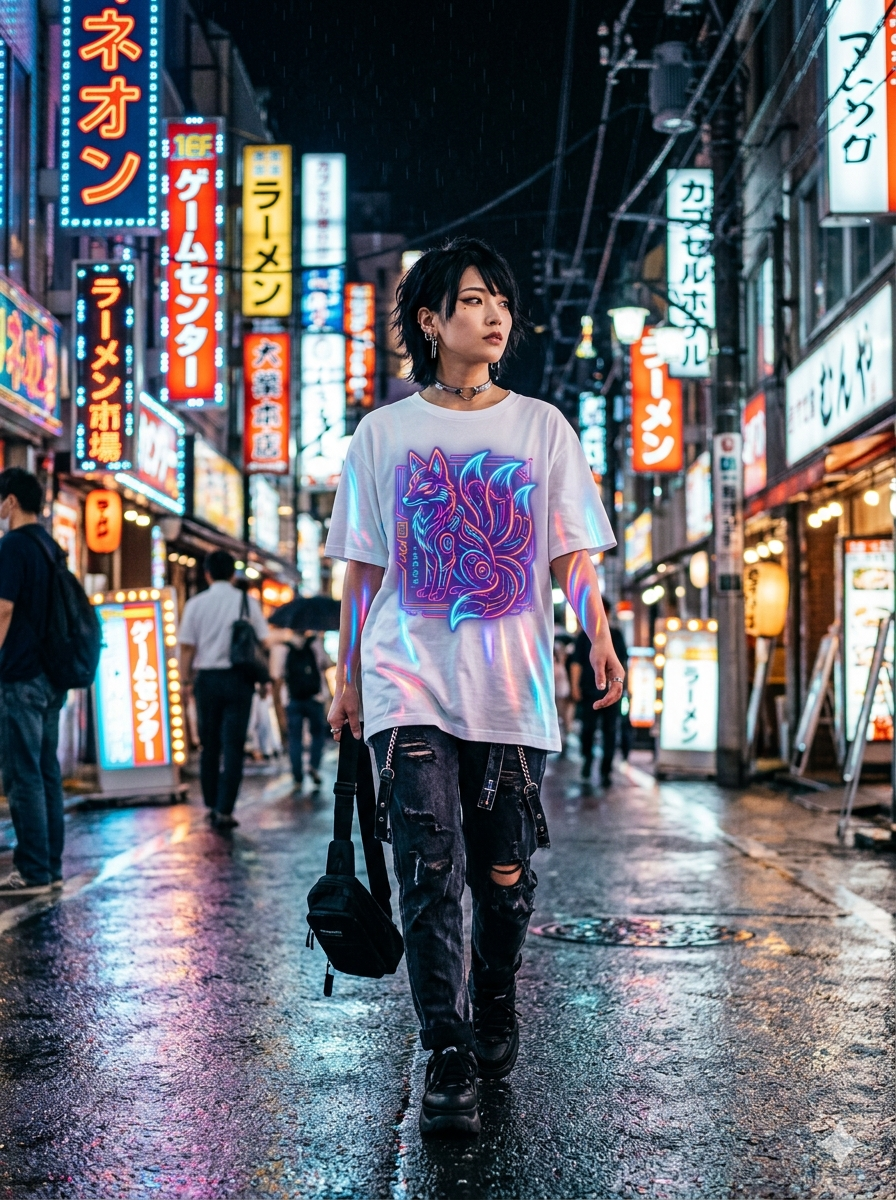
Why This Sells:
Anime and Japanese culture mixed with cyberpunk is a multi-million dollar niche in the US. This design uses “high-contrast screen print look” which ensures that when printed via DTG (Direct-to-Garment), the colors pop vividly against black or dark hoodies and tees.
4. Vintage 70s Distressed Adventure Emblem (Mockup)
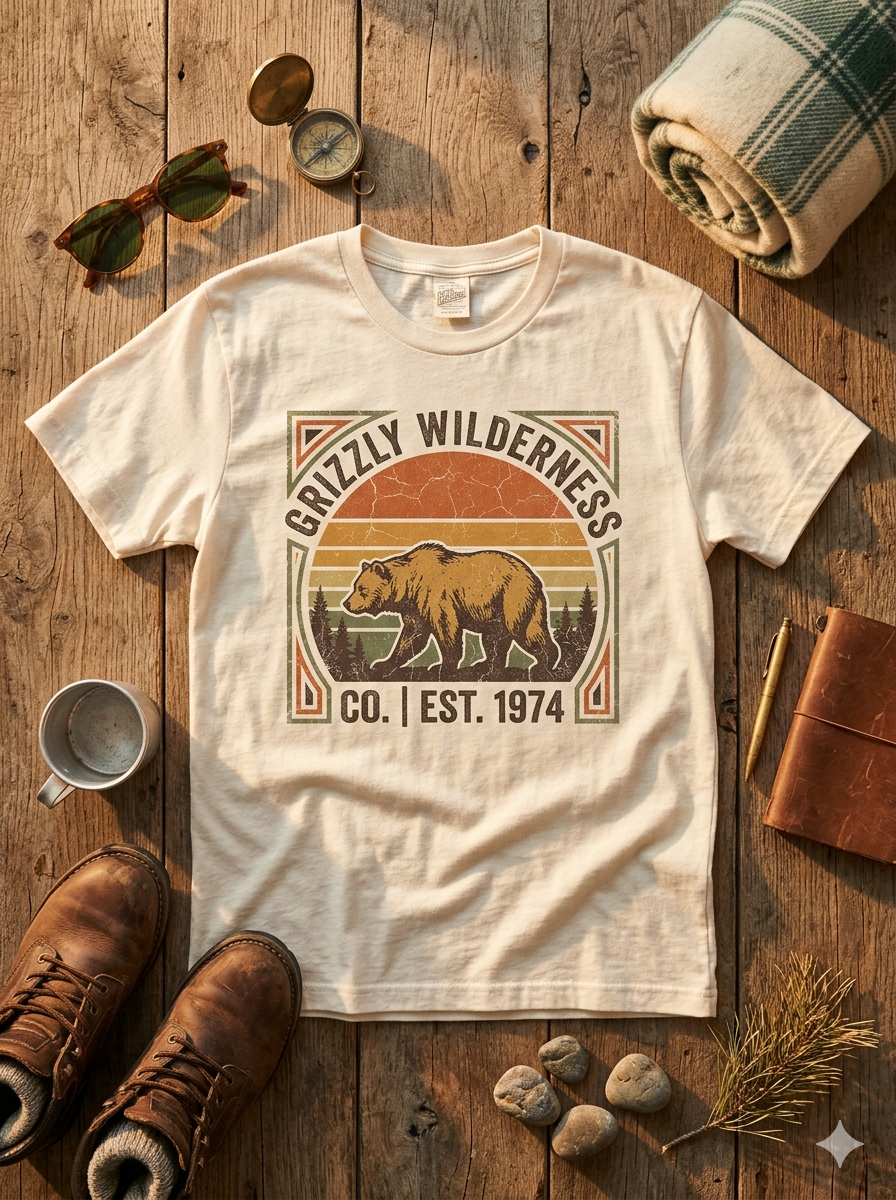
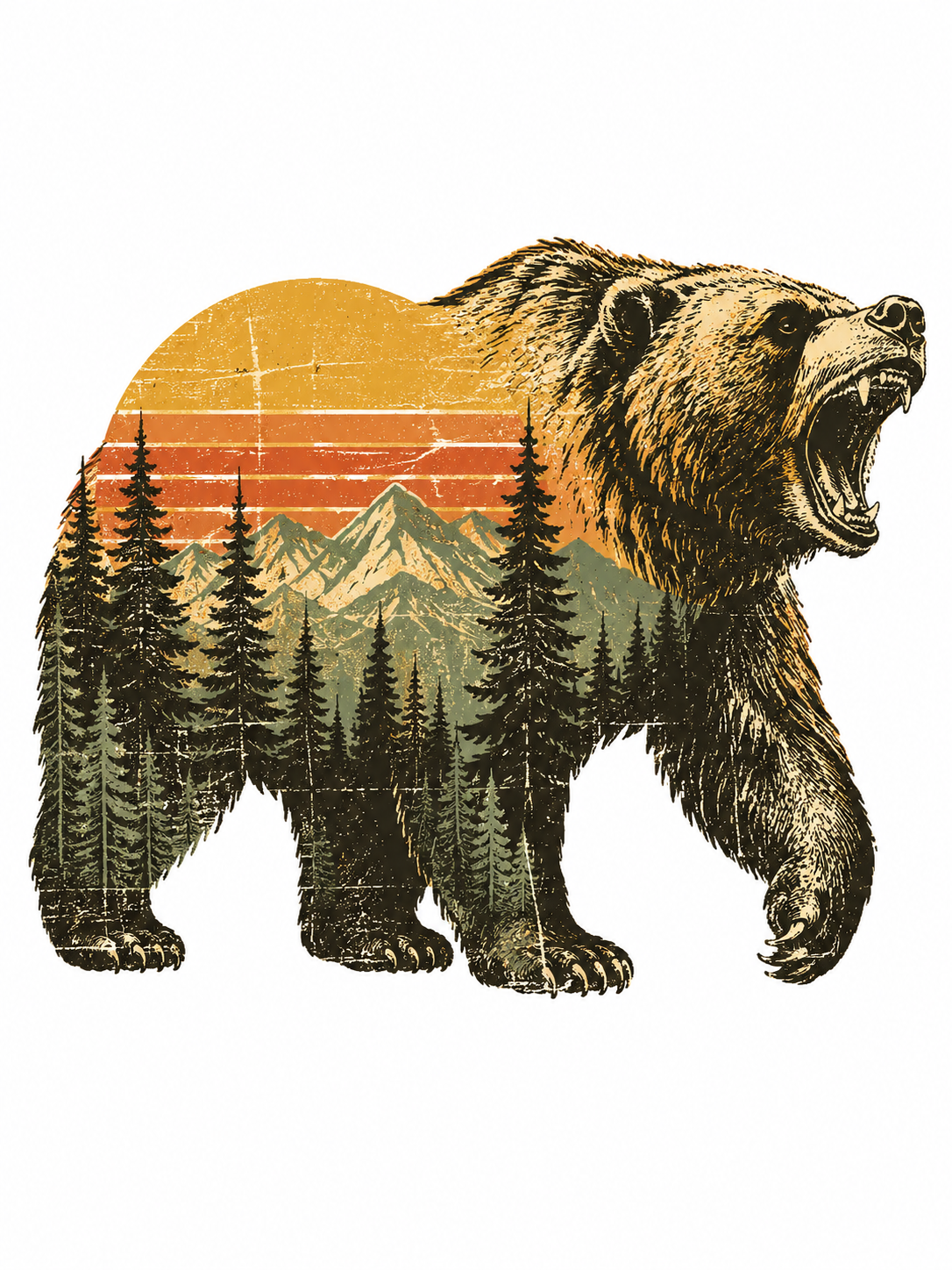
Why This Sells:
The outdoor/adventure niche is evergreen in the United States. Buyers love the nostalgic, worn-out, vintage look. By embedding the “pine forest and sunset landscape” inside the bear’s silhouette, the AI creates a double-exposure effect that looks incredibly artistic and professional.
5. Psychedelic Trippy Cosmic Cat (Pop-Art / Humor Niche) Mockup
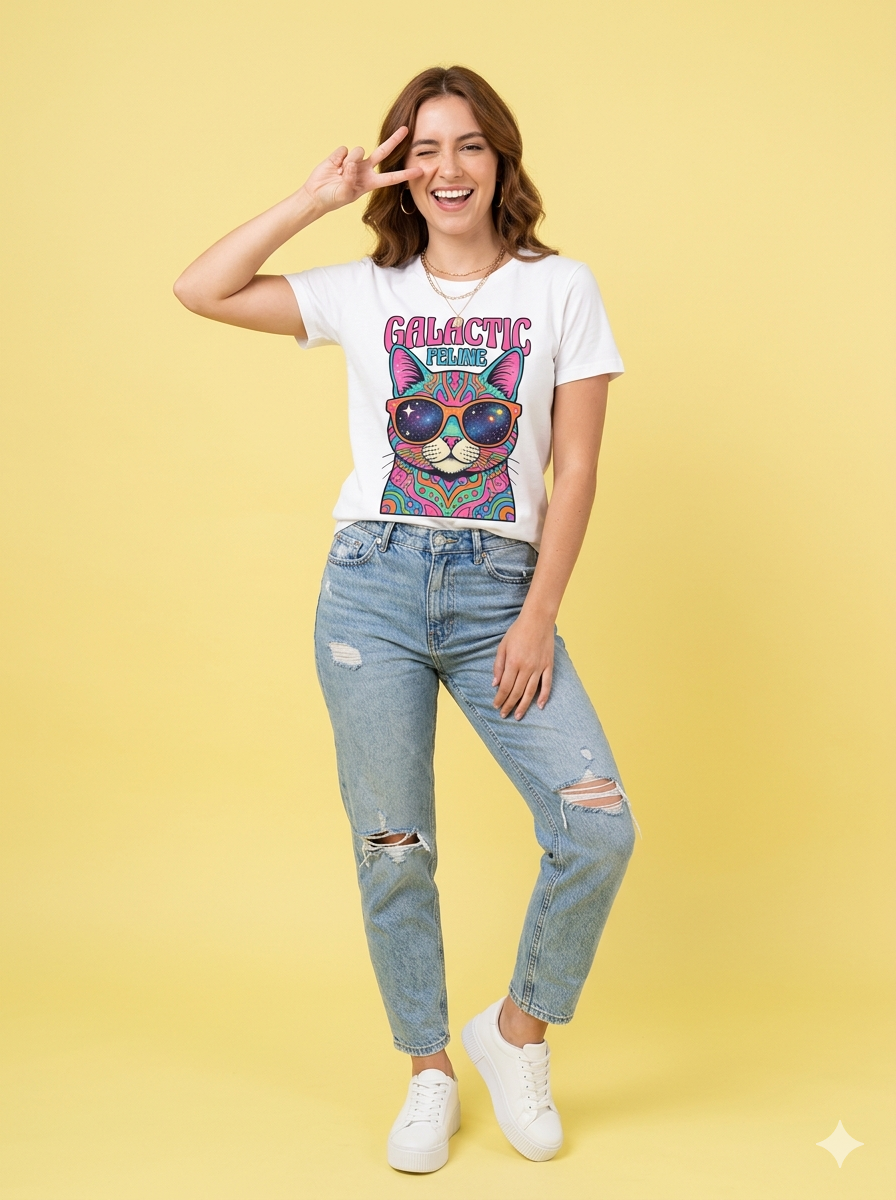
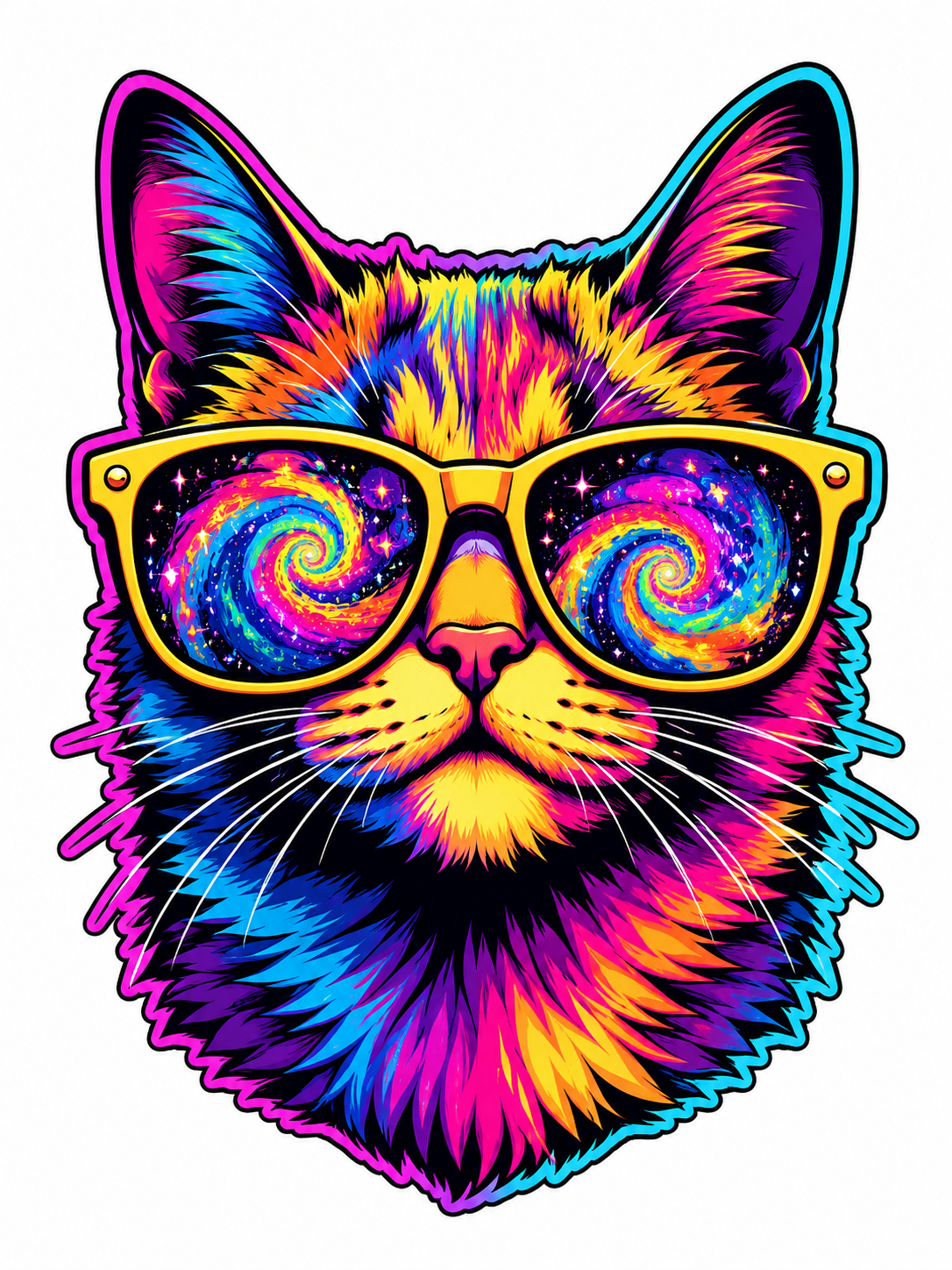
Why This Sells:
Animal lovers combined with trippy, colorful humor is a formula that always works for impulse buying. This design is highly visual and forces people browsing an online store to stop scrolling and click “Add to Cart.”
Step-by-Step Guide to Mastering Midjourney T-Shirt Parameters
Generating an image is step one. To create a successful, printable graphic, you must understand how to control the Midjourney engine specifically for T-shirts. Here are the most critical parameters we use in this guide:
The Importance of Background Isolation (--no)
Perhaps the biggest challenge in generating T-shirt art is getting the image off the initial background. Midjourney v6 has improved, but we must be explicit.
Why We Use
--no background: If your image has a dark gradient that fades into the shirt color, it will look terrible. By specifying “isolated on solid white background” and using--no background, color, borders, we force the engine to give us clean edges which are easy to vectorize later.
Choosing the Right Aspect Ratio (--ar)
Unlike ceiling designs (which look great at 16:9), T-shirt graphics are usually vertical.
Always Use
--ar 3:4or--ar 2:3: This vertical format is necessary to position the design properly on the chest or back area of the shirt during production.
Technical Workflow: Post-Processing for Print-Ready Files
Midjourney images are raster-based (made of pixels). For professional T-shirt printing (screen printing or high-quality DTG), you usually need vector files (smooth lines, infinite scalability).
How to Vectorize Your AI Art (Step-by-Step):
Upscale and Generate: Upscale your favorite isolated generation to the maximum resolution in Midjourney.
Remove the Background: Even with
--no background, there might be a matted edge. Use a tool like Adobe Photoshop (using Select Subject and Mask) or a high-quality online tool to remove the solid white/black background.Vectorization (AI to SVG): Upload your clean PNG to a vectorizer tool. Convert it to SVG or AI format. This smooths out any pixelation, making your lines crisp.
Final File Prep: Open your vector file in Adobe Illustrator or Inkscape. Add any specific text or adjust the design’s final print dimensions (e.g., 12×14 inches). Save the final printable file as a high-resolution PNG with a transparent background or as an SVG.
Create Your Own AI Art Now!
Use our powerful, custom-built AI Prompt Generation tool to turn your words into masterpieces instantly.
Try Our AI Tool 🚀Create Your Own AI Portfolio Now!
Use our powerful, custom-built AI Portfolio Generation tool to turn your words into masterpieces instantly.
Try Our AI Portfolio 🚀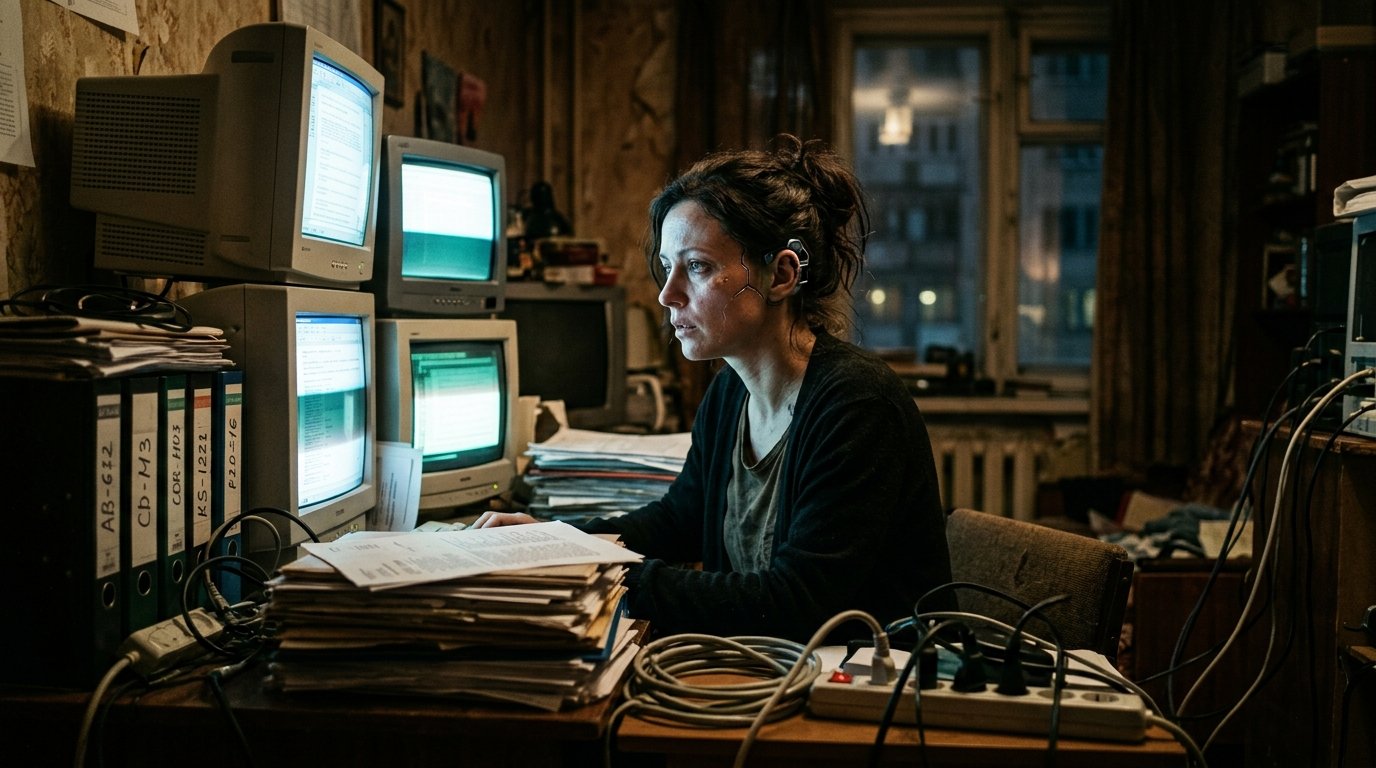
If your cyberpunk images continuously turn into the same wet alleyway drenched in cyan and pink neon, or your sci-fi […]
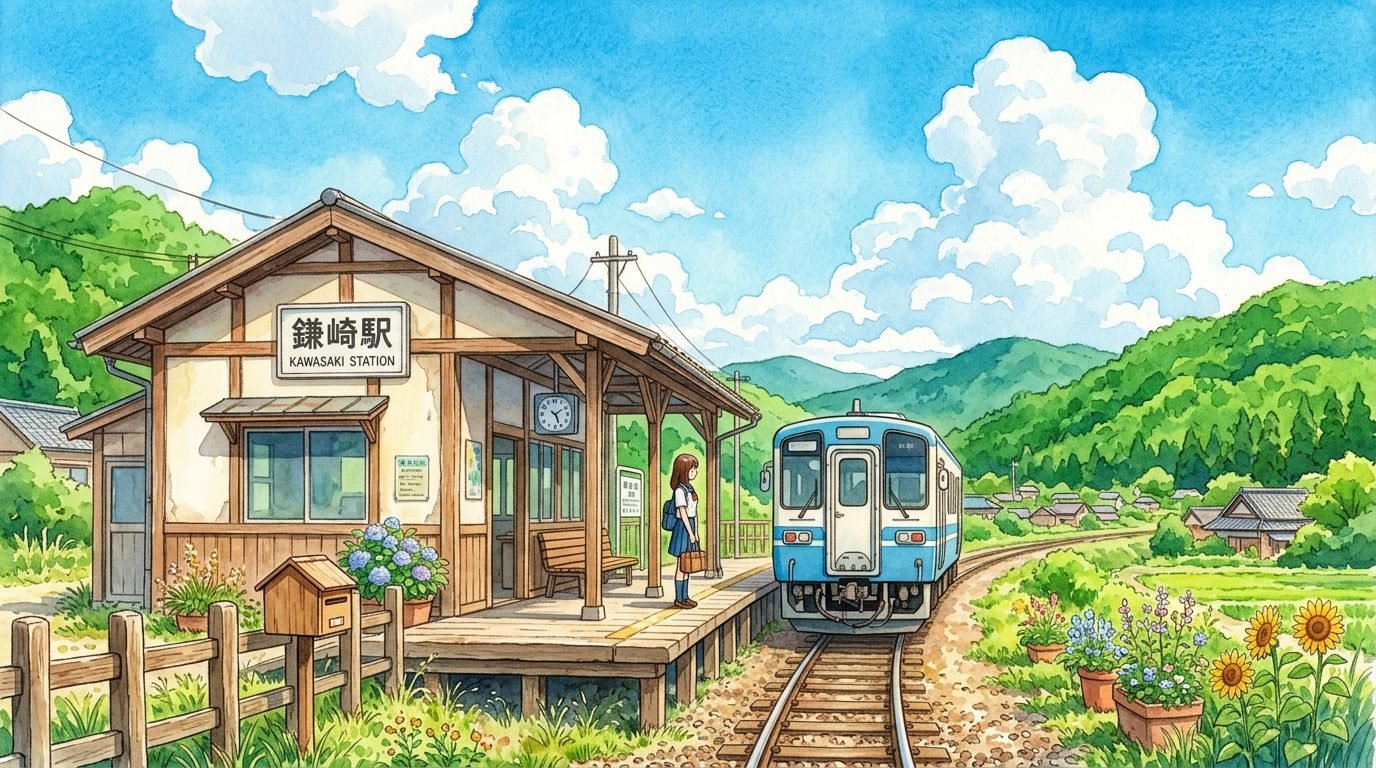
Anime AI Prompts: Complete Image & Video Guide Expressive eyes, hand-drawn aesthetics, dynamic movement, and rich world-building make anime one […]