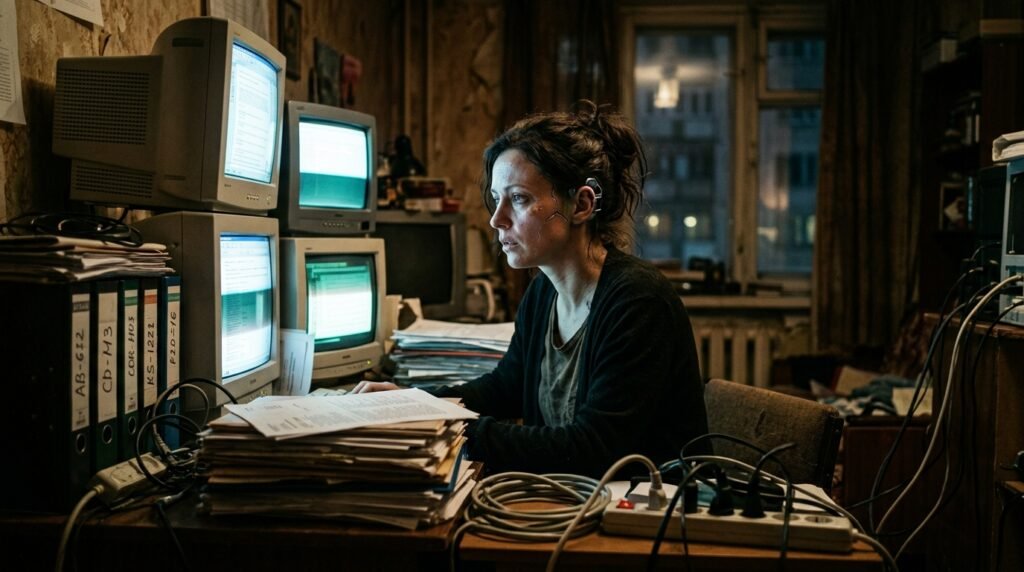
Looking for the ultimate AI house construction video prompt? Generating 3D architectural transformation videos—where a luxury house seamlessly grows out of empty ground—is one of the biggest viral trends on social media right now. In this guide, we will show you how to use this exact AI house construction videos prompt workflow using Midjourney and PixVerse.
Watch the Final Result & Full Video Tutorial Below:
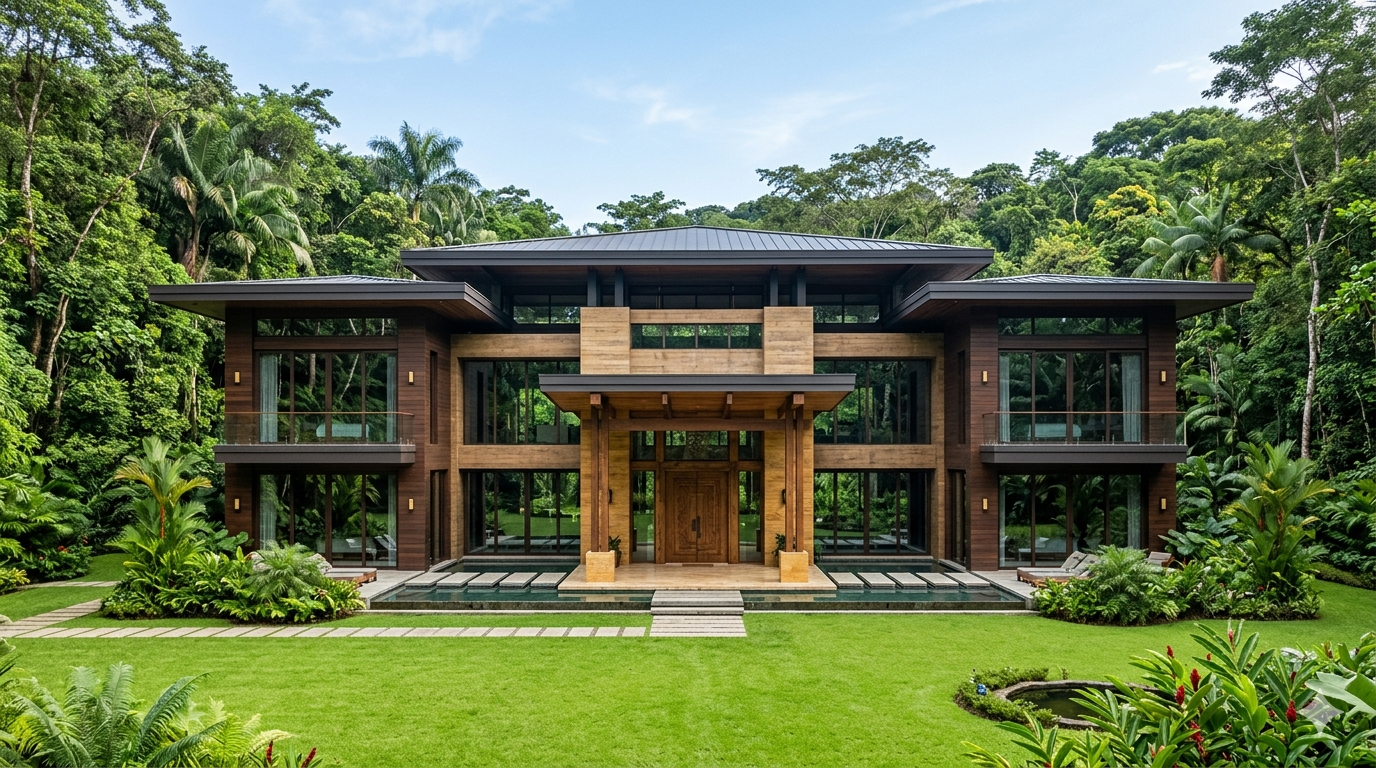
Step 1: Generate the Finished House (The Target Design)
The secret to a perfect construction video is creating the final look first. We need a clean, front-facing view of a modern palace so the AI can map out the structural layout easily.
Copy this prompt and paste it into Midjourney:
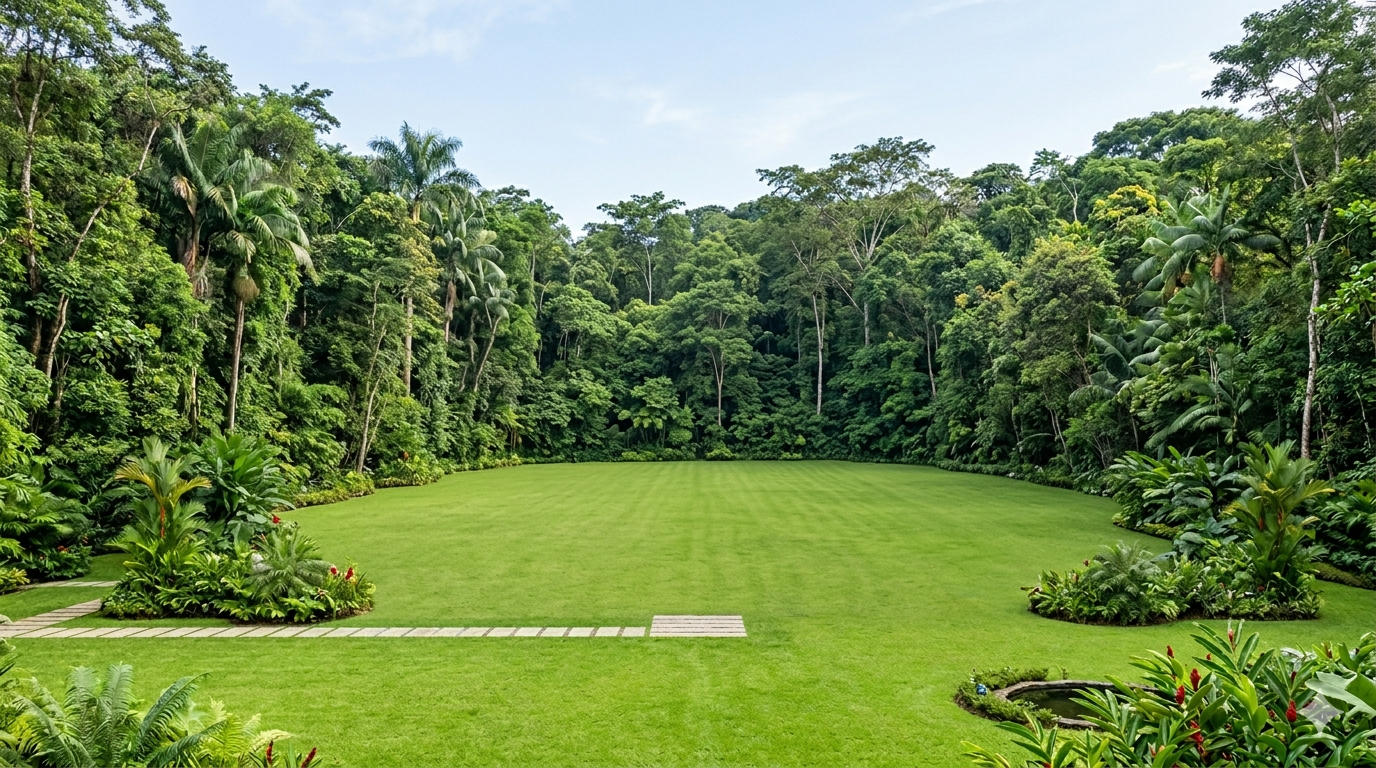
Step 2: Generate the Empty Background (The Starting Plot)
Next, we need the exact same background scene but without the house. This gives the video generator a clean canvas to start the construction from.
Copy this prompt into Midjourney to get the matching empty land:
Step 3: Apply the AI House Construction Videos Prompt in PixVerse
Now that you have both images, it’s time to bring the construction to life. Open PixVerse.ai (or any preferred video tool like Luma/Kling) and follow these settings:
Image-to-Video Mode: Go to the AI video generation panel.
Upload Reference Frames: Set the Empty Plot Image as your First Frame (Start), and the Finished House Image as your End Frame (Last).
Inject the Chronological Motion Prompt: Paste the following text to enforce a logical, step-by-step building process.
Pro-Tip: How to Fix Out-of-Order Construction
A common issue in AI video tools (like Google Veo) is that the AI might build the roof before the walls. To fix this chronology issue, always use directional keywords like “Strict chronological order”, “First”, “Next”, and “Finally” in your text prompts. This forces the engine to follow standard physics and real-world construction logic.
Where to Use These Videos for Maximum Traffic?
YouTube Shorts & Instagram Reels: Pair these videos with trending ambient or lo-fi music to gain massive organic followers.
Pinterest Design Boards: Link these videos back to your website to drive high-intent global traffic to your prompt blog.
Freelance Services: Offer “Property Before/After AI Animations” as a premium service for real estate agents on Fiverr or Upwork.
Top AI Video Tools Comparison
| AI Video Tool | Output Quality | Prompt Accuracy | Pricing |
| PixVerse AI | High (Realistic) | Excellent | Free Credits / Paid |
| Kling AI | Ultra-Realistic | Good | Paid / Daily Check-in |
| Luma Dream Machine | Good Motion | Average | Free Tier Available |
Create Your Own AI Art Now!
Use our powerful, custom-built AI Prompt Generation tool to turn your words into masterpieces instantly.
Try Our AI Tool 🚀Create Your Own AI Portfolio Now!
Use our powerful, custom-built AI Portfolio Generation tool to turn your words into masterpieces instantly.
Try Our AI Portfolio 🚀