50+ Free 4K Wallpaper AI Prompts for Mobile & Desktop
Explore the best 4K Wallpaper AI Prompts for creating stunning mobile and desktop wallpapers, abstract backgrounds, fantasy landscapes, and Ultra HD artwork with Midjourney, DALL-E 3, and Bing AI.
Want to feature your AI tool or services on this high-traffic page?
📢 Click Here to Advertise / Sponsor This Slot →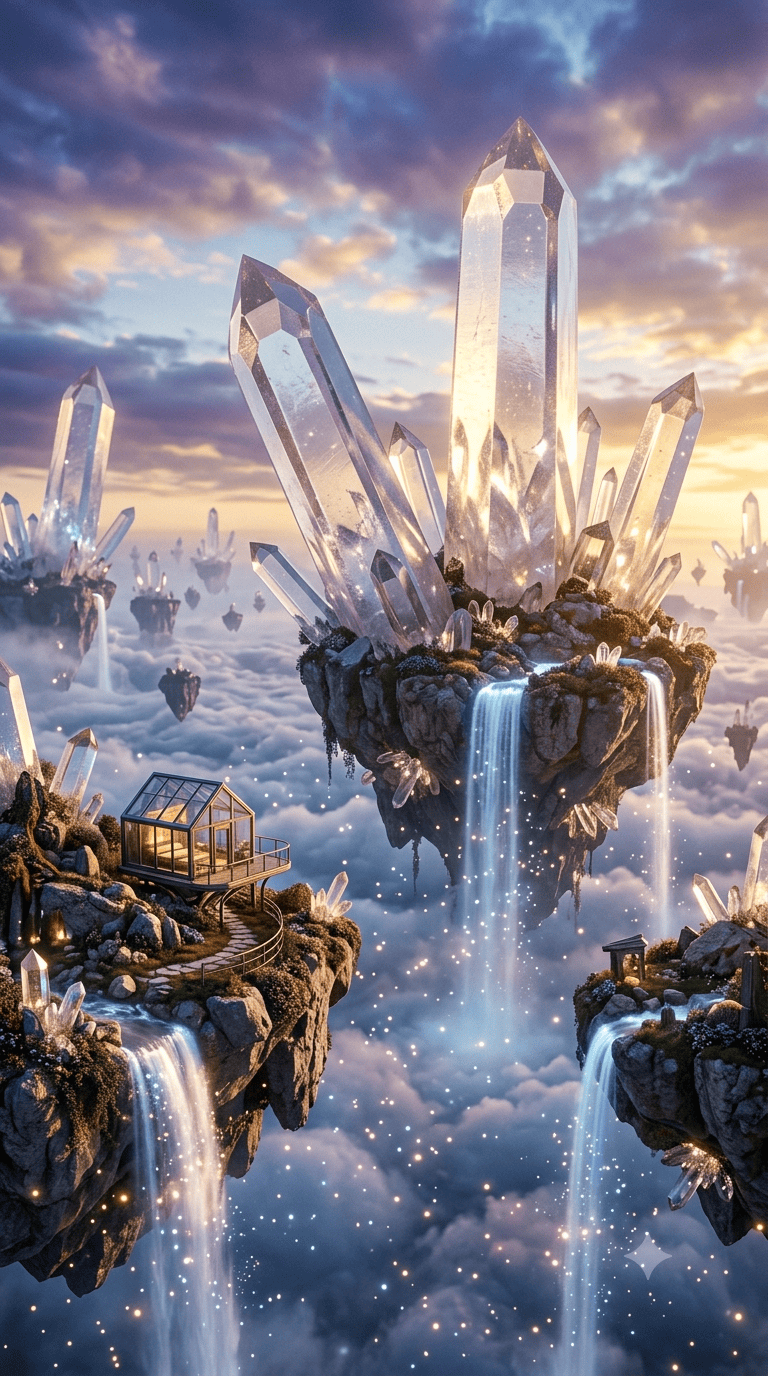
Floating Crystal Islands Fantasy Waterfall Mobile Wallpaper AI Prompt
View Prompt →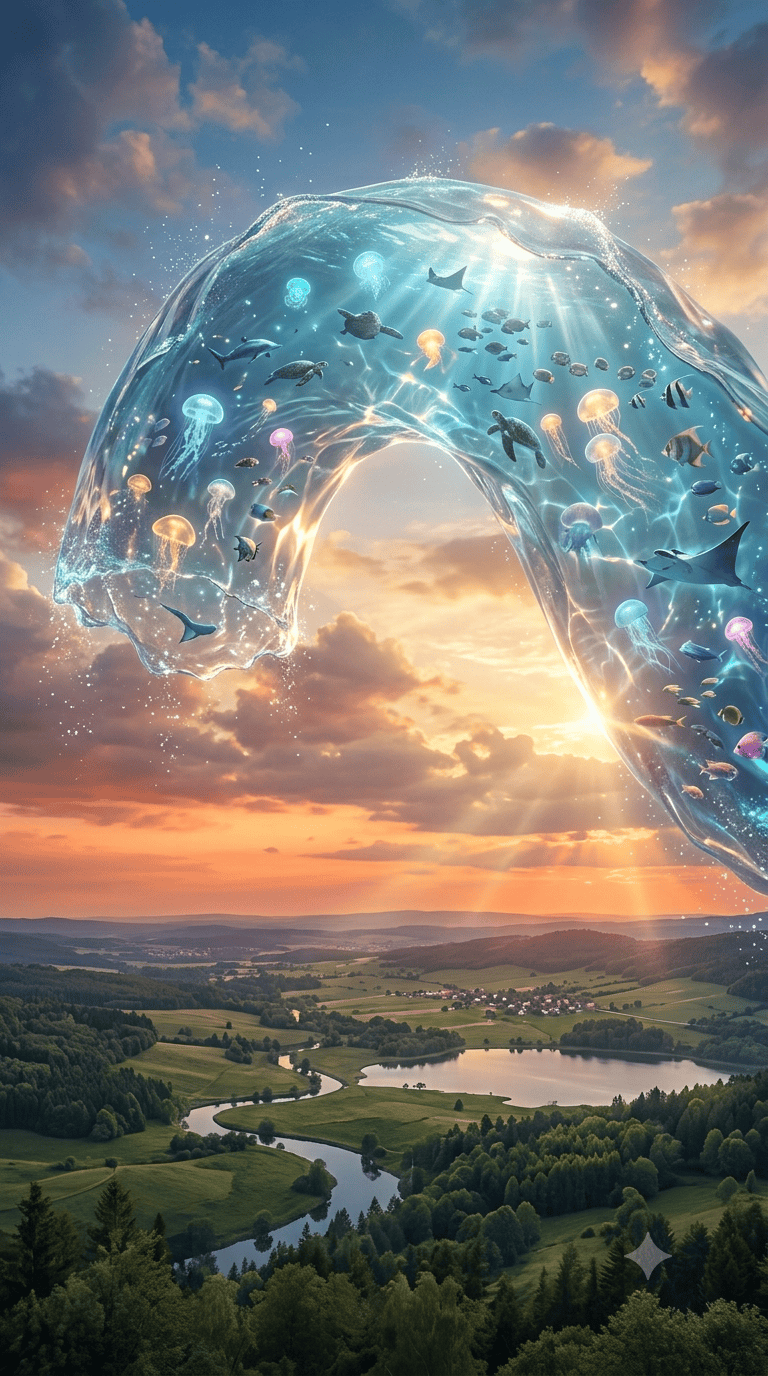
Surreal Water Rainbow Aquarium Arch Fantasy 4K Wallpaper
View Prompt →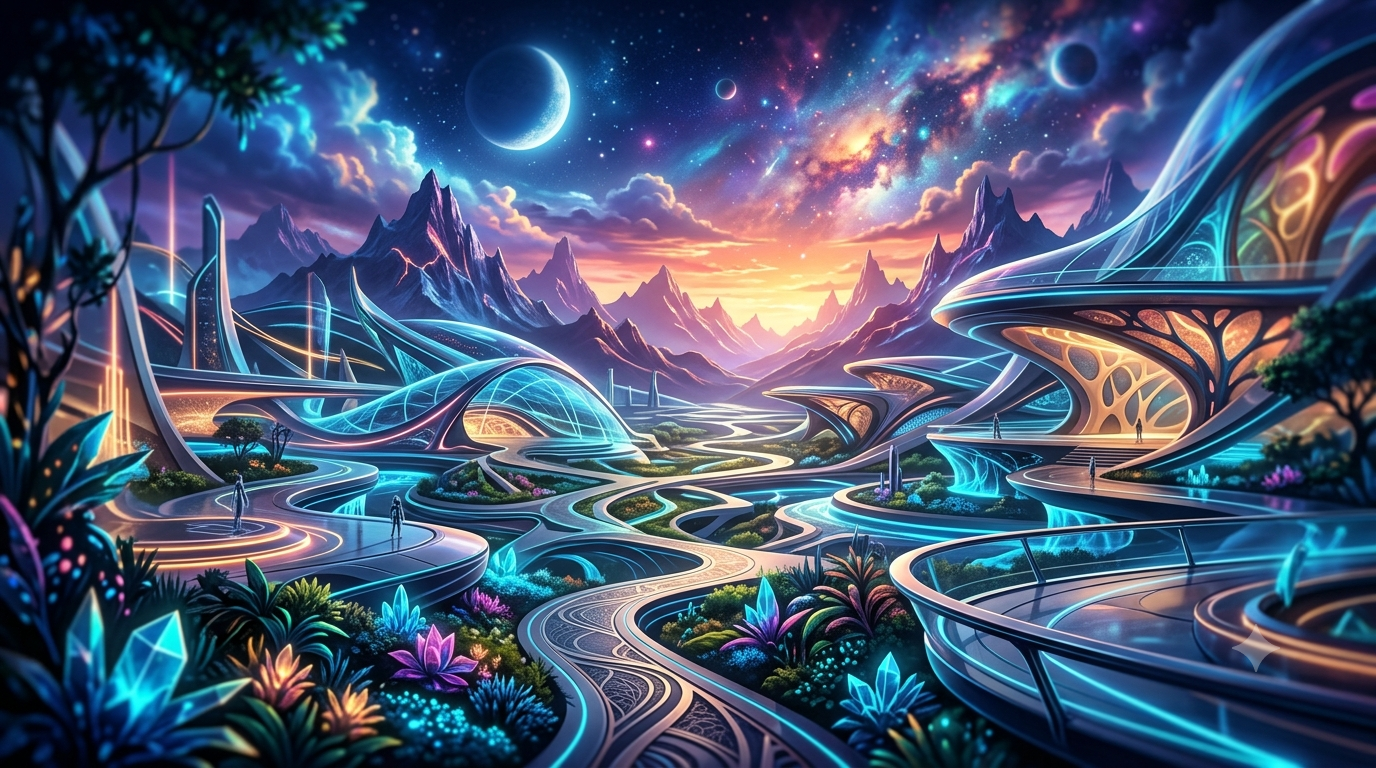
4K Wallpaper AI Prompts
View Prompt →Sponsor Tool Name
Short description of the sponsor item or affiliate deal goes here.
This page may contain affiliate links. We may earn a commission at no extra cost to you.
How to Use & Customize 4K Wallpaper AI Prompts
Designing custom Ultra HD backgrounds, aesthetic mobile screens, and desktop wallpapers is fast and effortless with generative AI. Our handpicked collection of 4K Wallpaper AI Prompts is curated to help digital creators, phone background enthusiasts, and graphic designers generate eye-catching visuals. Whether you prefer vibrant gradient glassmorphism, serene anime scenery, dark cyberpunk cityscapes, or cosmic nebulae, these prompts provide crisp results.
To customize any wallpaper prompt to match your device display or personal theme, consider tailoring these key parameters:
- Aspect Ratio & Screen Format: Always specify the exact device orientation using platform flags like
--ar 9:16for smartphones (iPhone/Android) or--ar 16:9for monitors and desktop setups. - Visual Style & Theme: Swap aesthetic concepts easily (e.g., change "a liquid gradient glassmorphism abstract" to "a cozy rain-soaked Tokyo street in anime style" or "a serene minimal pastel mountain peak").
- Lighting & Color Palette: Define mood using keywords like "neon glow, sunset golden hour, dark OLED friendly black background, soft pastel gradients, or bioluminescent light contrast."
- Render Quality Keywords: Enhance visual crispness with descriptors such as "8k resolution, ultra-detailed, Unreal Engine 5 render, sharp focus, vibrant contrast, smooth vector gradients."
AI Tools Compatible with These Prompts
These 4K Wallpaper AI Prompts are structured to generate high-density detail and vibrant screen compositions across leading AI art platforms:
- Midjourney — The top choice for rich lighting effects, depth, and precise screen aspect ratio controls (Use
--ar 9:16for mobile or--ar 16:9for desktop displays). - Bing Image Creator (DALL-E 3) — Great for rendering crisp 1:1 square square themes, high-contrast abstract artwork, and detailed digital illustrations.
- Leonardo AI — Ideal for creators who want custom canvas dimensions, built-in upscaling, and specialized photorealism pipelines.
Explore Related AI Prompt Categories
Looking for more background styles and aesthetic artwork? Check out our related prompt collections:
- Seamless Pattern & Texture Prompts — Generate tileable background prints, textures, and repeating geometric wallpapers.
- Dark Fantasy & Horror Prompts — Create moody gothic landscapes, dark fantasy castles, and atmospheric wallpapers.
- Gaming Concept Art Prompts — Explore sci-fi game environments, level artwork, and futuristic landscapes.
Frequently Asked Questions (FAQs)
1. Which aspect ratio parameters should I use for mobile vs. desktop wallpapers in Midjourney?
For smartphones (iPhones and Android), append --ar 9:16 to your prompt. For desktop monitors or laptops, use --ar 16:9 or --ar 21:9 for ultrawide monitors.
2. How do I make sure the AI wallpaper fits modern OLED screens well?
To optimize for OLED displays, include phrases like "deep true black background, high-contrast neon accents, OLED friendly dark theme," which allows screen pixels to display deep blacks and rich contrast.
3. Do I need an AI upscaler to achieve true 4K resolution?
Most standard AI outputs are rendered at 1080p to 2K equivalent pixel dimensions. Using a free AI image upscaler (like Upscayl or VanceAI) after generating your image ensures razor-sharp 4K or 8K resolution without losing detail.
4. Can I use these wallpaper designs for mobile icon pack apps or digital downloads?
Yes! Creators frequently package AI-generated wallpapers into digital wallpaper packs or theme apps on Etsy, Gumroad, and Shopify. Always review your AI tool's commercial usage permissions.