50+ Free Seamless Pattern and Texture AI Prompts
Explore curated Seamless Pattern and Texture AI Prompts for creating repeatable patterns, wallpaper designs, fabric prints, and background textures with Midjourney, DALL-E 3, and Bing AI.
Want to feature your AI tool or services on this high-traffic page?
📢 Click Here to Advertise / Sponsor This Slot →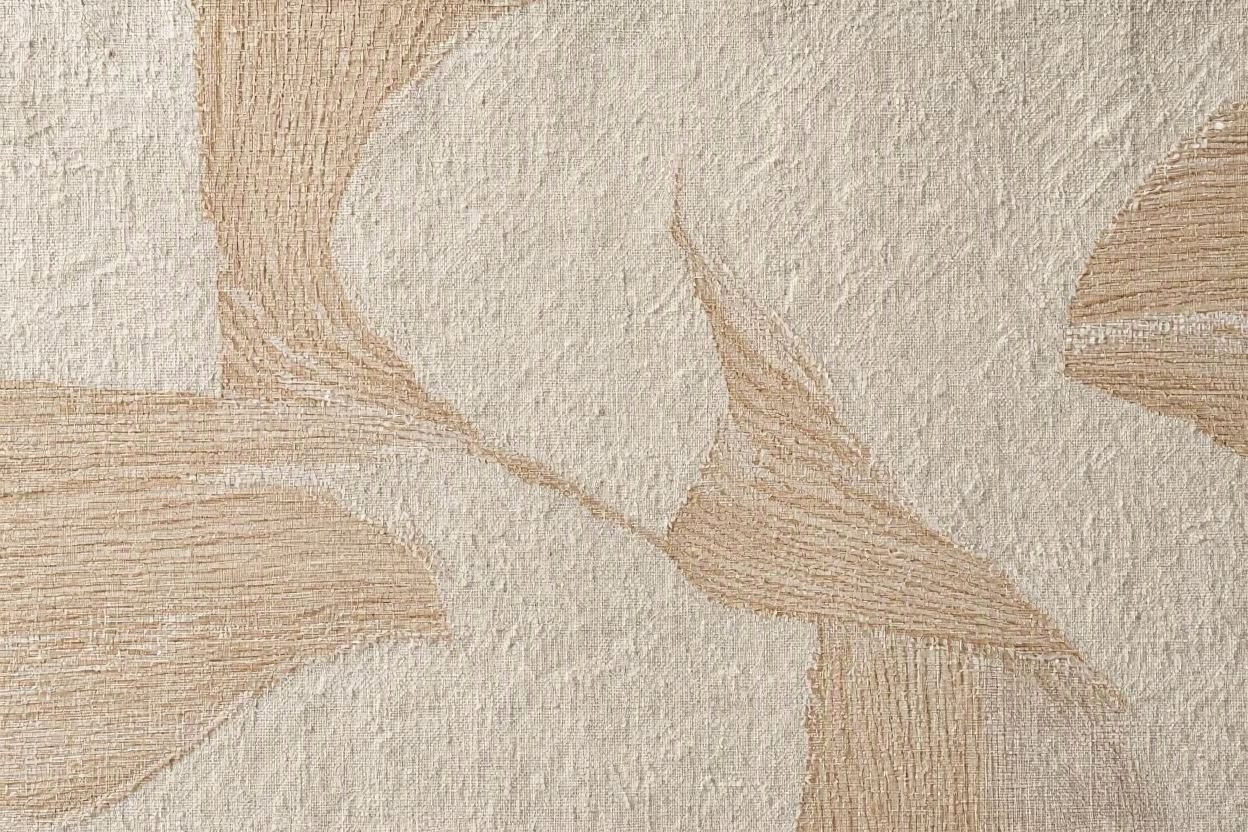
Japandi Minimalist Textured Linen Woven Grasscloth Pattern
View Prompt →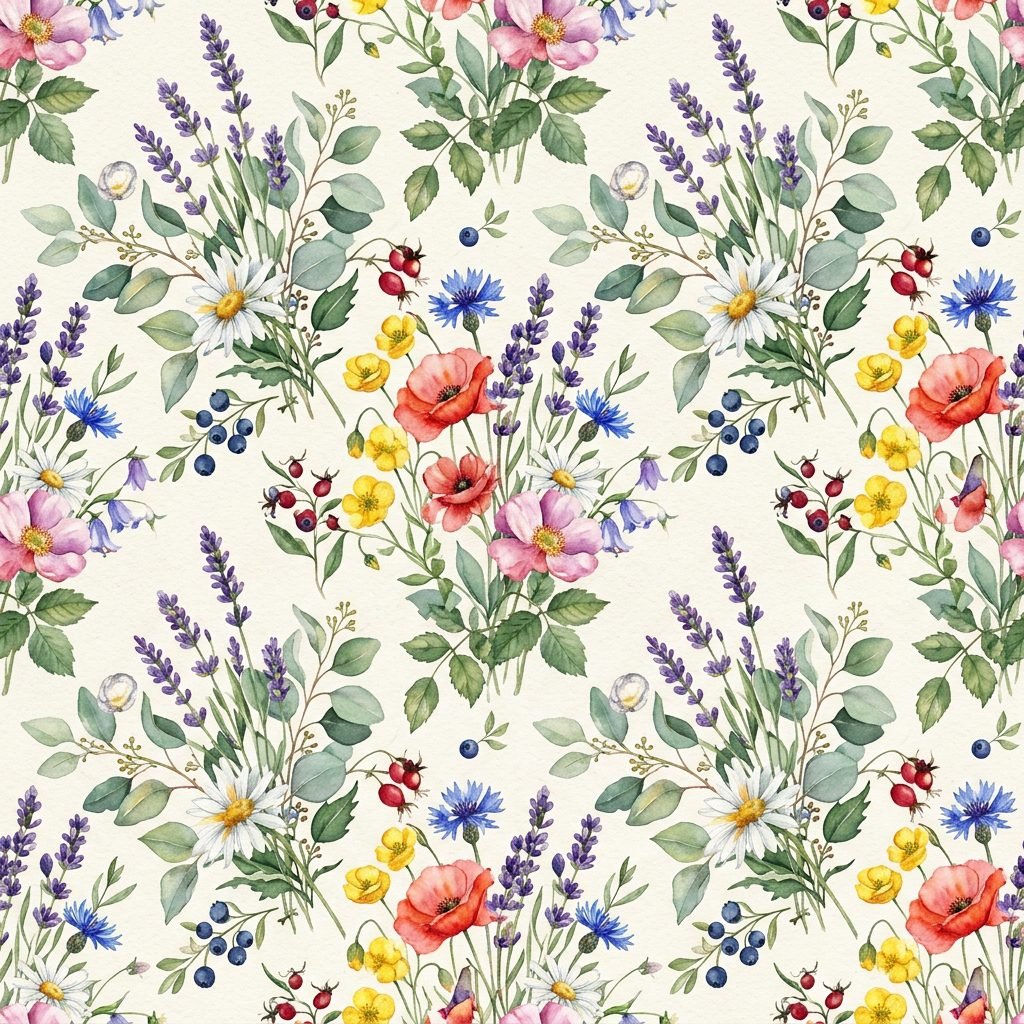
Vintage Watercolor Wildflower & Lavender Seamless Pattern
View Prompt →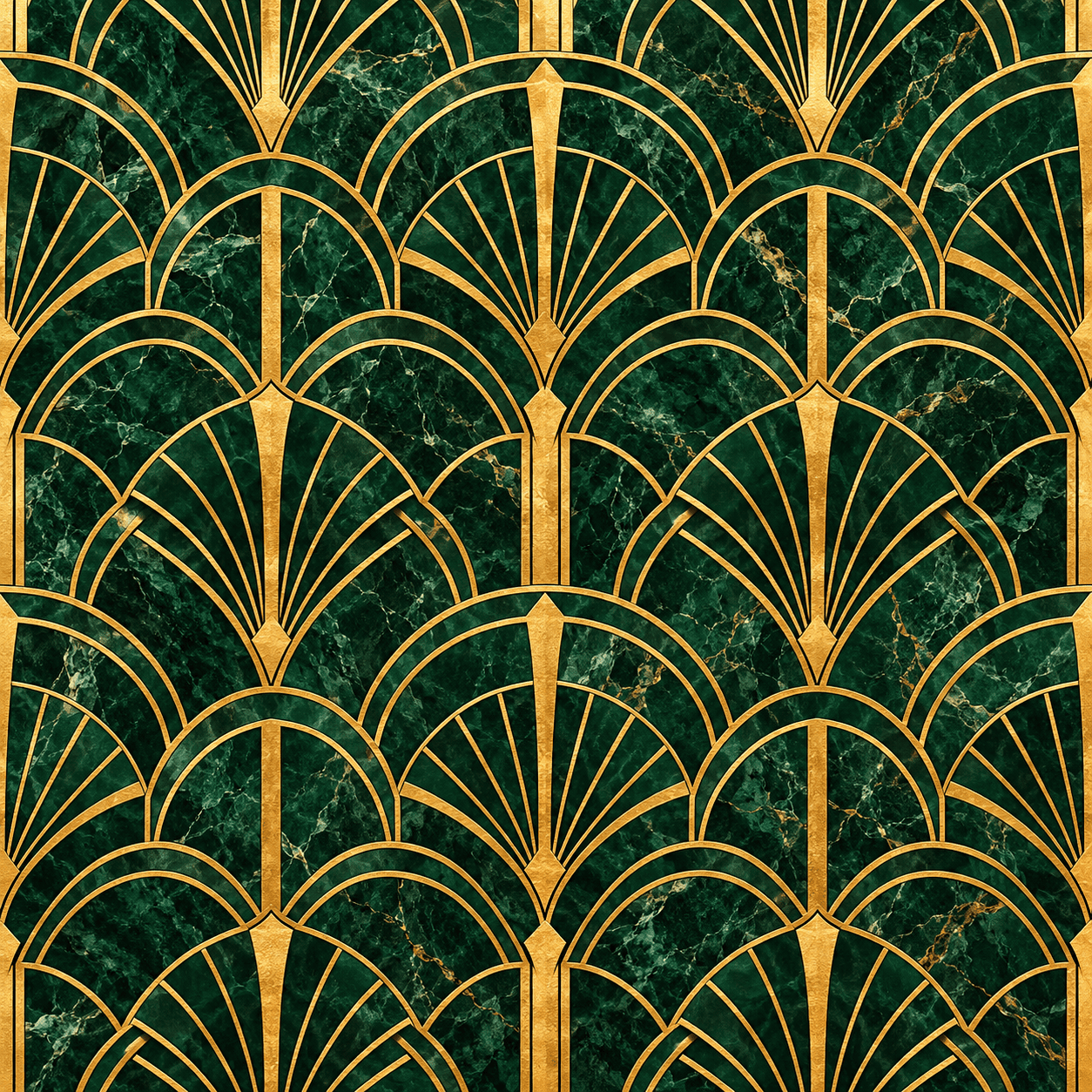
Luxury Art Deco Emerald Green Marble Gold Pattern
View Prompt →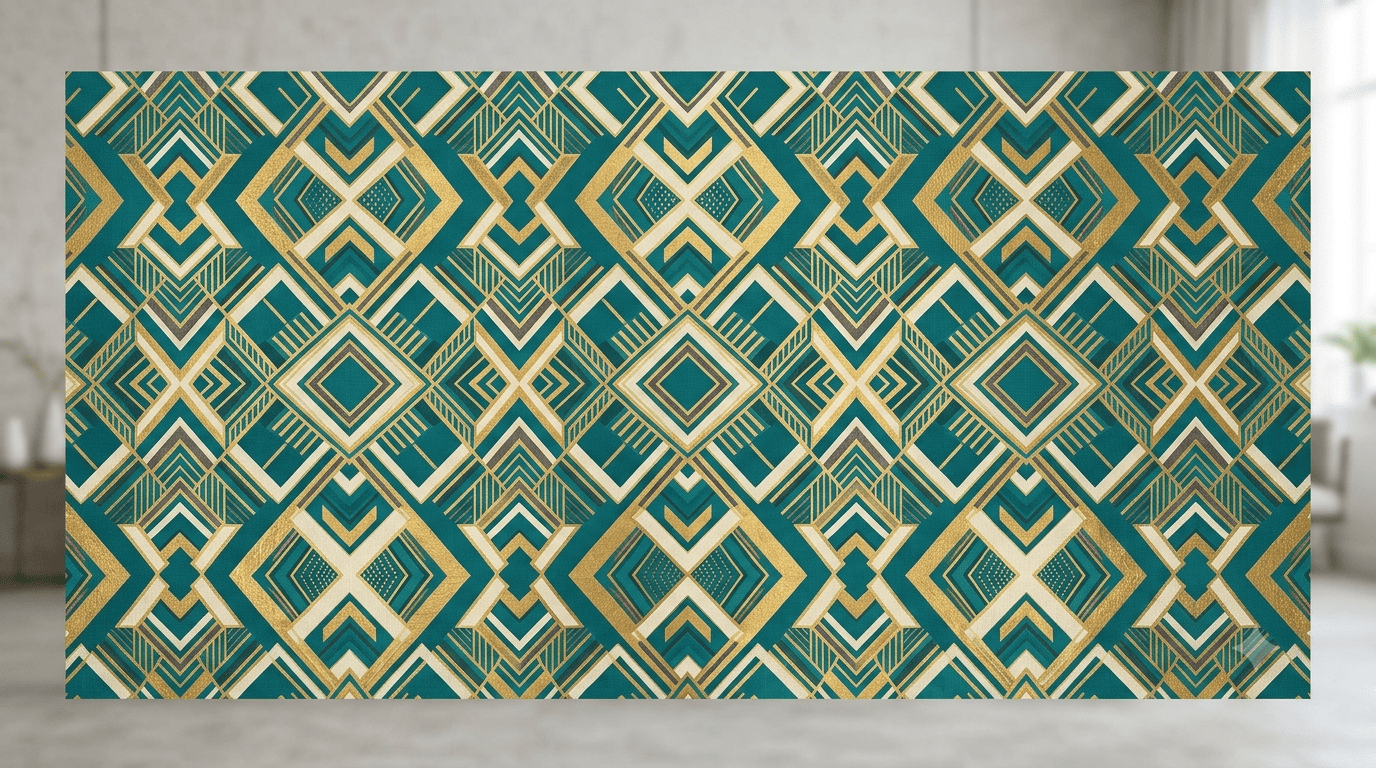
Seamless Pattern and Texture AI Prompts
View Prompt →Sponsor Tool Name
Short description of the sponsor item or affiliate deal goes here.
This page may contain affiliate links. We may earn a commission at no extra cost to you.
How to Use & Customize Seamless Pattern and Texture AI Prompts
Creating continuous, repeatable background designs for print, web, or textiles is incredibly fast with generative AI. Our handpicked collection of Seamless Pattern and Texture AI Prompts is optimized to help you generate infinitely tileable graphics, luxury wallpaper aesthetics, apparel prints, and high-resolution material textures. Whether you need minimalist geometric lines or intricate vintage florals, these prompts deliver clean results.
You can easily adjust any prompt to match your specific product design or brand aesthetic. Here are four quick ways to customize them:
- Pattern Motif & Theme: Swap the central theme easily (e.g., change "a delicate Japanese cherry blossom pattern" to "an Art Deco geometric line pattern" or "a playful Scandinavian nursery print").
- Color Palette & Harmony: Specify exact color schemes using descriptors like "pastel earthy tones," "monochromatic navy and gold," "vibrant tropical hues," or "soft neutral beige."
- Seamless Tiling Parameters: Include explicit tiling keywords like "seamless repeatable pattern," "continuous tileable print," "flat vector background," or use platform flags like Midjourney's
--tile. - Texture & Material Finish: Define tactile surface qualities such as "embossed linen texture," "rough canvas finish," "polished marble grain," or "watercolor paint splatters."
AI Tools Compatible with These Prompts
These Seamless Pattern and Texture AI Prompts are crafted to produce smooth, non-disrupted edge repeats across all major AI tools:
- Midjourney — The best choice for native seamless tiling using the
--tileparameter at the end of your prompt, making images repeat seamlessly across all sides. - Bing Image Creator (DALL-E 3) — Great for generating vibrant pattern concepts, vector prints, and detailed illustration motifs.
- Leonardo AI — Ideal for creators looking for built-in tiling toggles and detailed texture control across custom fine-tuned models.
Explore Related AI Prompt Categories
Looking for additional design and background inspiration? Check out our related prompt collections:
- Architecture & Interior Design Prompts — Generate realistic interior textures, wall finishes, and room layouts.
- 4K Mobile & Desktop Wallpapers — Discover high-resolution background designs and artistic wallpaper prompts.
- Logos, Icons & Vector Graphics — Create clean vector artwork, graphics, and printable sticker designs.
Frequently Asked Questions (FAQs)
1. Can I use these AI-generated seamless patterns for print-on-demand products?
Yes! Seamless patterns generated with these prompts are widely used for print-on-demand products like fabric bolts, phone cases, stationery, and wallpaper. Check your chosen AI generator’s commercial terms to confirm usage rights.
2. How do I make sure Midjourney renders a pattern that tiles seamlessly?
Simply append --tile to the end of your prompt in Midjourney. This tells the system to make all four edges match up perfectly for seamless repeating.
3. Why does my generated pattern have visible breaks or seams?
If you are not using Midjourney's native --tile feature, some AI tools may generate static illustrations rather than perfect tiles. Adding keywords like "seamless repeatable pattern tile, continuous print, flat layout" helps guide tools like DALL-E 3.
4. Can I create vector-style seamless patterns with these prompts?
Yes! Include terms like "flat vector pattern, crisp line art, clean SVG style, two-tone color print" to generate flat, vector-ready graphic patterns.