50+ Free AI Avatar & Profile Picture Prompts
Discover free AI Avatar Profile Picture Prompts for Instagram, TikTok, Facebook, LinkedIn, Discord, and YouTube. Create stylish, modern AI avatars with Midjourney, DALL-E 3, and Bing AI.


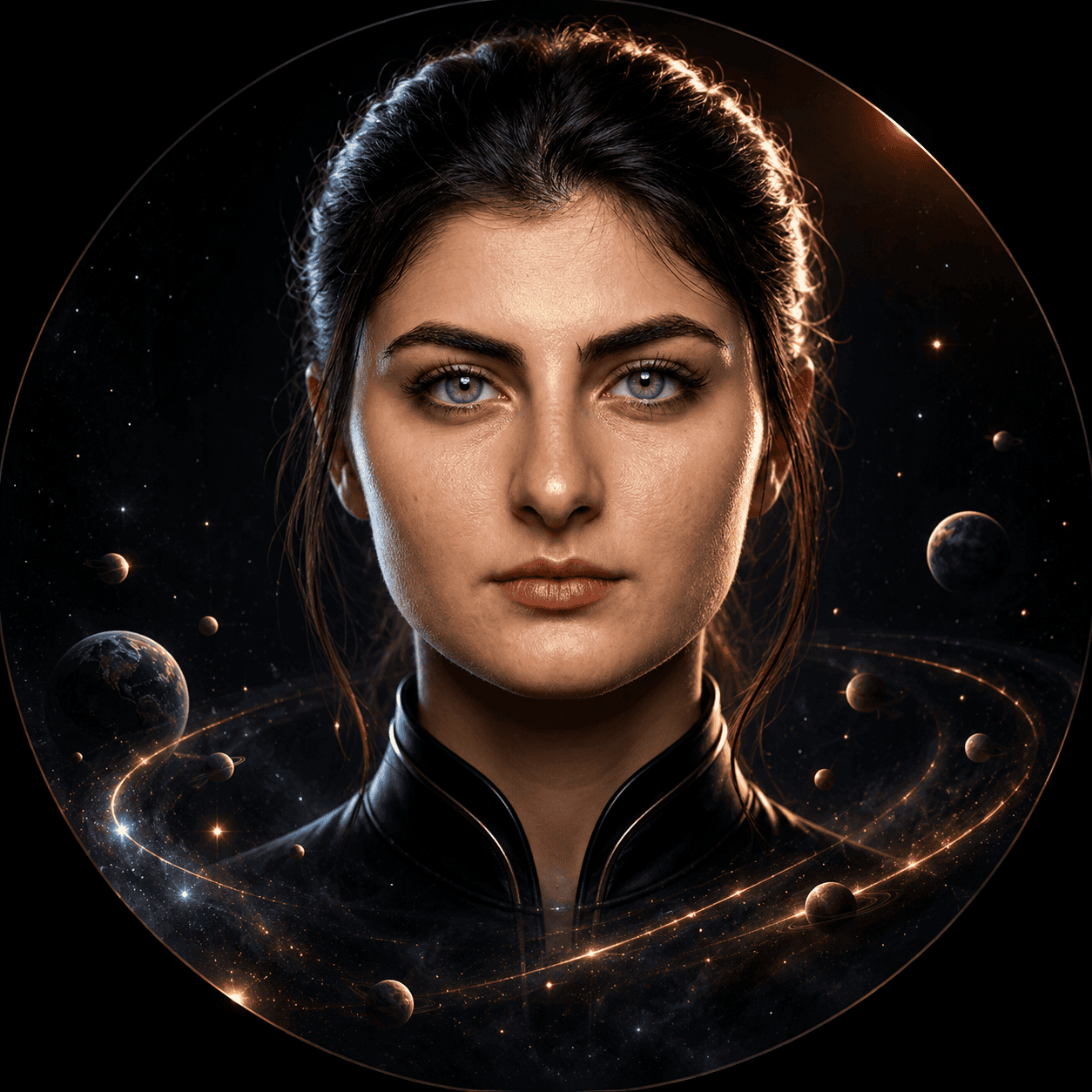
Cosmic Solar System Woman Circular Avatar Profile Portrait
View Prompt →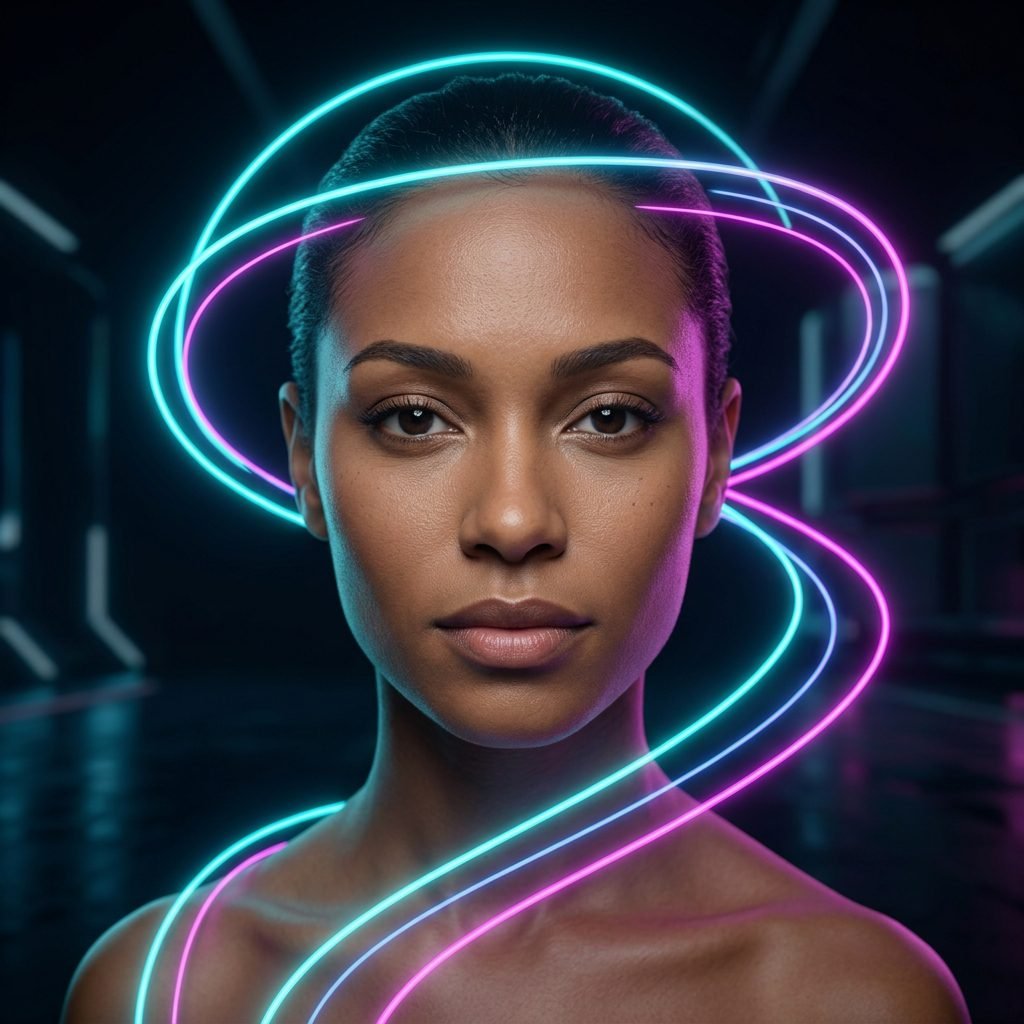
Neon Cyberpunk Futuristic Female Glow Light Trails Portrait
View Prompt →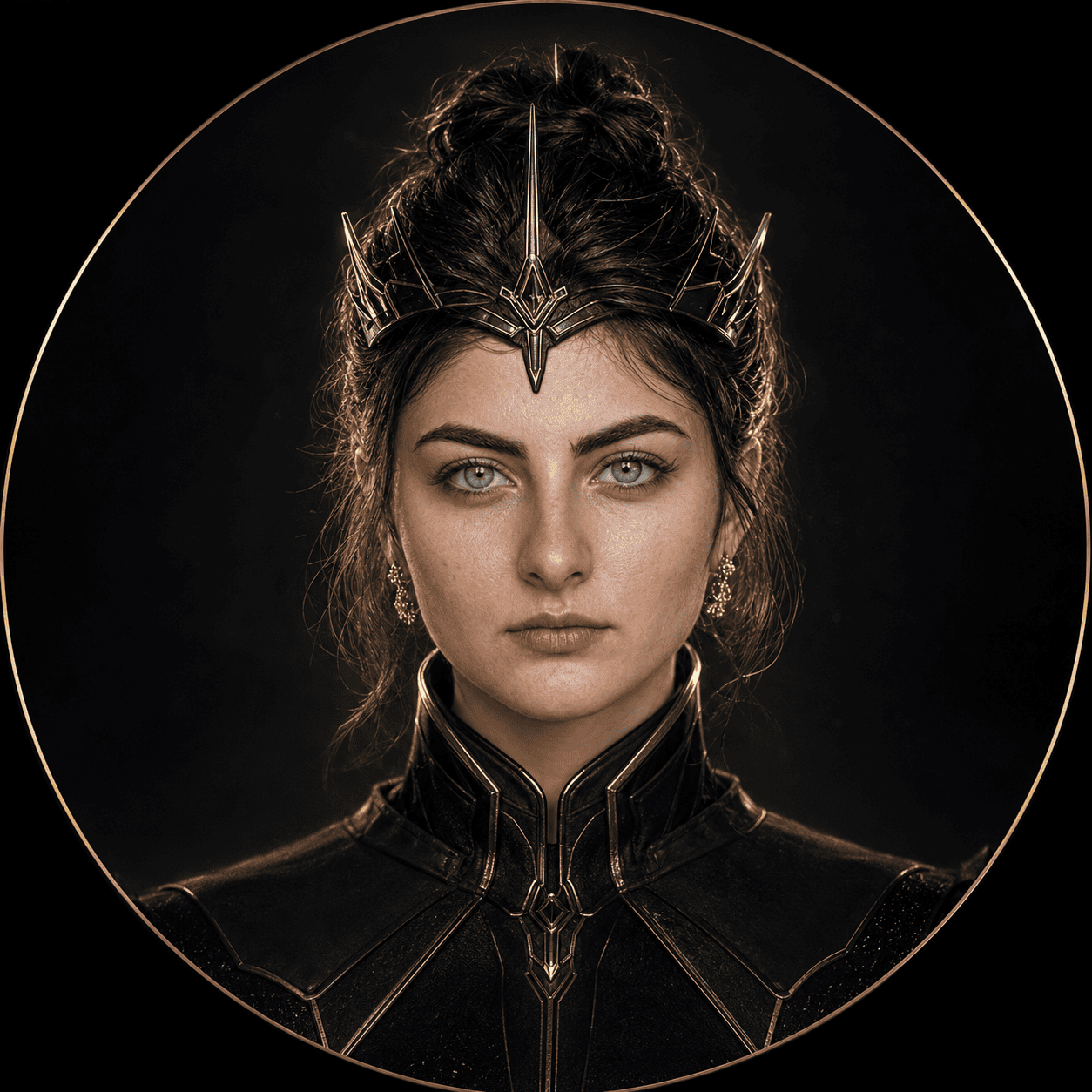
Dark Sci-Fi Queen Circular Avatar Profile Portrait
View Prompt →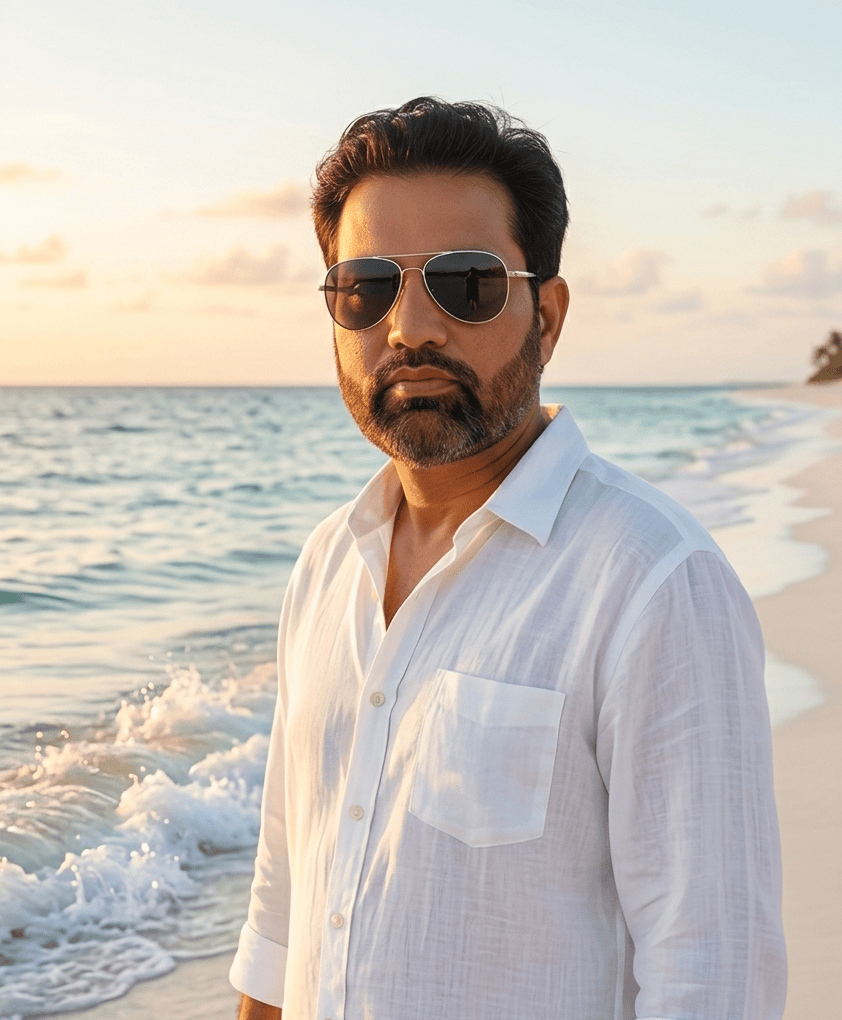
Luxury Tropical Beach Portrait Photography
View Prompt →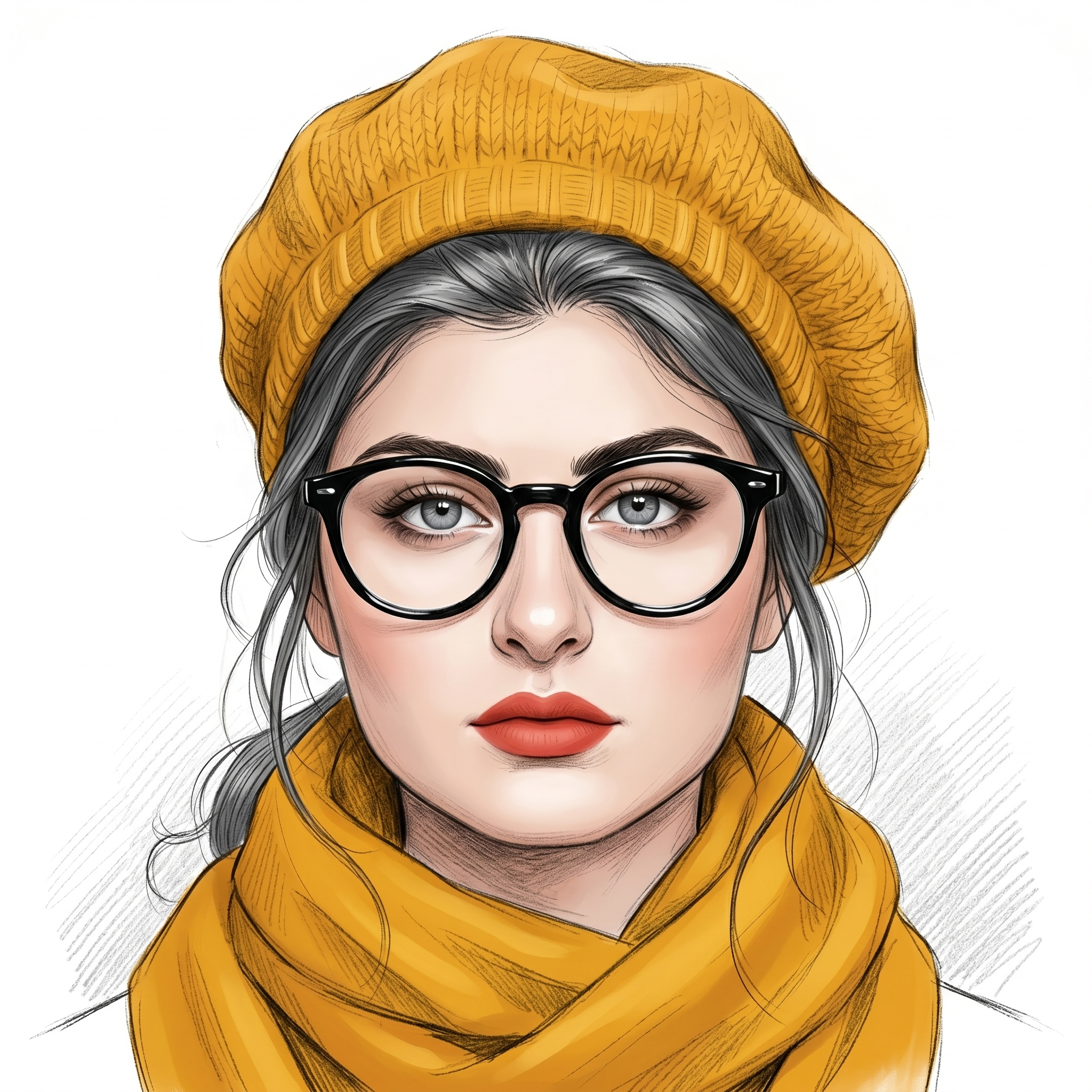
Fashion Portrait Illustration
View Prompt →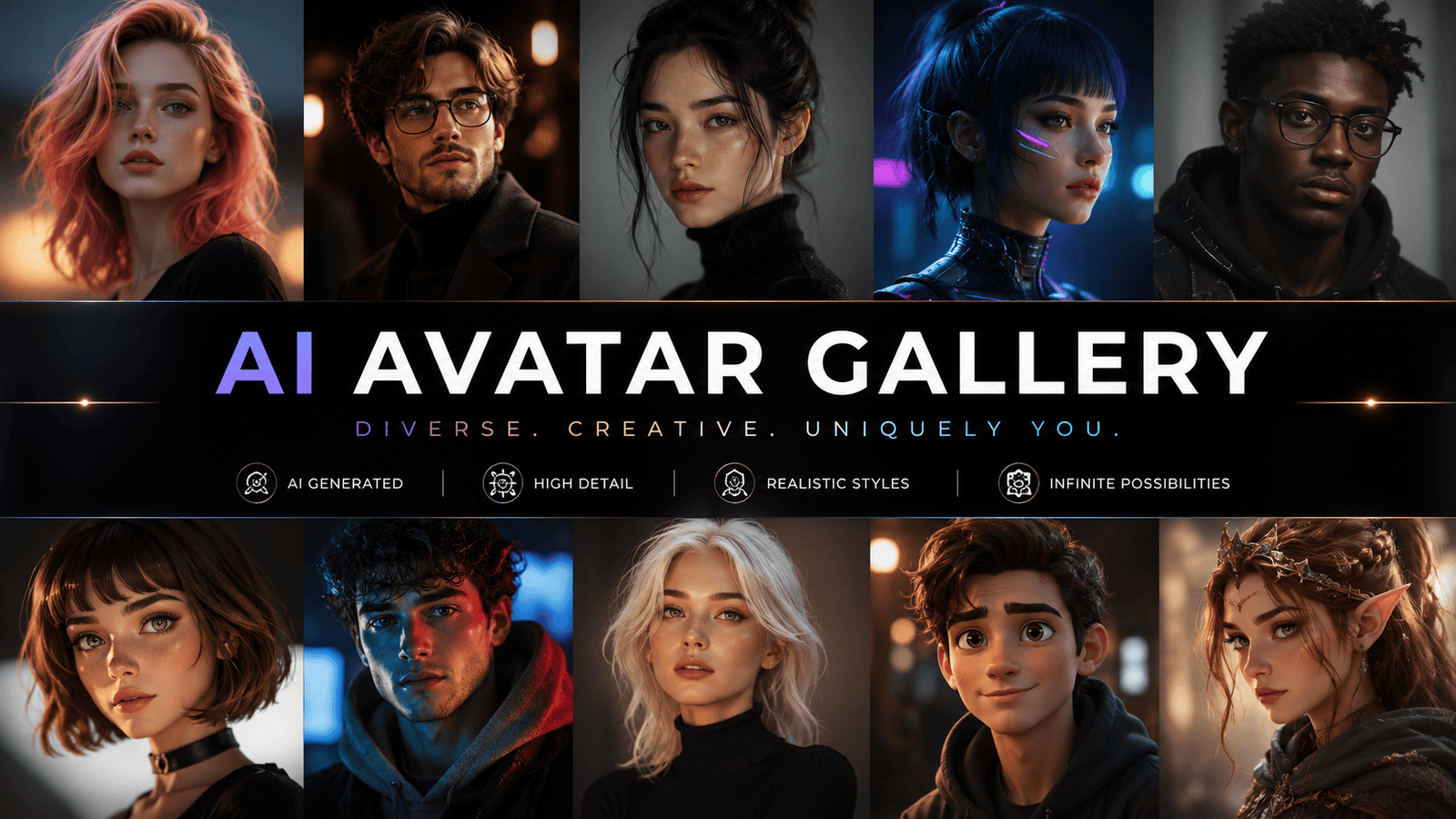
Stylish AI avatar prompts
View Prompt →Sponsor Tool Name
Short description of the sponsor item or affiliate deal goes here.
This page may contain affiliate links. We may earn a commission at no extra cost to you.
How to Use & Customize AI Avatar Profile Picture Prompts
Creating eye-catching social media profile pictures, professional LinkedIn headshots, stylized anime avatars, and 3D gamer DP icons is effortless with generative AI. Our handpicked collection of AI Avatar Profile Picture Prompts is tailored for influencers, streamers, professionals, and digital creators looking to level up their online presence. Whether you need a slick corporate portrait, a neon cyberpunk avatar, or a soft aesthetic watercolor illustration, these prompts deliver instant visual appeal.
To customize any avatar prompt for your specific branding, channel aesthetic, or social platform, try adjusting these key visual elements:
- Avatar Style & Theme: Switch portrait aesthetics easily (e.g., change "a professional corporate executive headshot" to "a neon cyberpunk gamer boy avatar," "a soft aesthetic line-art portrait," or "a 3D Pixar-style animated avatar").
- Background & Lighting Setup: Enhance subject isolation using descriptors like "clean solid color background, dramatic studio rim light, soft neon ambient glow, blur city lights bokeh, or professional office backdrop."
- Facial Expression & Vibe: Define mood using parameters such as "confident warm smile, serious intense gaze, relaxed friendly expression, thoughtful artistic look, or futuristic cybernetic mask."
- Framing & Profile Crop: Optimize for circular social media icons using framing terms like "centered close-up portrait shot, head and shoulders framing, symmetrical composition, isolated on solid background."
AI Tools Compatible with These Prompts
These AI Avatar Profile Picture Prompts are optimized for clean symmetry, accurate facial features, and vibrant profile crops across top AI tools:
- Midjourney — Industry standard for detailed lighting, expressive eyes, and artistic rendering styles (Use square ratio
--ar 1:1and raw flags like--style rawfor photos). - Bing Image Creator (DALL-E 3) — Excellent for understanding detailed character styling, accessories, and clean 3D avatar designs.
- Leonardo AI — Ideal for creators using specialized character models, portrait control nets, and high-resolution upscalers.
Explore Related AI Prompt Categories
Looking for more character art, photography, or logo prompt collections? Check out our related categories:
- Photorealistic AI Image Prompts — Generate realistic human portraits, candid lifestyle photography, and studio lighting.
- 3D Cartoon AI Prompts — Create stylized 3D animated character avatars, mascots, and playful designs.
- Logo Icon Sticker AI Prompts — Explore vector app icons, brand logos, and printable stickers.
Frequently Asked Questions (FAQs)
1. What is the best aspect ratio parameter for social media AI profile pictures?
Since almost all social platforms (Instagram, TikTok, WhatsApp, LinkedIn, Discord) display profile icons in circular square formats, always use a square ratio parameter like --ar 1:1.
2. How do I make sure the AI avatar centers well inside circular profile picture crops?
Include prompt terms like "centered portrait, head and shoulders shot, isolated subject, symmetrical composition, clean plain background." This prevents the AI from placing the head too close to the edges.
3. Can I use AI avatar prompts to generate professional LinkedIn headshots?
Yes! AI generators are widely used for professional headshots. Specify "professional corporate headshot, wearing business attire, neutral office bokeh background, natural studio lighting, confident warm smile" for clean, professional results.
4. How do I generate gaming and streaming avatars with neon lighting?
Add cyber or gaming tags like "esports gamer avatar, wearing headset, cyan and magenta ambient neon lighting, dark background, detailed 3D render style," to create striking gaming avatars.