50+ Free Logo Icon Sticker AI Prompts
Explore free Logo Icon Sticker AI Prompts to create professional logos, vector icons, printable stickers, and clean graphic designs with Midjourney, DALL-E 3, and Bing AI.
Want to feature your AI tool or services on this high-traffic page?
📢 Click Here to Advertise / Sponsor This Slot →
Cyberpunk Samurai in Rain
View Prompt →
Anime Girl in Flower Field
View Prompt →
Sci-Fi Spaceship Fleet
View Prompt →
Realistic Explorer Portrait
View Prompt →Cute Fantasy Baby Dragon
View Prompt →
Neon Cyberpunk City Street
View Prompt →
Mythical Greek Goddess
View Prompt →Vector Mascot Logo Art
View Prompt →Fantasy Castle on Cliff
View Prompt →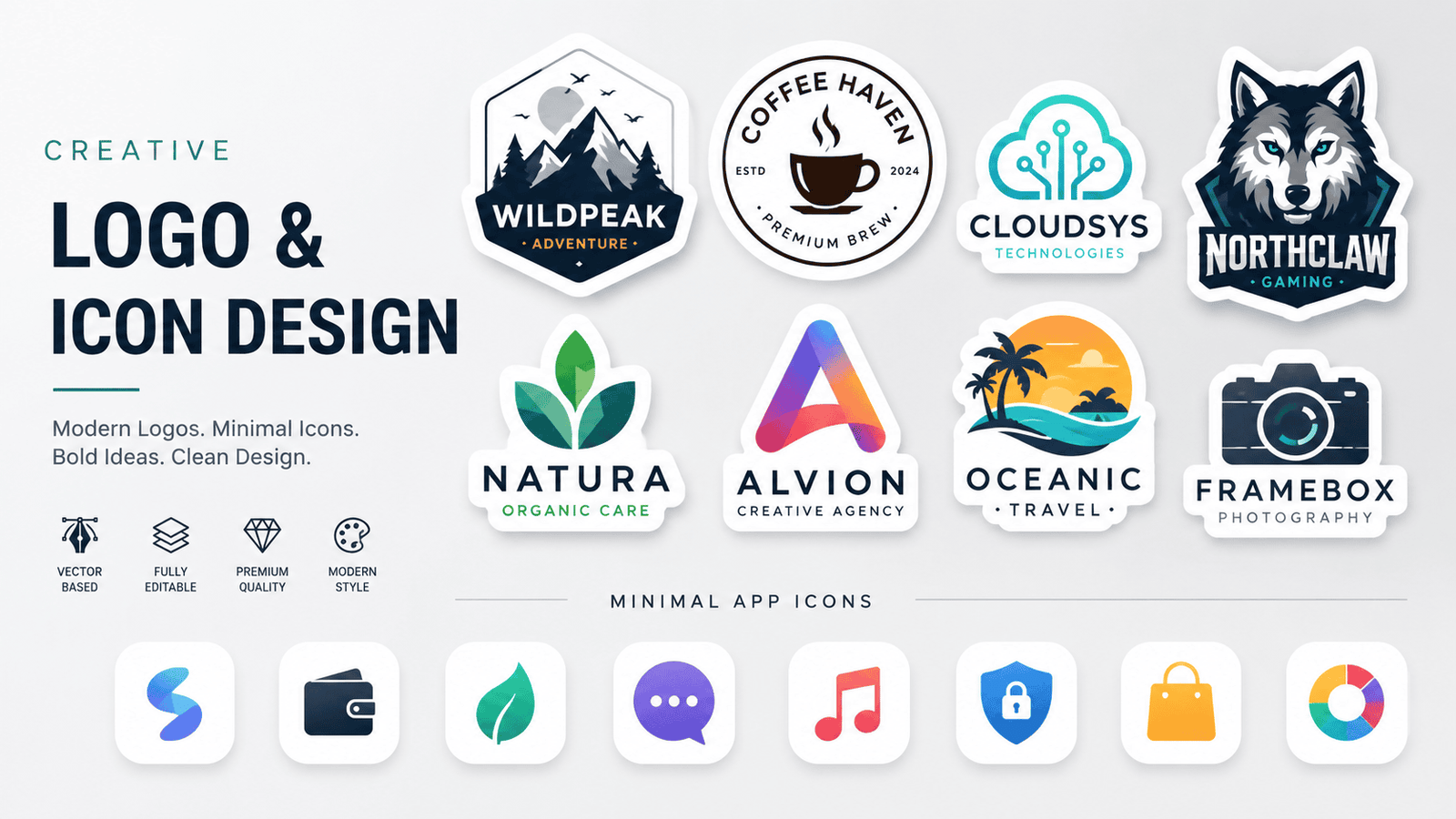
Creative Vector Logo and Minimal App Icon
View Prompt →Sponsor Tool Name
Short description of the sponsor item or affiliate deal goes here.
This page may contain affiliate links. We may earn a commission at no extra cost to you.
How to Use & Customize Logo Icon Sticker AI Prompts
Designing memorable brand logos, modern app icons, and die-cut printable stickers is faster and easier than ever with generative AI. Our handpicked collection of Logo Icon Sticker AI Prompts is tailored for graphic designers, startup founders, Etsy print-on-demand sellers, and digital content creators. Whether you need a minimalist line-art emblem, a 3D glassmorphic app icon, or a cute mascot sticker with a thick white border, these prompts offer versatile graphic options.
To customize any logo or sticker prompt to match your brand identity or merchandise style, try tweaking these core visual parameters:
- Subject & Brand Emblem: Swap central brand symbols easily (e.g., change "a minimalist geometric fox head logo" to "a roaring lion gaming mascot logo" or "a vintage coffee bean badge icon").
- Graphic Design Style: Define the layout using design tags such as "flat vector art, 3D claymation icon, minimalist line art symbol, vintage retro badge, or modern flat design."
- Sticker Contour & Isolation: For print-ready stickers, include clear cutout parameters like "die-cut sticker design, thick white border outline, isolated on solid white background, vector graphic sticker."
- Color Palette & Aesthetic: Control color schemes using terms like "bold duotone colors, subtle pastel gradients, luxury gold and black, or high-contrast monochrome."
AI Tools Compatible with These Prompts
These Logo Icon Sticker AI Prompts are structured to render clean edges, solid backgrounds, and crisp vector shapes across top AI platforms:
- Midjourney — Industry leader for 3D icons, intricate mascot emblems, and clean sticker cutouts (Use square ratios like
--ar 1:1and negative tags like--no photo realistic shading realistic background). - Bing Image Creator (DALL-E 3) — Excellent for generating clean, isolated vector icons, flat graphics, and sticker designs with precise text elements.
- Leonardo AI — Ideal for creators who want dedicated vector illustration models, background removal tools, and SVG export workflows.
Explore Related AI Prompt Categories
Looking for more vector, commercial, and graphic art styles? Check out our related prompt collections:
- 3D Cartoon Characters — Create stylized 3D animated character concepts, mascots, and avatar icons.
- Coloring Book Line Art Prompts — Generate clean black-and-white vector line drawings and outline illustrations.
- Seamless Pattern & Texture Prompts — Design repeating pattern backgrounds, surface prints, and vector tiles.
Frequently Asked Questions (FAQs)
1. How do I convert AI-generated logos into scalable vector formats (SVG/EPS)?
You can easily convert PNG outputs from Midjourney or DALL-E 3 into crisp vector SVG files using free online tools like Vectorizer.ai or Adobe Illustrator's "Image Trace" feature.
2. What is the best prompt strategy to generate stickers with a clean white border?
Include phrases like "die-cut sticker, distinct white contour border, isolated on plain solid white background, vector graphic illustration" to ensure the AI isolates the sticker cleanly for printing.
3. Can I trademark an AI-generated logo for my business?
While AI images can serve as excellent initial concepts, trademark laws vary by country. Designers often use AI logo outputs as base inspiration and vectorize/customize the final design in Illustrator before registering.
4. Which AI generator is best for modern flat app icon designs?
Midjourney v6 and DALL-E 3 are both exceptional at generating 3D glassmorphic, iOS-style, or minimalist flat app icons. Specify "app icon design, rounded square border, vector style, flat UI" in your prompt.