50+ Free Coloring Book Line Art AI Prompts
Explore free Coloring Book Line Art AI Prompts to create printable coloring pages, minimalist line drawings, and crisp black-and-white illustrations with Midjourney, DALL-E 3, and Bing AI.
Want to feature your AI tool or services on this high-traffic page?
📢 Click Here to Advertise / Sponsor This Slot →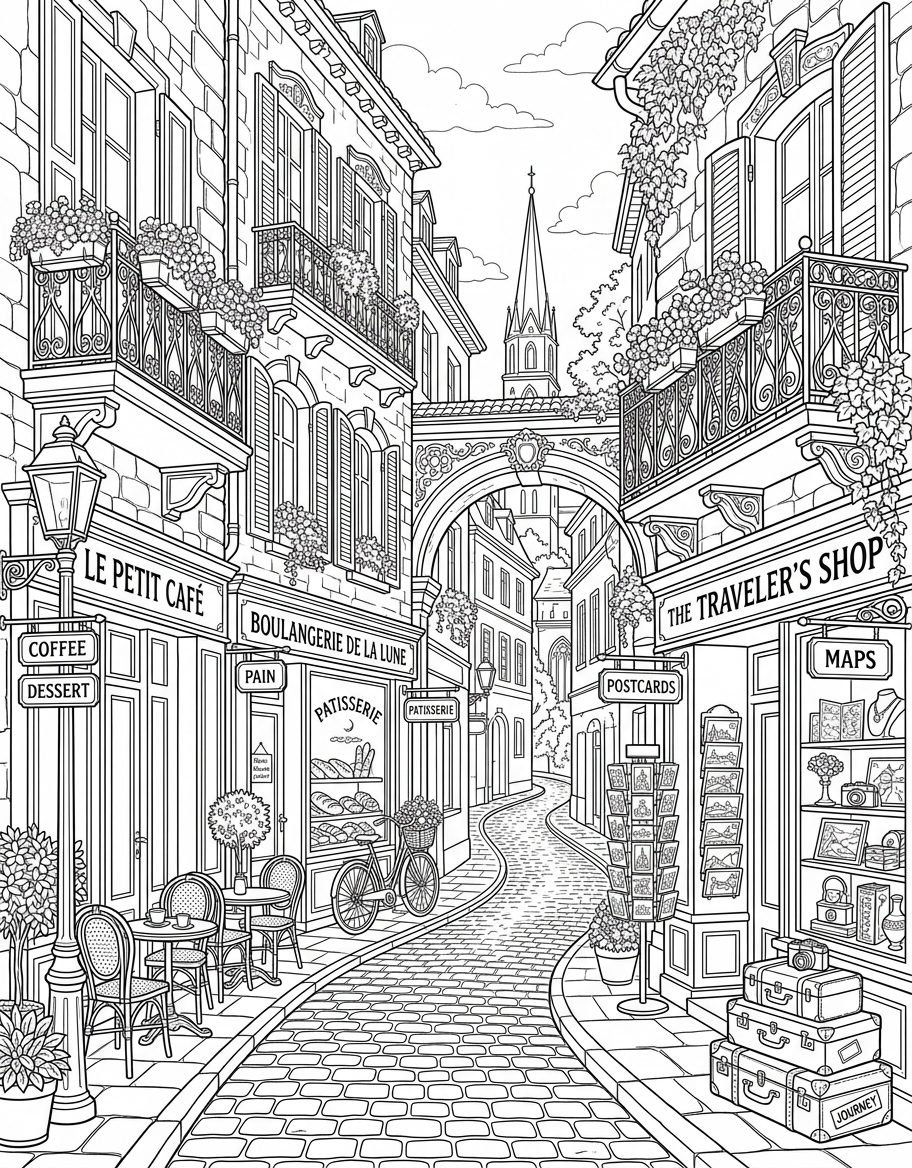
Charming Parisian Street Bakery Cafe Coloring Page Line Art
View Prompt →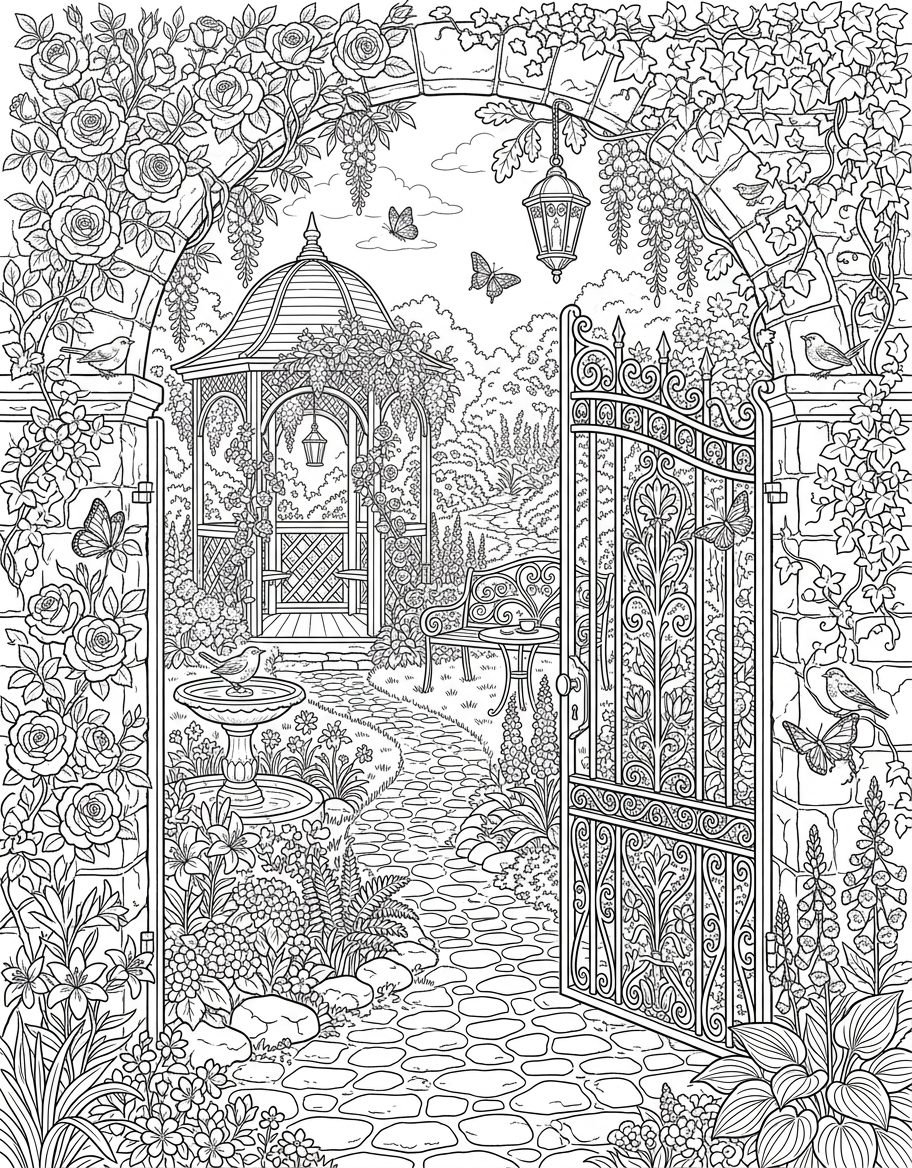
Secret Rose Garden Gate Gazebo Coloring Page Line Art
View Prompt →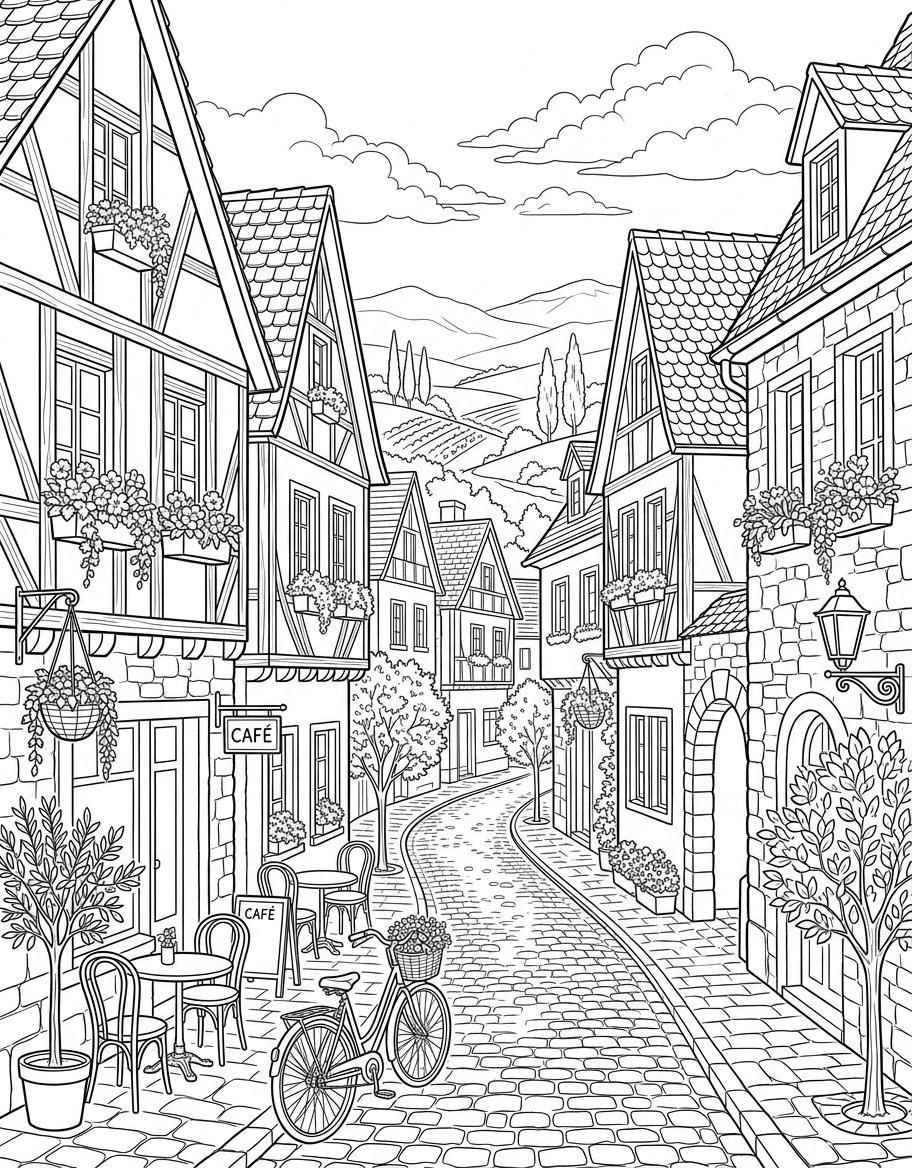
European Village Street Cafe Coloring Page Line Art
View Prompt →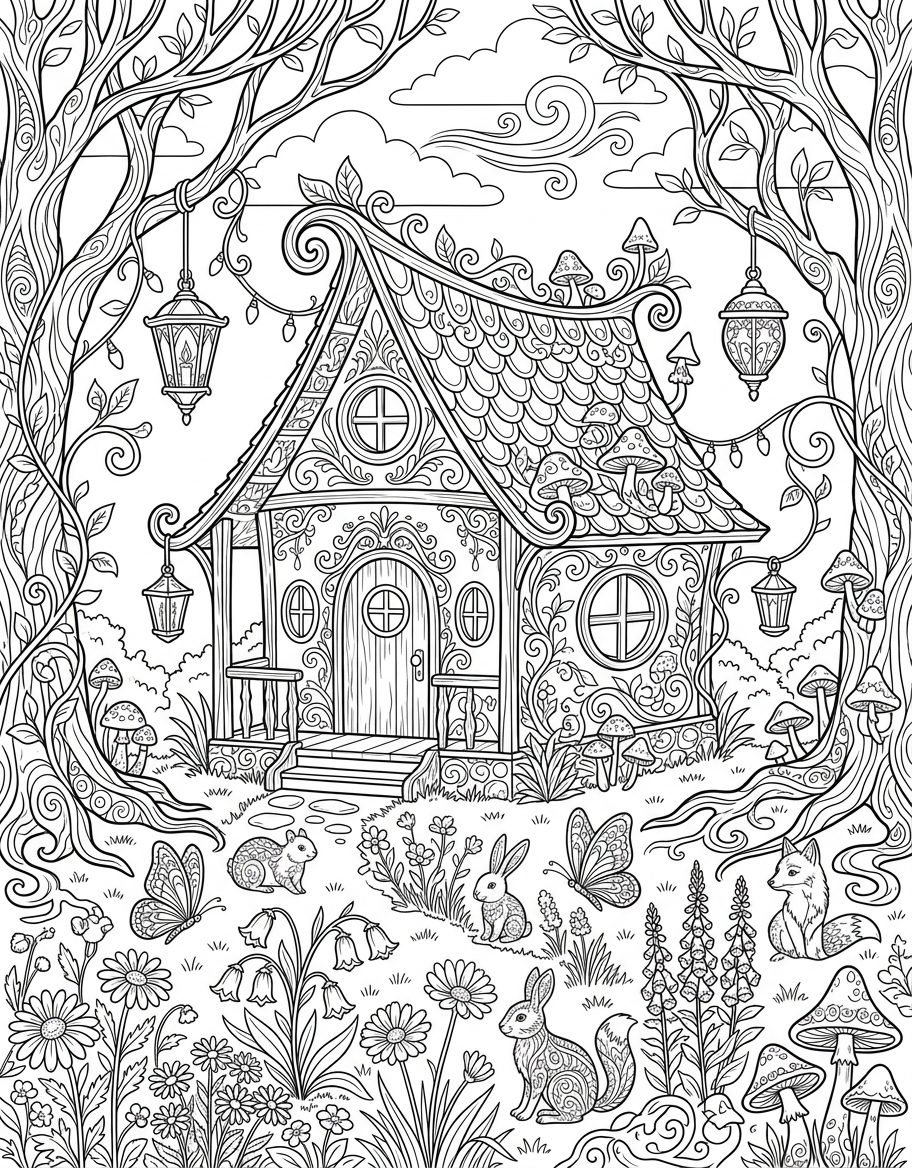
Enchanted Whimsical Forest Cottage Coloring Page Line Art
View Prompt →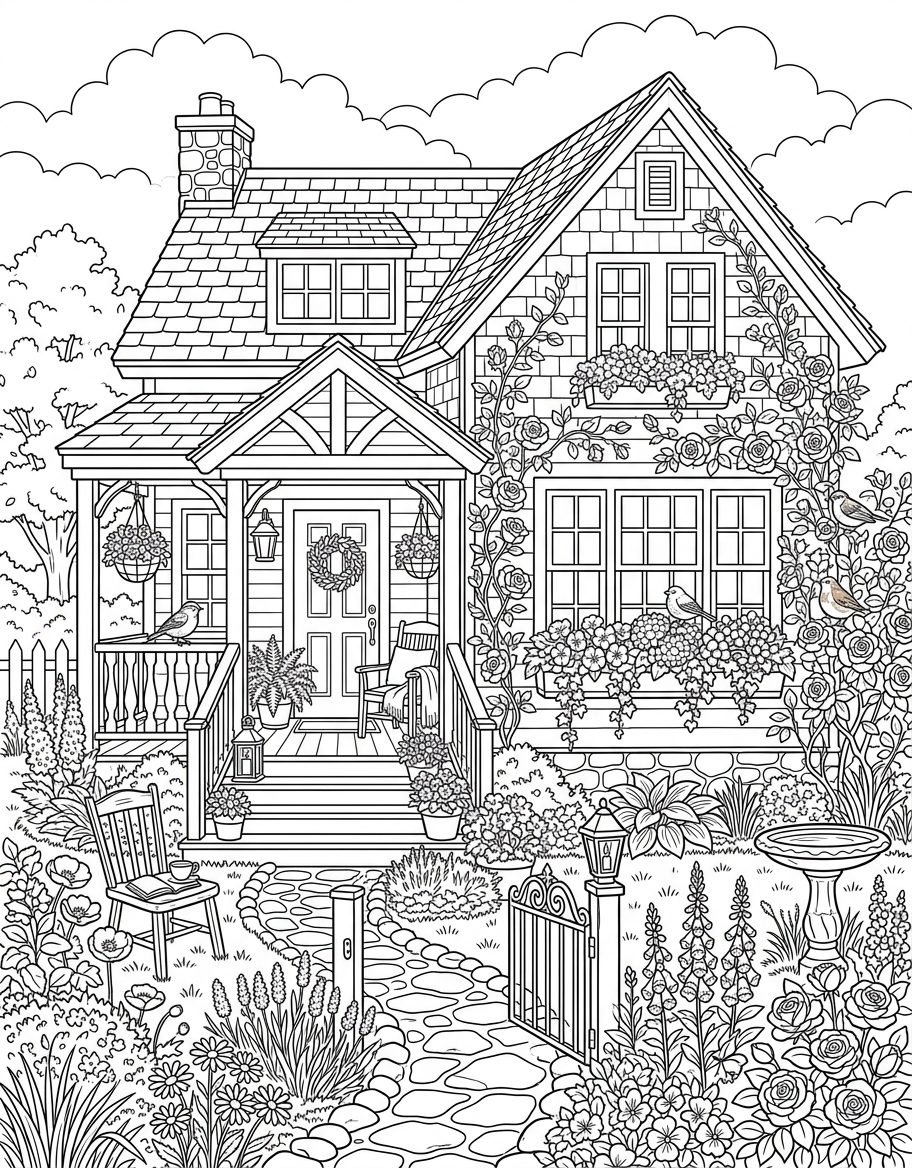
Cozy Cottage Garden House Coloring Page Line Art
View Prompt →
Coloring Book & Line Art
View Prompt →Sponsor Tool Name
Short description of the sponsor item or affiliate deal goes here.
This page may contain affiliate links. We may earn a commission at no extra cost to you.
How to Use & Customize Coloring Book Line Art AI Prompts
Creating clean, print-ready coloring pages for Amazon KDP, Etsy printables, or classroom activities is simple with generative AI. Our handpicked collection of Coloring Book Line Art AI Prompts is curated to help authors, self-publishers, and graphic artists generate high-quality black-and-white outline drawings. Whether you need simple thick-line pages for toddlers or intricate mandala patterns for adult relaxation books, these prompts produce crisp vector-style outlines.
To customize any line art prompt for your target age group or specific book theme, consider tweaking these essential parameters:
- Subject & Scene: Swap central characters or subjects easily (e.g., change "a friendly cartoon dragon in a castle garden" to "a cozy whimsical woodland owl" or "an intricate mandala floral motif").
- Line Thickness & Style: Control line weight by specifying "bold thick black outlines for toddlers, clean minimal line work, smooth vector art outlines," or "intricate detailed fine line art."
- Negative Keywords (Avoiding Shading): Ensure pure black and white outputs by adding negative tags or explicit instructions like "no shading, no grayscale, no color, pure white background, uncolored line art."
- Page Composition & Borders: Request clean page margins using phrases like "centered single object, full-page coloring sheet layout, clean white background, framed border."
AI Tools Compatible with These Prompts
These Coloring Book Line Art AI Prompts are optimized to prevent unwanted grey fills and produce sharp vector outlines across top AI platforms:
- Midjourney — Excellent for detailed line art and intricate adult coloring pages (Use negative prompting like
--no shading, shadows, color, gradientsalong with standard portrait aspect ratios like--ar 4:5or--ar 2:3). - Bing Image Creator (DALL-E 3) — Outstanding at adhering strictly to "pure black lines on white background" prompts without adding unwanted grey shading.
- Leonardo AI — Ideal for using custom fine-tuned sketch or vector line art models for precise line weight control.
Explore Related AI Prompt Categories
Looking for more illustration and graphic design styles? Check out our related prompt collections:
- Watercolor & Oil Painting Prompts — Generate traditional fine art paintings, painterly washes, and canvas art.
- Seamless Pattern & Texture Prompts — Design repeating pattern backgrounds, wallpaper prints, and vector tiles.
- 4K Mobile & Desktop Wallpapers — Discover high-resolution background artwork and aesthetic graphics.
Frequently Asked Questions (FAQs)
1. Can I use AI-generated coloring pages to publish books on Amazon KDP?
Yes! Thousands of self-publishers use AI-generated line art for Amazon KDP coloring books. Ensure your images are high-resolution (300 DPI) and meet KDP's print quality guidelines.
2. How do I stop AI tools from adding unwanted gray shading or gradients?
Use strong exclusion phrases in your prompt like "clean white background, pure black lines, zero shading, flat vector outline, uncolored." In Midjourney, use the parameter --no shading shadows grayscale color.
3. What image format and resolution are best for printing coloring pages?
For physical printing, export or upscale your AI images to at least 300 DPI in PNG or PDF format. Vectorizing the PNG using free software like Inkscape or Vectorizer.ai ensures infinitely crisp outlines.
4. How do I create simple coloring pages specifically for toddlers?
Include keywords like "toddler coloring page, extra thick black outlines, simple shapes, cute minimalist cartoon style, easy to color, zero complex detail" in your prompt.