3D Pixar Style Character Prompts: Create Magic For Free
The iconic, warm, and highly expressive look of modern 3D animated movies has captured audiences worldwide. Whether you are building a personal brand, creating social media avatars, or designing children’s storybooks, using 3D Pixar Style Character Prompts is the fastest way to bring your imagination to life.
Many new creators believe that you need thousands of dollars in high-end 3D rendering software or a degree in graphic design to make these assets. However, thanks to advanced neural generation tools, you can now build studio-grade animated characters right from your computer or smartphone.
This updated tutorial will walk you through the top text setups, give you absolute control over character styling, and teach you how to run them on both free and premium engines without any hassle.
The Ultimate 3D Pixar Style Character Prompts Collection
Here are the master text setups designed to give you that signature clay-shaded, big-eyed, emotional character look. Copy them directly and start experimenting!
Prompt 1: The Little Urban Explorer (Boy Character)
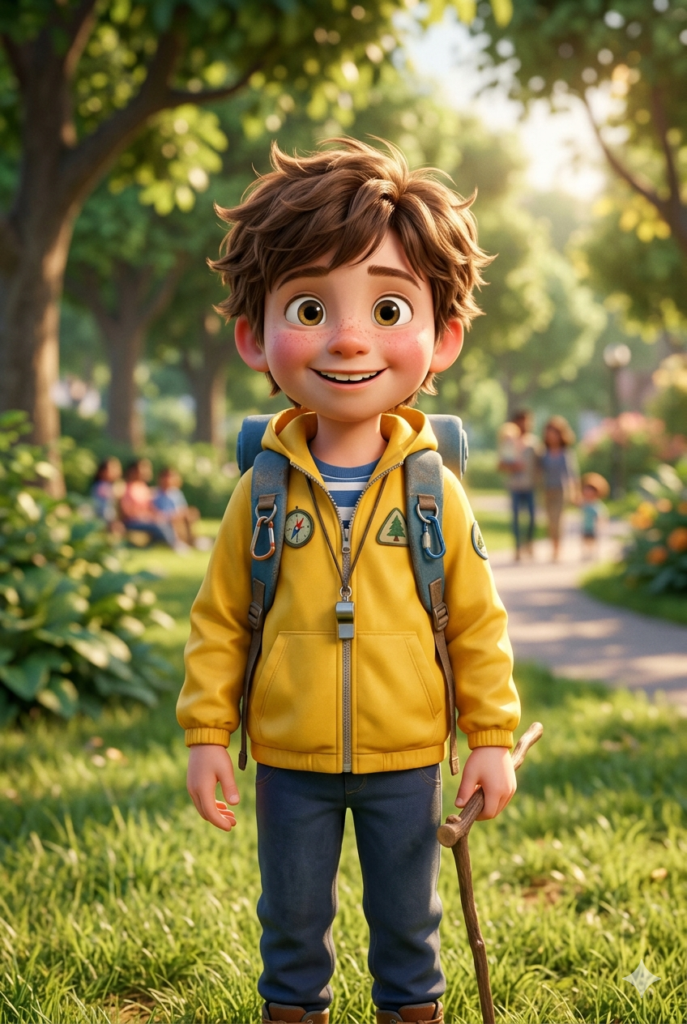
Copy the First Character Prompt Below:
Prompt 2: The Magical Bookworm (Girl Character)
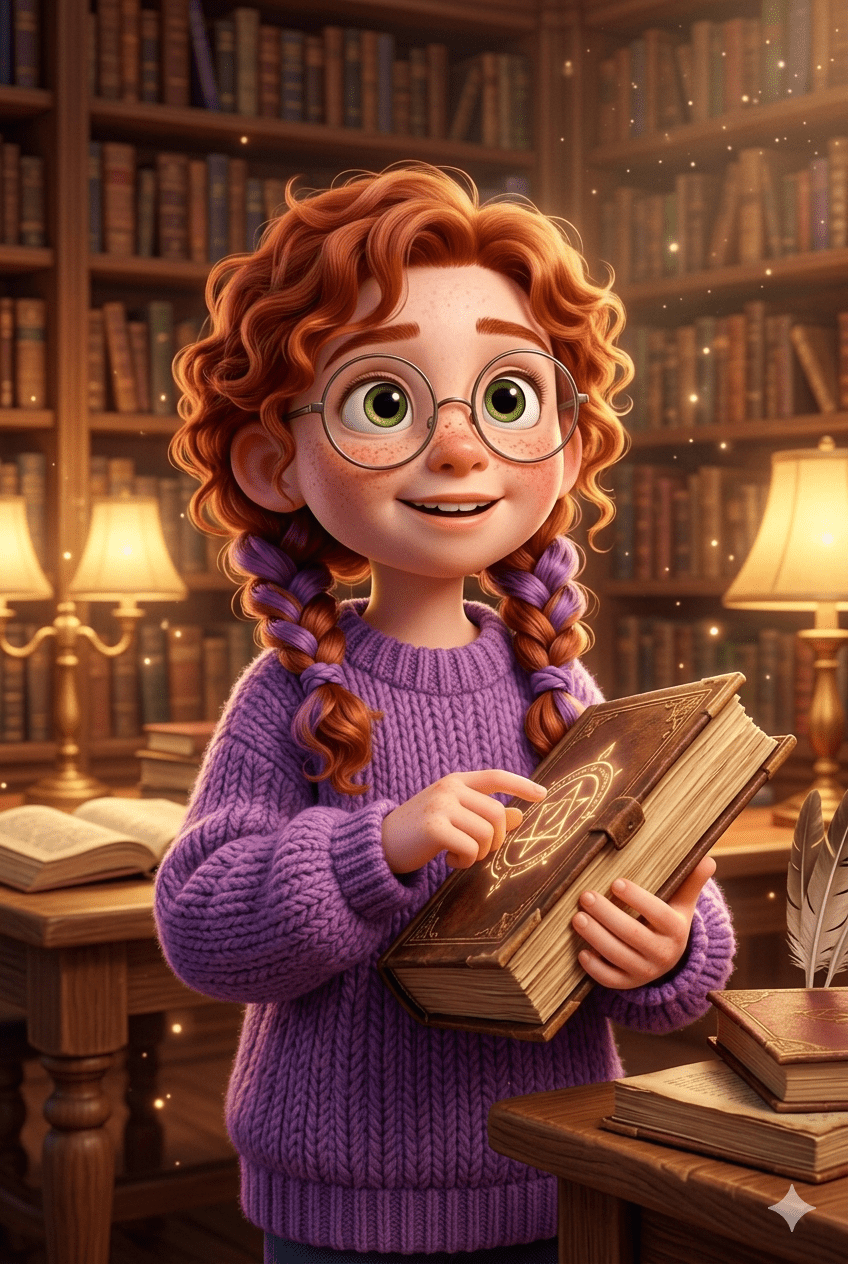
Copy the Second Character Prompt Below:
Prompt 3: Girl With Cute Dog
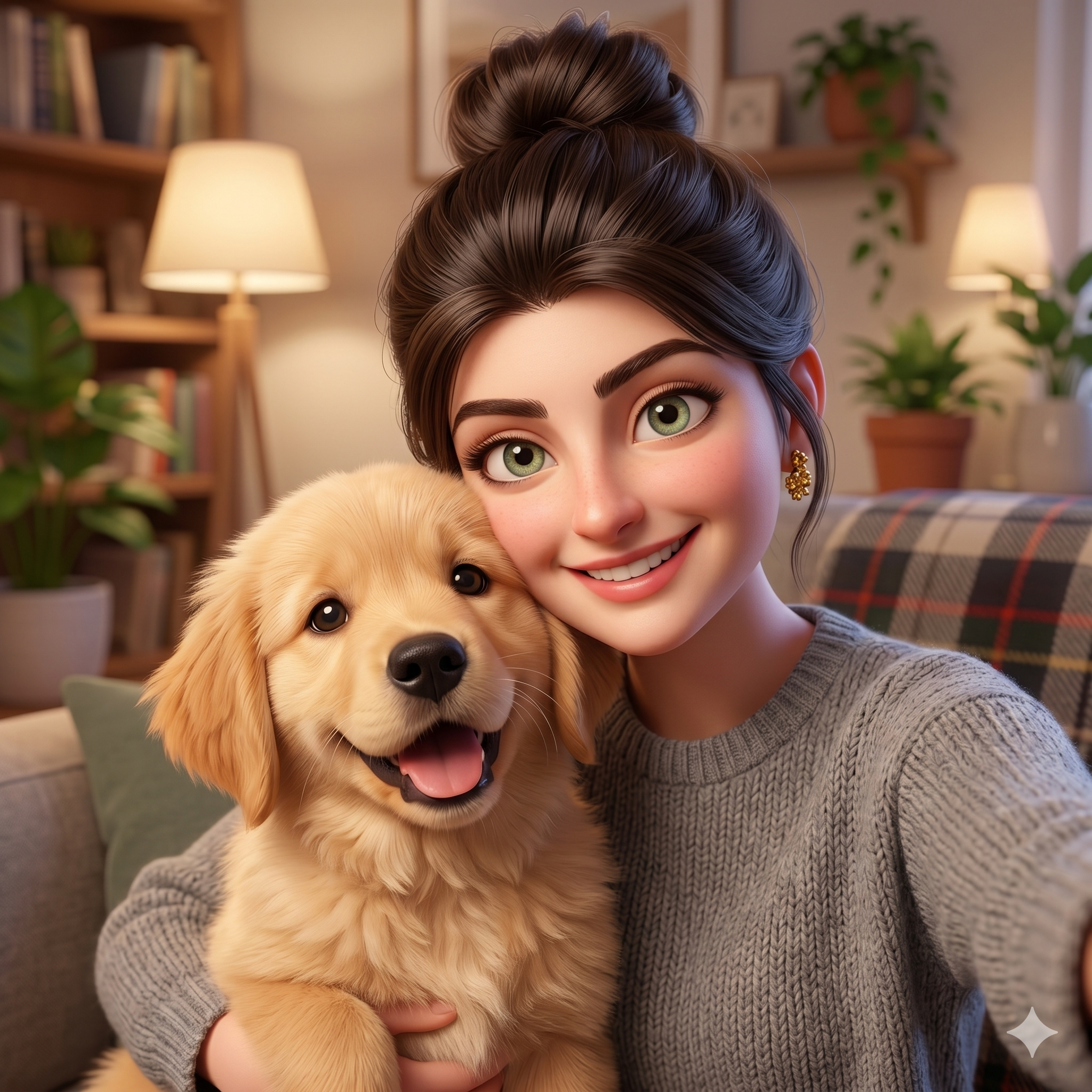
Copy the Third Character Prompt Below:
Prompt 4: Beautiful girl With Dog in The Park
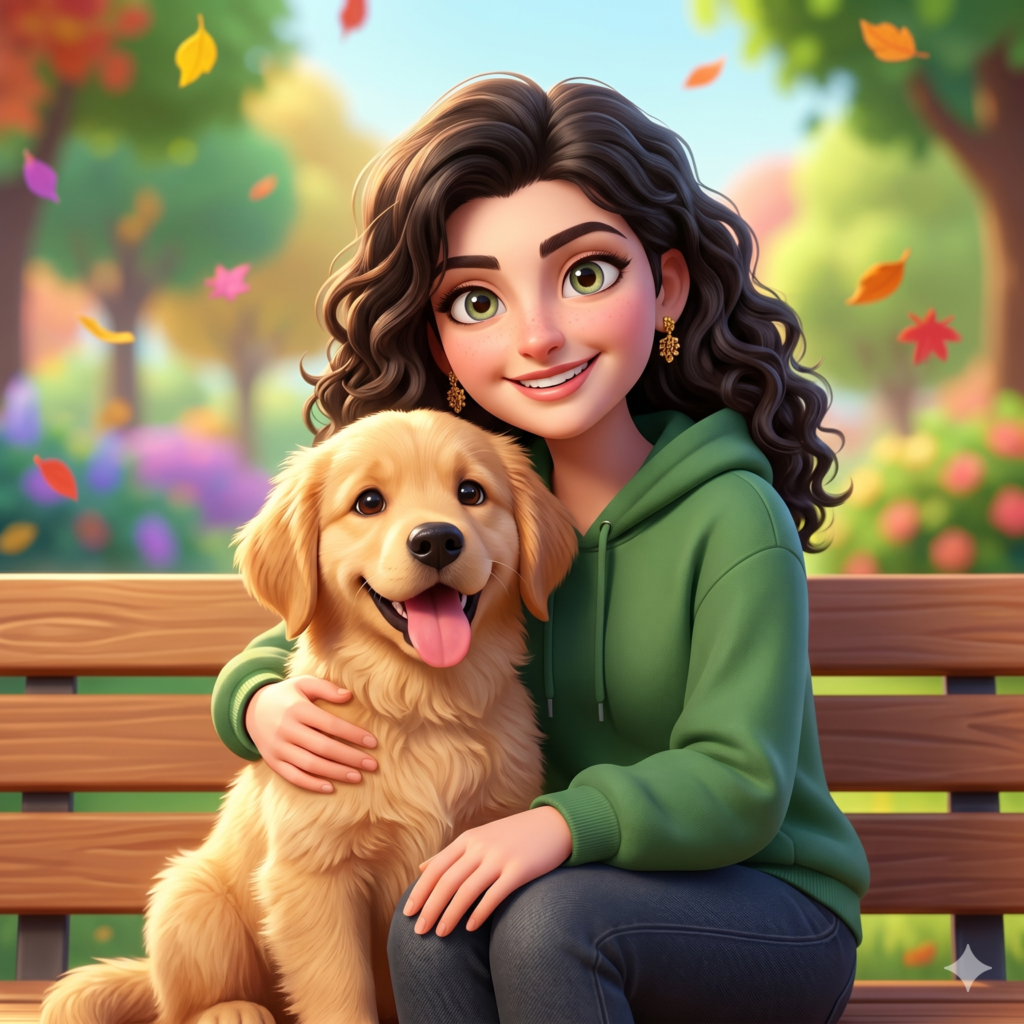
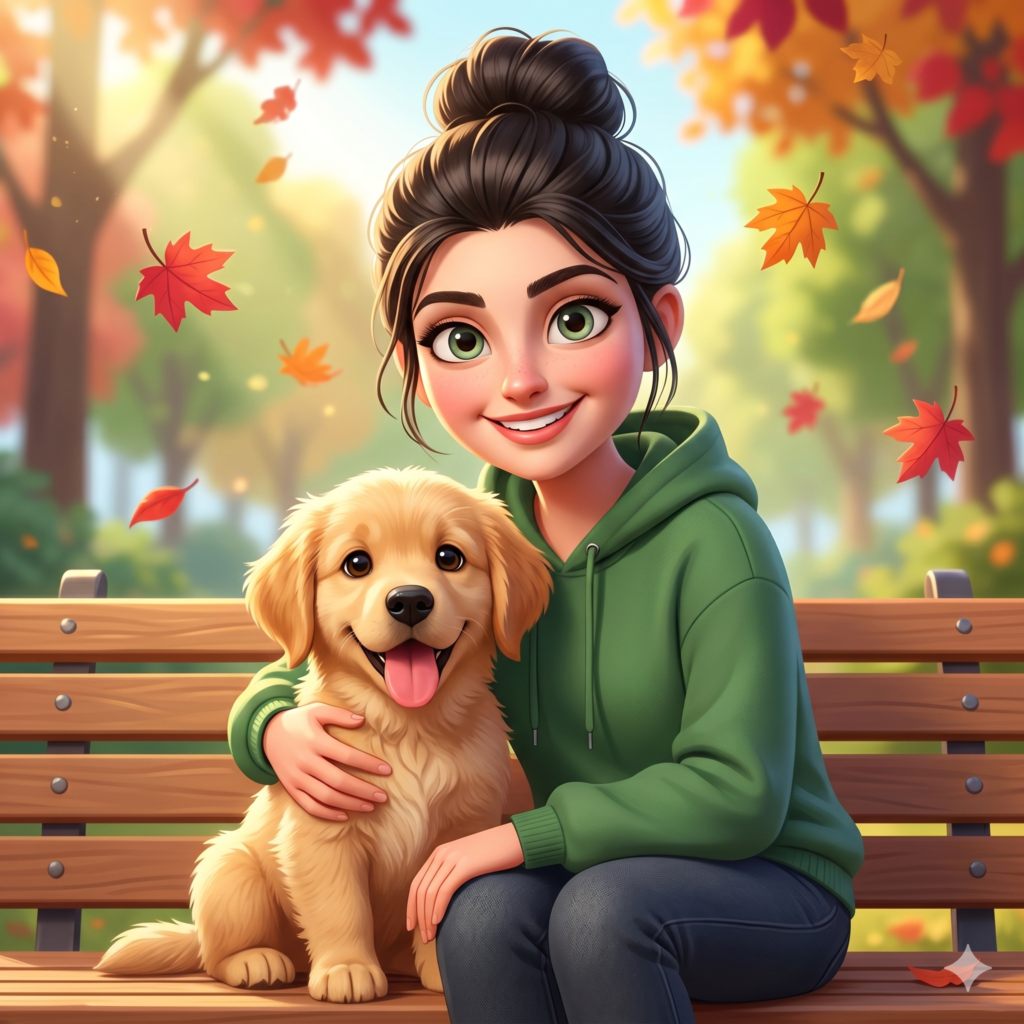
Copy the Fourth Character Prompt Below:
Free vs. Paid Platforms: Where to Run Your Prompts
To get the absolute best results from your 3D Pixar Style Character Prompts, you need to choose the right creation platform based on your budget. Here is a simple breakdown of how to use them across different tools:
1. Free Platforms (Great for Beginners and Budget Creators)
Google Gemini & Bing Image Creator: You can copy these text strings and paste them directly into Gemini or Microsoft Copilot for free. These tools use advanced Dall-E 3 architecture, which is incredible at understanding human clothes, expressions, and specific objects like books or backpacks without requiring complex settings.
Leonardo AI (Free Tier): Offers daily free tokens. For a beautiful animated look, select the “Anime” or “3D Animation” fine-tuned models before pasting your text parameters.
2. Paid Platforms (Best for Professionals and High-Class Assets)
Midjourney v6: If you want premium lighting values and industry-standard texture detail, Midjourney is the king. To get the perfect look, add the parameters
--v 6.0or try using--style rawto let the engine render smooth, clean cartoon skins without making them look too realistic.
How a Student Can Customize These Templates Easily
You do not have to stick to the exact characters written above. The secret of professional prompt engineering is knowing which words to swap. You can change these variables in under ten seconds:
Change the Emotion: Locate keywords like “cheerful” or “curious” and replace them with “determined”, “surprised”, or “mischievous” to instantly change the character’s face.
Modify the Outfit: Swap a “knitted purple sweater” for a “futuristic silver spacesuit” or a “classic school uniform” to fit a specific story theme.
Shift the Setting: Change the background location from a “cozy library” to a “neon-lit futuristic city street” or an “underwater coral reef” to build a whole new world.
Conclusion
Creating professional animated assets is no longer a luxury reserved for multi-million dollar studios. By mastering these core 3D Pixar Style Character Prompts, anyone can design beautiful, high-value digital art for free. Choose your favorite generator, tweak the clothing and backgrounds to match your vision, and start creating your own animated universe today!
Create Your Own AI Art Now!
Use our powerful, custom-built AI Prompt Generation tool to turn your words into masterpieces instantly.
Try Our Free AI Tool 🚀Create Your Own AI Portfolio Now!
Use our powerful, custom-built AI Portfolio Generation tool to turn your words into masterpieces instantly.
Try Our Free AI Portfolio 🚀