How to Create Custom AI 3D Avatars Prompts 2026
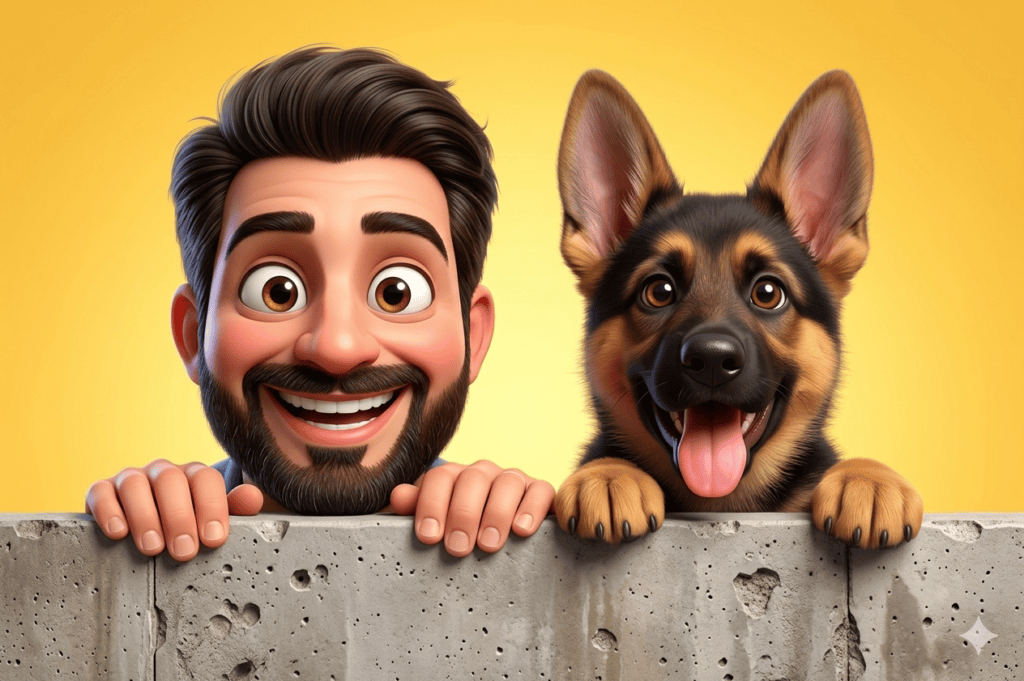
In 2026, the way we present ourselves online has completely shifted. Static, traditional profile pictures are rapidly fading into the background, making way for high-end, personalized 3D Avatars Prompts. Whether you are a casual internet user, a gamer, or a professional digital creator, having a custom 3D animated character that mirrors your real-life personality gives you an instant edge. It bridges the gap between reality and the digital universe, transforming your brand into a recognizable visual asset.
The best part about modern creative tools is that you no longer need to hire expensive 3D artists or learn complex design software. By using well-structured text templates, anyone can sculpt a gorgeous, movie-quality character in seconds. This ultimate beginner-friendly handbook will walk you through exactly how to create your own animated character, where to use it to maximize your online impact, and how to easily use your own everyday photos to lock in your real-world identity without any confusing technical steps.
Where and How to Use Your Custom 3D Avatar
A custom 3D avatars is not just a cool piece of digital art—it is a highly versatile tool for modern branding. Here are the most popular ways creators and professionals are deploying their custom assets across the web in 2026:
Social Media Profiles: Instantly upgrade your presence on Facebook, Instagram, TikTok, and Pinterest. A stylized Pixar-style face grabs attention far better than a standard smartphone selfie.
Gaming and Streaming Identities: Use your custom avatar as your official gaming logo on Discord, Twitch, or YouTube Gaming, establishing a cohesive visual identity for your community.
Professional Digital Resumes: Freelancers and remote workers are adding these polished, clean 3D characters to their LinkedIn headers, personal portfolios, and Upwork profiles to make their personal brands look modern, friendly, and unforgettable.
The Easiest Way to Use Your Real Photo (No Link Confusion!)
Many beginners get stuck because old tutorials force them to generate complicated web links or text URLs for their photos. Let’s skip all that confusion completely. Today, using your real face as a template is as simple as sending a text message. Here is the straightforward upload method:
Upload Directly: Open your AI tool (such as Midjourney or Leonardo AI) on your phone or computer. Click the little “+” button or the Image Upload box in the control panel, select a clear portrait photo of yourself from your gallery, and upload it directly.
Select as Reference: In Leonardo AI, simply click the switch that says “Image Guidance” or “Use as Character Reference” right next to your uploaded photo. If you are using Midjourney, just drag your uploaded image directly into the text prompt bar.
Add Your Text: Type one of our premium text prompt templates listed below right next to your uploaded image, and hit the generate button. The system will look at your real photo, capture your facial architecture, and instantly turn you into an animated character!
The Ultimate 3D Avatar Prompt Templates (Copy & Paste)
Here are two finely tuned, highly descriptive text prompts. They are built to deliver premium, smooth, clay-textured results while blending perfectly with your uploaded gallery photo.
The Modern Creative Hero (Male Avatar Template)
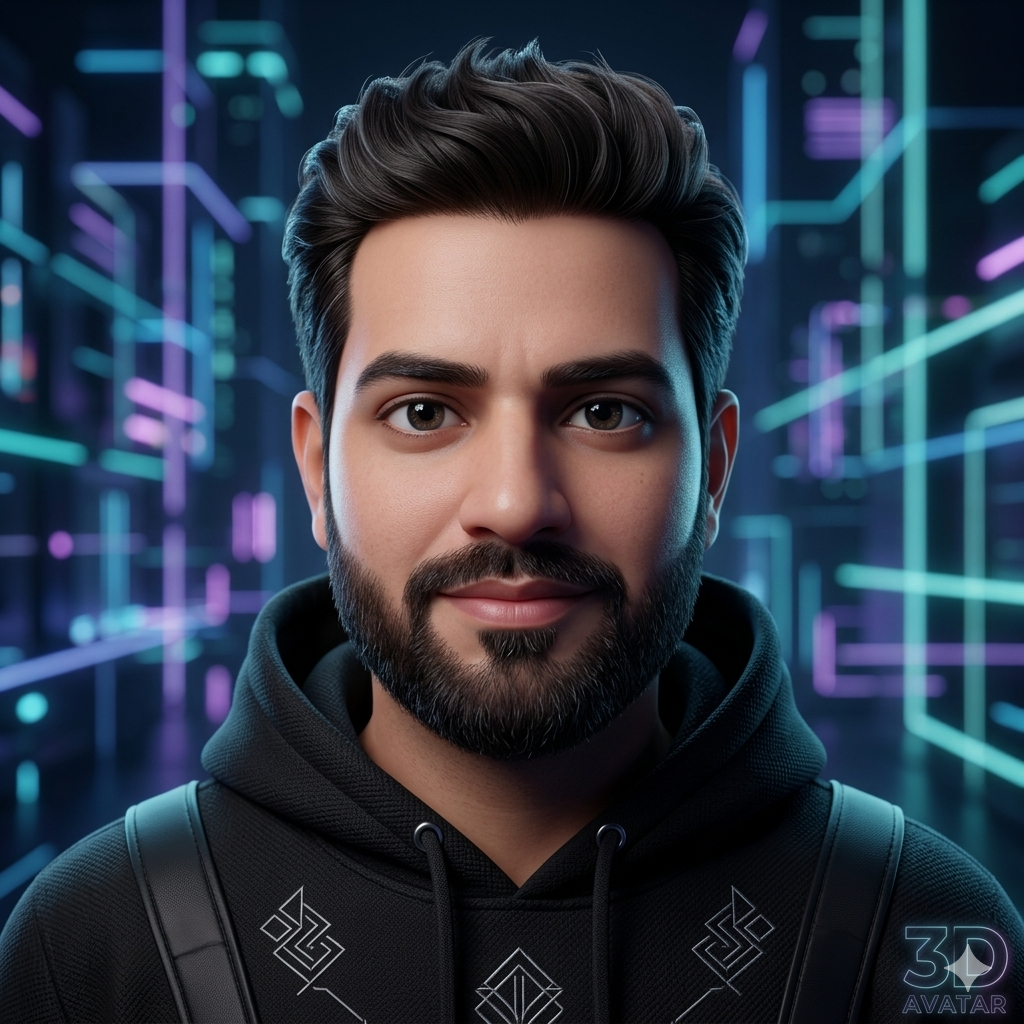
Copy the Male Avatar Prompt Below:
The Tech-Savvy Creator (Female Avatar Template)
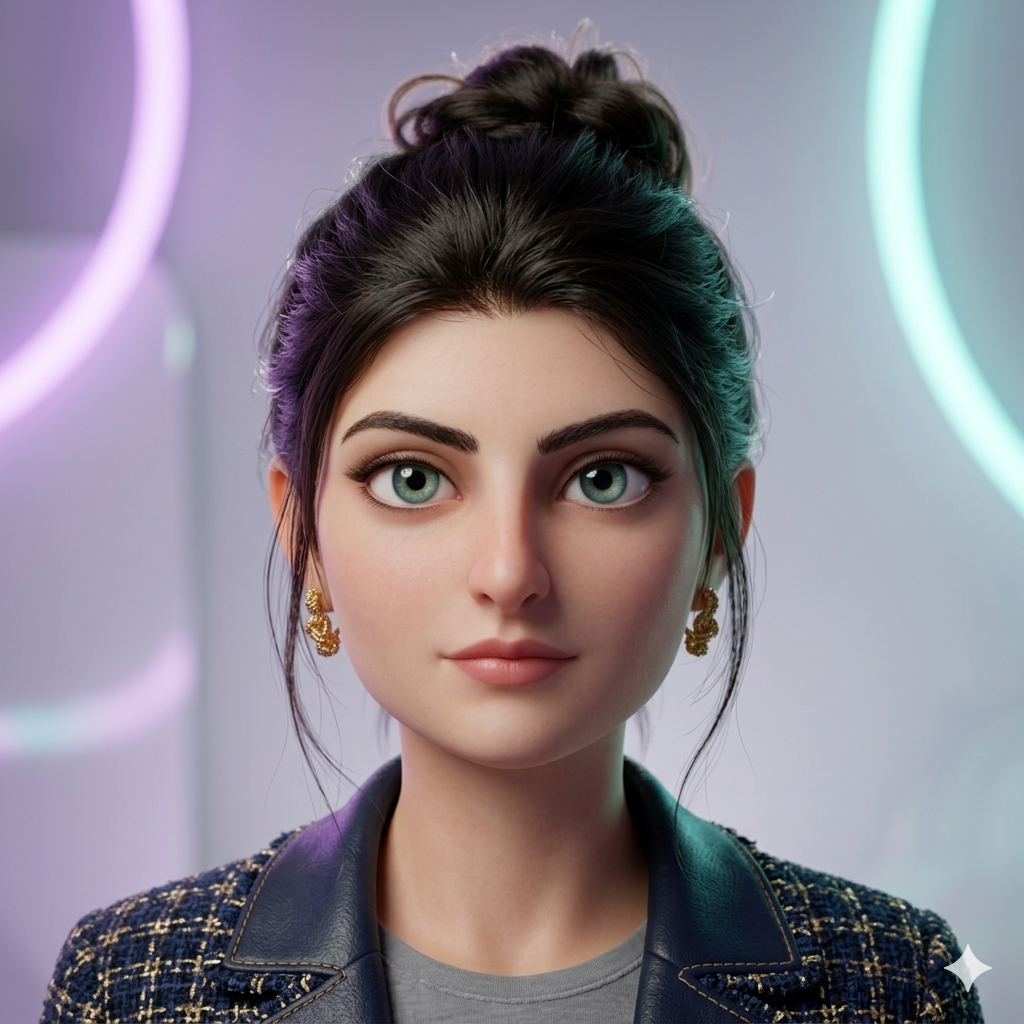
Copy the Female Avatar Prompt Below
How to Make Your 3D Avatar Go Viral on Shorts & Reels
Once you have generated your stunning new 3D character, you can easily turn it into a high-converting short-form video (9:16) for YouTube Shorts, TikTok, and Instagram Reels to drive massive organic traffic to your brand.
Take your final 3D portrait and upload it into a simple AI video animator like Luma Dream Machine or Runway Gen-2. Type in this simple, human-style movement command:
“Keep the soft studio background perfectly still. Animate the 3D character to look around gently, blink naturally, break into a wide friendly laugh, and wave their hand cheerfully toward the camera.”
When editing your final clip, show your original, unedited smartphone photo for the first second with a text title saying: “Turning myself into a Pixar character.” Then, cut instantly on a heavy bass drop to your moving, laughing 3D avatar. This simple “before and after” visual transition is incredibly addictive to watch, ensuring viewers stay until the very last second, boosting your watch-time metrics globally!
Conclusion
Stepping into the digital space with a unique identity doesn’t require a background in graphic design. By avoiding confusing link setups and utilizing the direct photo upload method alongside these premium 3D Avatars Prompts, you can easily craft a gorgeous, cinema-ready digital version of yourself. Choose your best photo, copy your favorite template, and start building your custom 2026 animated identity today completely for free!
Create Your Own AI Art Now!
Use our powerful, custom-built AI Prompt Generation tool to turn your words into masterpieces instantly.
Try Our AI Tool 🚀Create Your Own AI Portfolio Now!
Use our powerful, custom-built AI Portfolio Generation tool to turn your words into masterpieces instantly.
Try Our AI AI Portfolio 🚀