A logo forms the foundation of any business identity. Whether launching an international technology corporation, a real estate firm, or a small neighborhood boutique, a clean and recognizable emblem establishes immediate trust with consumers. Historically, creating professional-quality logos often required specialized software or professional designers. Today, artificial intelligence has streamlined this process. However, relying on basic descriptions like “create a professional logo” often results in chaotic, cluttered, or unusable graphics. To achieve studio-grade vector assets, understanding how to construct technical ChatGPT logo design prompts is essential.
Unlike general art generation, corporate branding requires restraint, precise geometry, and proper space management. By learning the specific language that guides ChatGPT’s image generation capabilities, you can easily generate professional-looking, scalable brand logos that look like they came from an expert agency portfolio.
Why ChatGPT Excels at Typography
When developing visual brand assets, many digital creators automatically default to specialized prompt platforms. While those engines are remarkable for artistic styling, they frequently struggle with text integration, often rendering random or misspelled characters.
ChatGPT generally handles text rendering more consistently than many image generation models, although results may still vary. If you place your exact brand name within quotation marks inside your logo design instructions, the system is generally better at preserving those letters accurately. This capability makes it an ideal tool for small businesses, startup founders, and agency owners who need clear typography alongside clean iconography.
How to Structure Branding Prompts for Crisp Results
A successful commercial logo must be simple, memorable, and functional across multiple platforms—from a small website favicon to a physical storefront sign. To guide the AI toward these clean outcomes, avoid lengthy descriptions. Instead, structure your logo creation prompts using specific design elements.
A balanced branding sequence should follow this logical framework:
[Logo Style] + [Core Icon/Subject] + [Industry Type & Brand Name] + [Color Palette] + [Background & Quality Parameters]
4 Essential Industry Layouts with Live Prompts
To help you get started, we have developed four highly specific AI logo prompts tailored for the most common commercial sectors. Each configuration is optimized to keep the final graphic clean, balanced, and ready for further refinement or practical use.
1. The High-Tech Corporate Emblem
Tech companies require clean geometry, modern lines, and abstract shapes that convey innovation and forward movement.
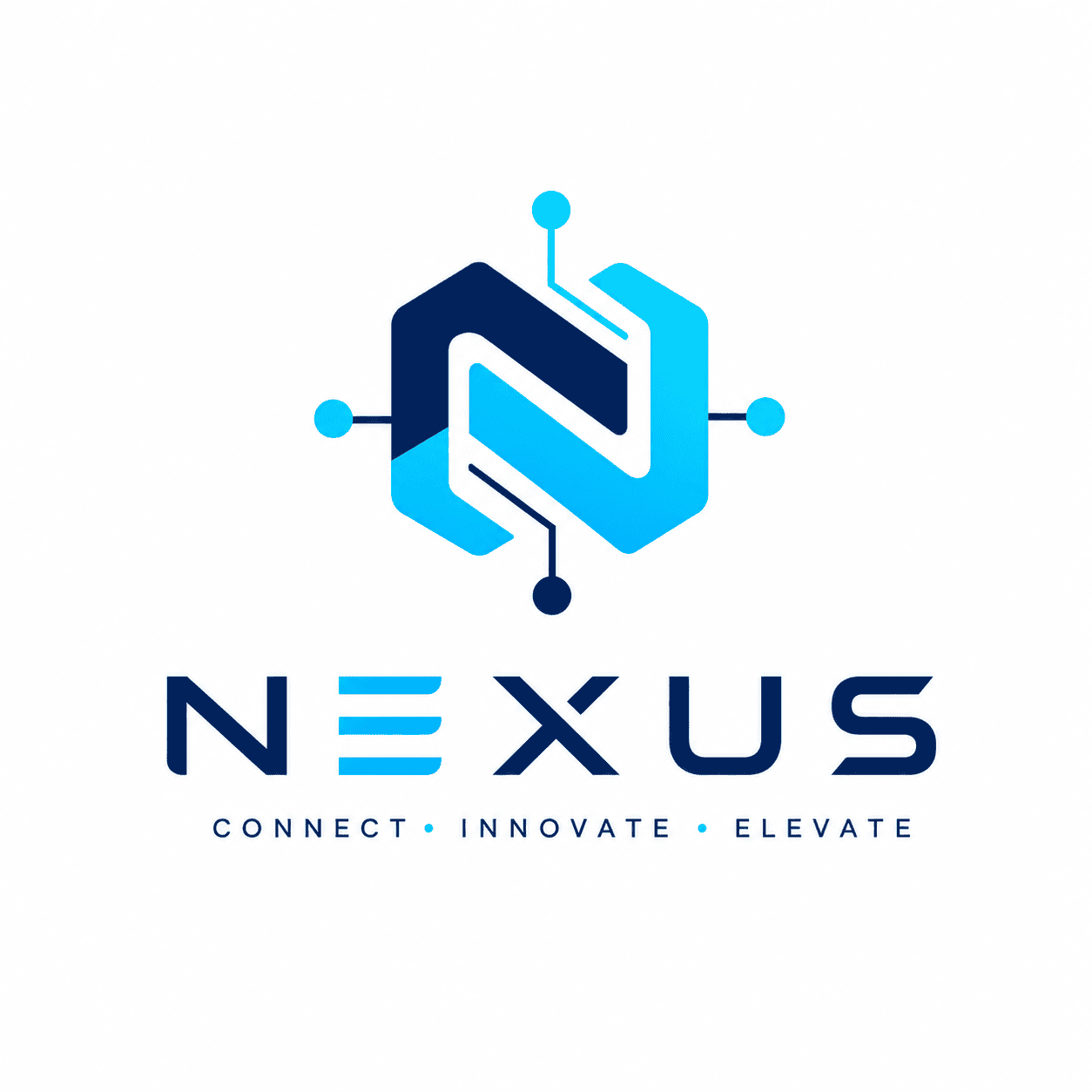
Ideal Use Cases: Technology startups, SaaS companies, digital agencies, and AI brands.
2. The Luxury Fashion & Boutique Monogram
High-end clothing lines, boutiques, and lifestyle brands rely heavily on sophisticated lettering, thin elegant lines, and timeless symmetries.
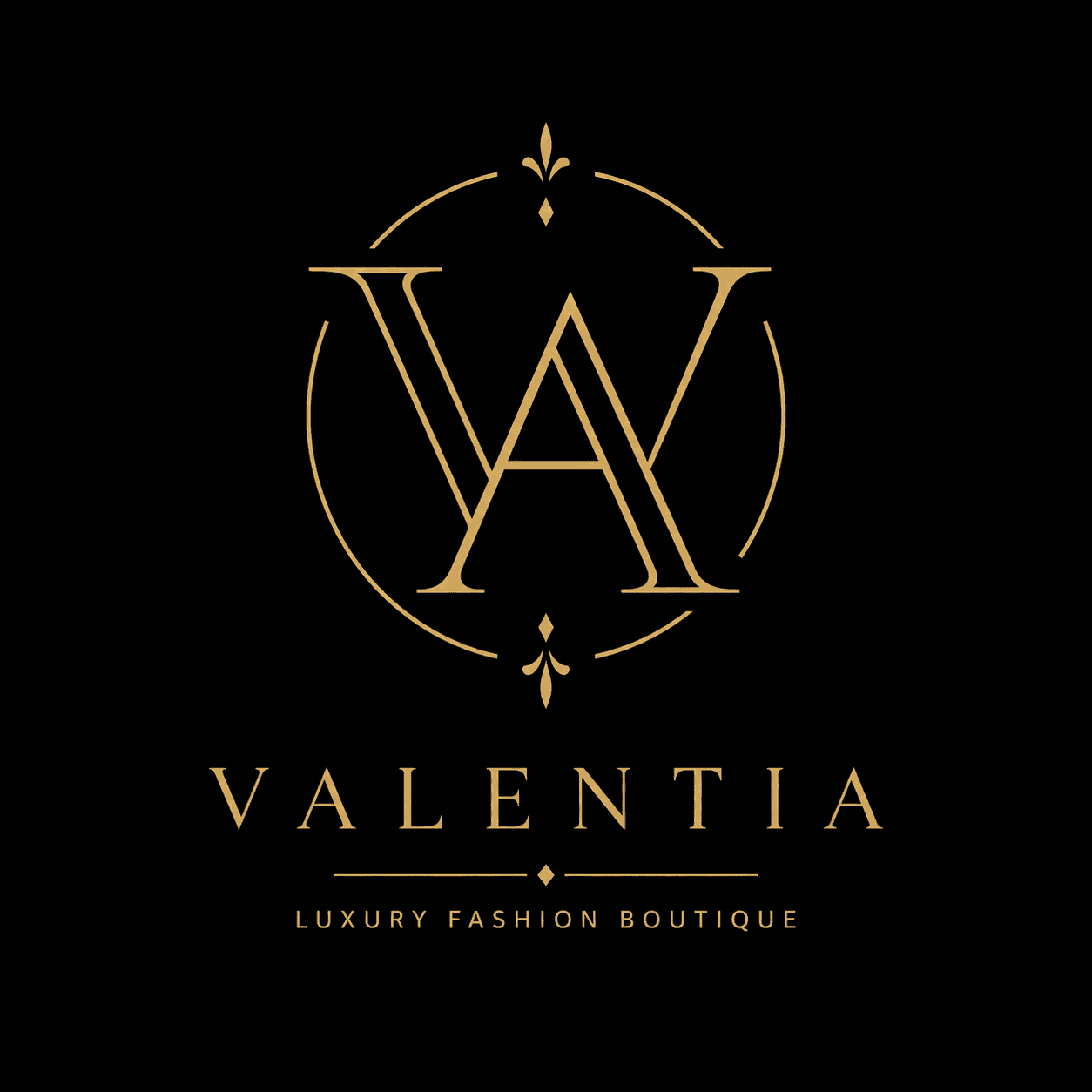
Ideal Use Cases: High-end clothing lines, luxury boutiques, jewelry brands, and lifestyle stores.
3. The Professional Real Estate Emblem
Property firms and architectural businesses need structures that evoke stability, trust, and premium locations, using sharp rooflines or geometric spaces.
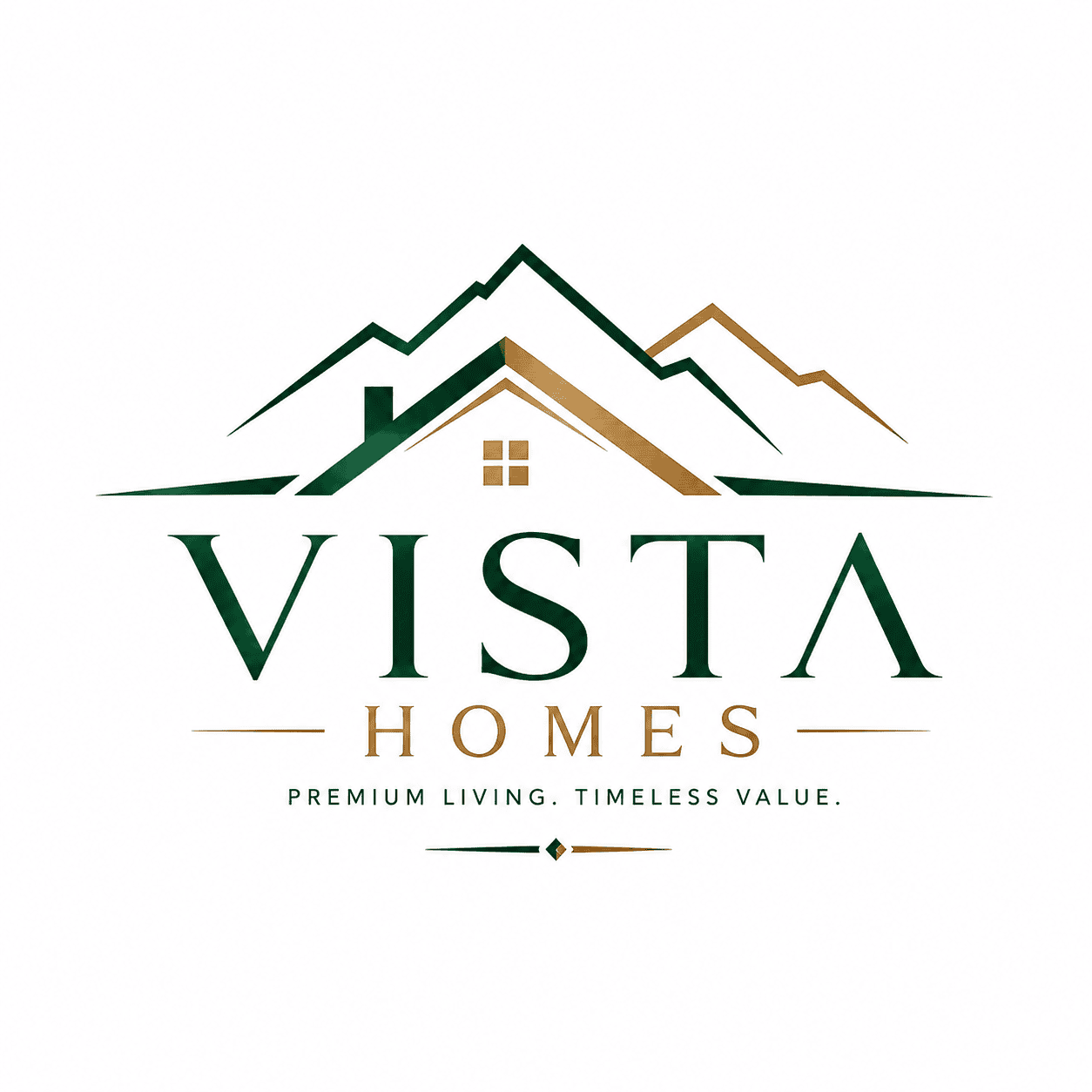
Ideal Use Cases: Real estate agencies, architectural firms, property developers, and construction companies.
4. The Local Cafe or Food Business Badge
Local restaurants, coffee shops, and bakeries often look best with a friendly, welcoming, or vintage-style round logo design that tells a story.
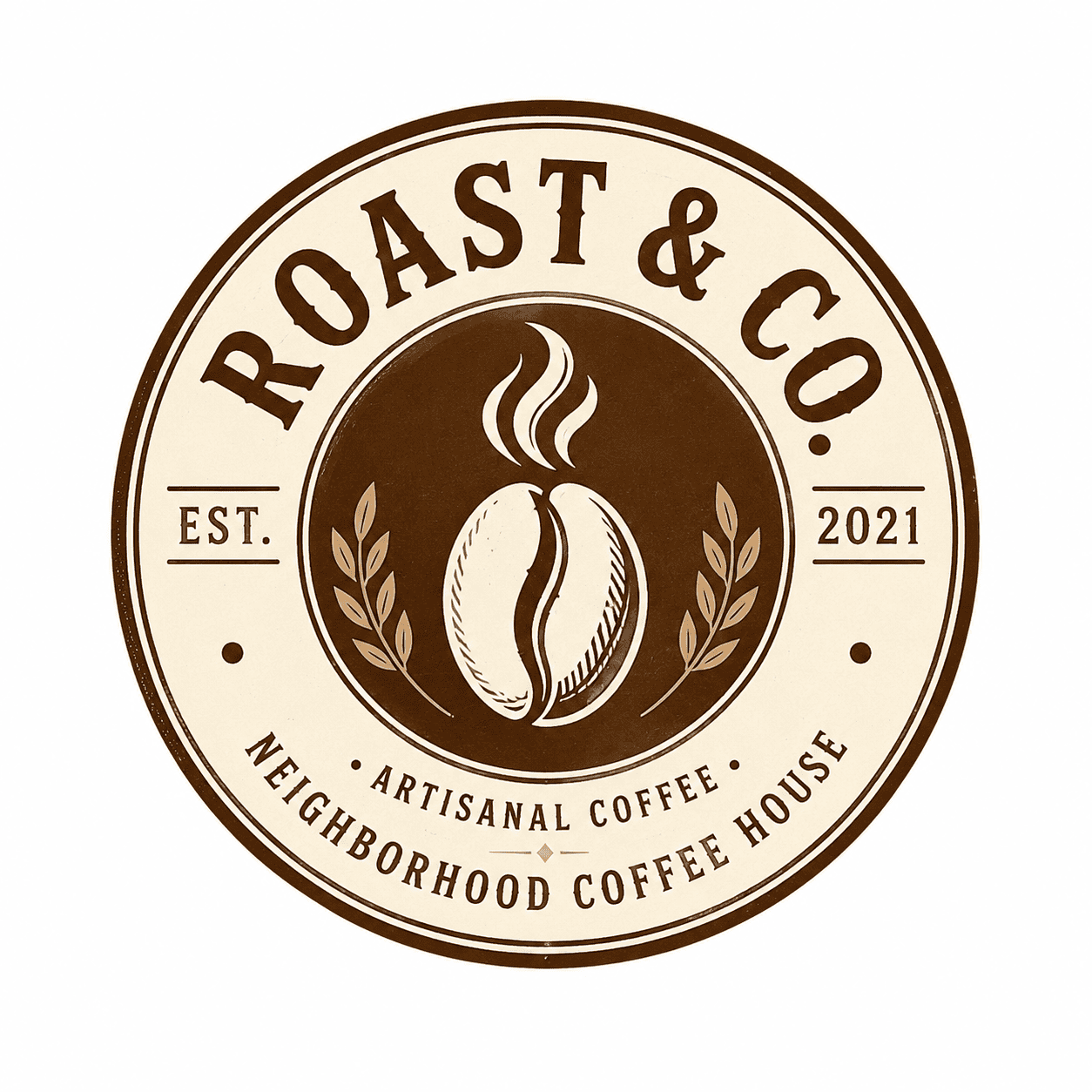
Ideal Use Cases: Neighborhood cafes, artisanal restaurants, bakeries, and local food businesses.
Optimization: Fixing Common Typography & Graphic Flaws
Even with precise instructions, automated image models can sometimes add unnecessary background details or slight lettering errors. When managing complex branding prompts, here is how to quickly resolve those issues:
1. Eliminating Accidental 3D Glossy Textures
The Issue: The system delivers a logo that looks like a glossy 3D plastic render, making it difficult to print on physical business cards or t-shirts.
The Solution: Use terms like “flat vector art,” “2D minimalist graphics,” and “solid color fill.” Explicitly list words like “3D,” “bevel,” “emboss,” or “realistic lighting” in your negative text parameters.
2. Resolving Minor Spelling Overlaps
The Issue: The model accidentally adds an extra letter or links two characters together incorrectly.
The Solution: Re-run the generation but isolate the brand name clearly using uppercase text inside quotation marks, such as: “Use a prompt such as: Incorporate the exact text “ALPHA” using clean sans-serif typography.”
3. Managing Background Gradients
The Issue: The graphic contains a soft shadow or a gray smudge behind the main icon, making transparent background extraction difficult.
The Solution: Always include the phrase “isolated on a solid flat white background” or “pure matte black background” at the very end of your instruction string.
Frequently Asked Questions (FAQ)
How do I ensure ChatGPT spells my brand name correctly on a logo?
The most reliable method is to place your exact brand name in uppercase letters inside quotation marks (e.g., “BRANDNAME”). Additionally, instruct the model to use a specific font style, such as “clean sans-serif typography,” which guides the system to keep the lettering straightforward and readable.
What is the advantage of using flat vector styles over 3D logo designs?
Flat 2D vector logos are the global standard for modern branding because they are highly versatile. They can be scaled effortlessly, embroidered onto employee uniforms, or placed onto a website header without losing clarity or looking outdated.
Can I easily remove the white background from these generated images?
Yes. Because these prompts specify a solid, flat white background, you can easily use basic photo editing software, web-based background removers, or vector conversion tools to make the background transparent without affecting the main icon.
How do I generate a logo that only uses letters without an icon?
To create a text-only brand identity, use terms like “typographic logo,” “clean wordmark,” or “minimalist text-only branding” in your instructions. Specify the layout by requesting that the design contain no icons, shapes, or external symbols.
Final Thoughts
Building a strong brand identity starts with clear, intentional design choices. By using structured ChatGPT logo design prompts that focus on clean geometric lines, precise font styling, and solid background layouts, you can generate high-quality branding assets for any business type. Explore these frameworks across different industries, maintain a clean minimalist approach, and design a balanced visual profile that represents your business effectively.
About The Author
Saleem Noor is a graphic interior decorator, digital content creator, and the founder of The Prompt Home. Drawing on his professional experience managing real-world spatial renovations and digital asset portfolios, he writes practical, straightforward guides to help creators and business owners optimize AI models for daily commercial operations. He regularly tests AI image generation workflows and prompt structures to help creators produce practical, high-quality visual assets. His work focuses on practical testing, prompt optimization, and AI workflow documentation for creators and businesses worldwide.
Create Your Own AI Art Now!
Use our powerful, custom-built AI Prompt Generation tool to turn your words into masterpieces instantly.
Try Our Free AI Tool 🚀Create Your Own AI Portfolio Now!
Use our powerful, custom-built AI Portfolio Generation tool to turn your words into masterpieces instantly.
Try Our Free AI Portfolio 🚀